| Latest Version | 2.0 |
| File Size | 3.3Mb |
| Requires Android | 4.0+ (Ice Cream Sandwich) |
| Updated | July 17, 2024 |
| Package Name | com.apktodo.aavot |
| Developer | Third-party (unofficial) |
Will it run on your device? If your phone runs Android 4.0 or newer, you're good. That covers virtually all Android phones from 2011 onwards. This is a lightweight news reader app — even older devices should handle it without issues.
Important: This is a third-party APK, not an official app from aavot.com. Consider using the website directly in your browser for the safest experience.
| App Name | Aavot |
| Version | 2.0 |
| Size | 3.3Mb |
| Category | News & Magazines |
| Developer | Third-party (unofficial) |
| Package Name | com.apktodo.aavot |
| Requires Android | 4.0+ |
| License | Free |
| Last Updated | July 17, 2024 |
| Downloads on FreeSoft | 0 |
| Official Status | Unofficial (third-party APK) |
Note: This is a third-party APK that aggregates content from aavot.com. There is no official Aavot app on Google Play Store. The website aavot.com is a tech content platform without its own official mobile app.
The safest way to access Aavot content:
If you prefer the APK version:
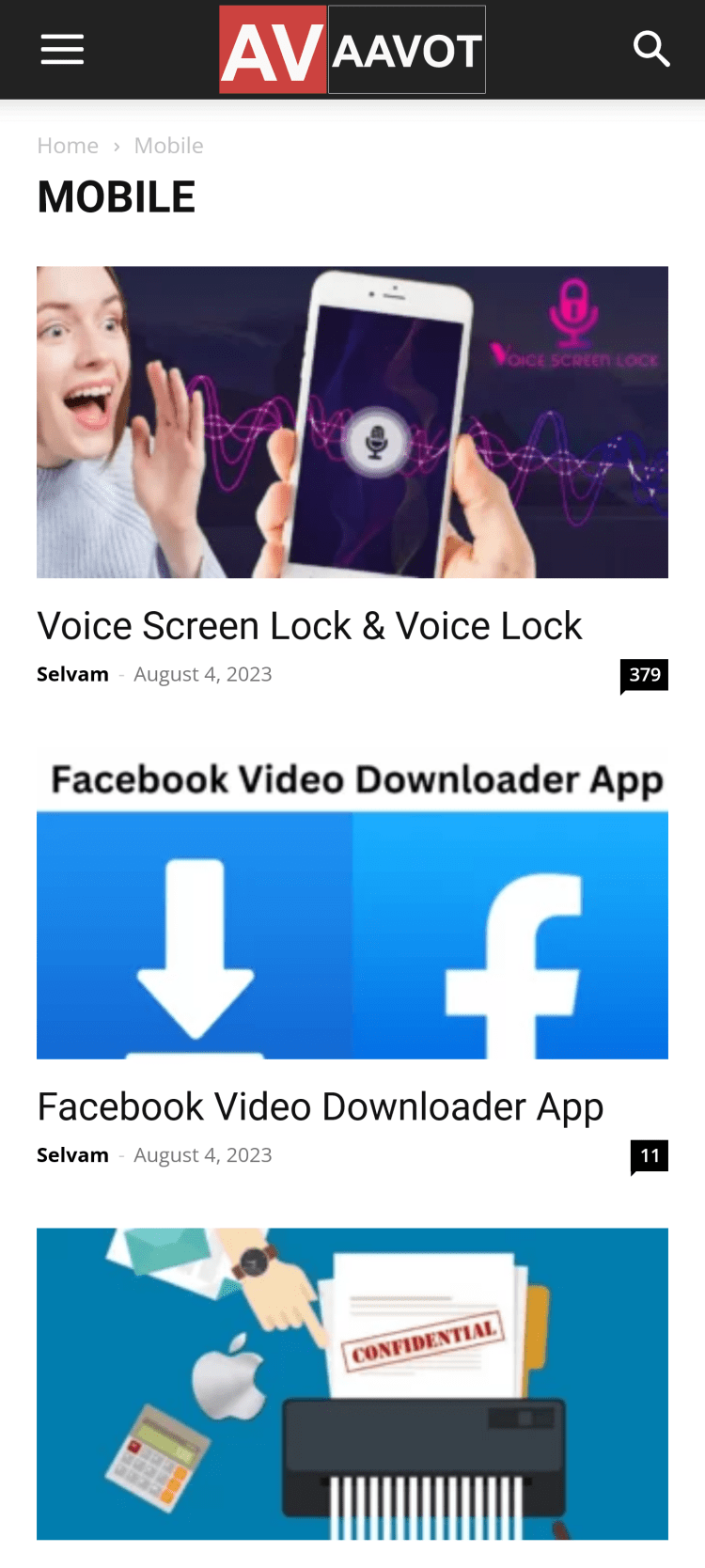
What you get: A tech news aggregator with articles about apps, mobile devices, and technology. Content includes app reviews, gadget guides, how-tos, and tech tips — primarily focused on the Indian audience.
No account required: Browse articles without registration. The app values privacy by not requiring sign-up.
Alternative: If the APK keeps having issues, use aavot.com directly in your browser — it's mobile-optimized and doesn't require installing anything.
| Result | 0/70+ engines |
| Scan Date | January 15, 2026 |
| File Name | AAVot-2.0.apk |
Verify your download matches our scanned file:
| SHA-256 | 9b1d06569c42248a05334af3b3fc9f897a37163e1183be716ae9d856dcbdfcfc |
| MD5 | 3f7fc80b274ebb0244e14b47ee9a9413 |
| Certificate | My Company |
| Package | com.apktodo.aavot |
This is an unofficial APK. aavot.com does not offer an official mobile app. While this APK passed our VirusTotal scan, third-party APKs carry inherent risks:
Safest option: Use aavot.com directly in your browser.
Every file on FreeSoft goes through our verification process before listing:
We've been doing this since 1998. If something looks suspicious, it doesn't get listed.
Note: This is a third-party APK for aavot.com content. Version numbers vary across different APK sources (1.0, 2.0, 3.0). There is no official version history from aavot.com.
Alternative: For the latest content and safest experience, visit aavot.com directly in your browser.
No, aavot.com doesn't have an official app on Google Play Store. This APK is a third-party solution that aggregates content from the aavot.com website. If you see any "Aavot" apps on Play Store, they're unrelated — for example, Official Tech Dekho has an app called "Aavot" but it's a VPN tool, not a news reader.
Aavot focuses on tech content: app reviews, mobile device guides, how-to articles, and technology news. Categories include Apps, Mobile, and Reviews. The content is particularly relevant for Android users and has a strong focus on the Indian market — covering local apps, finance tools, and region-specific guides.
The aavot.com website itself is considered relatively safe by ScamAdviser. However, since this APK is not from an official source, there's inherent risk with any third-party app. The safest option is to use aavot.com directly in your browser. If you install the APK, be cautious about permissions it requests and avoid any features claiming to track phone numbers — those are not legitimate.
No registration required. You can browse all articles and content without creating an account. This is one of the advantages — you get access to tech news and reviews without providing personal information or going through sign-up processes.
Aavot.com is primarily a website/content platform, not an app company. They haven't released an official mobile app. The APK versions available online are created by third parties to provide app-like access to the website's content. For the most reliable experience, consider using the website directly — it's mobile-optimized and doesn't require installing unofficial software.
For most users: We recommend using aavot.com directly in your browser instead of installing an APK. The website is mobile-optimized and doesn't require installing third-party software.
Instead of installing an APK:
This gives you app-like access without installing unofficial software.
Security note: Since there's no official app, all APK versions are third-party. Use the website for the safest experience.
To rate Aavot you need to register or log in on our website
All files provided on this site are original, we do not repackage or modify the files.
Mail domain must match the domain of the developer's site
A link to confirm registration was sent to your email

 Русский
 Français