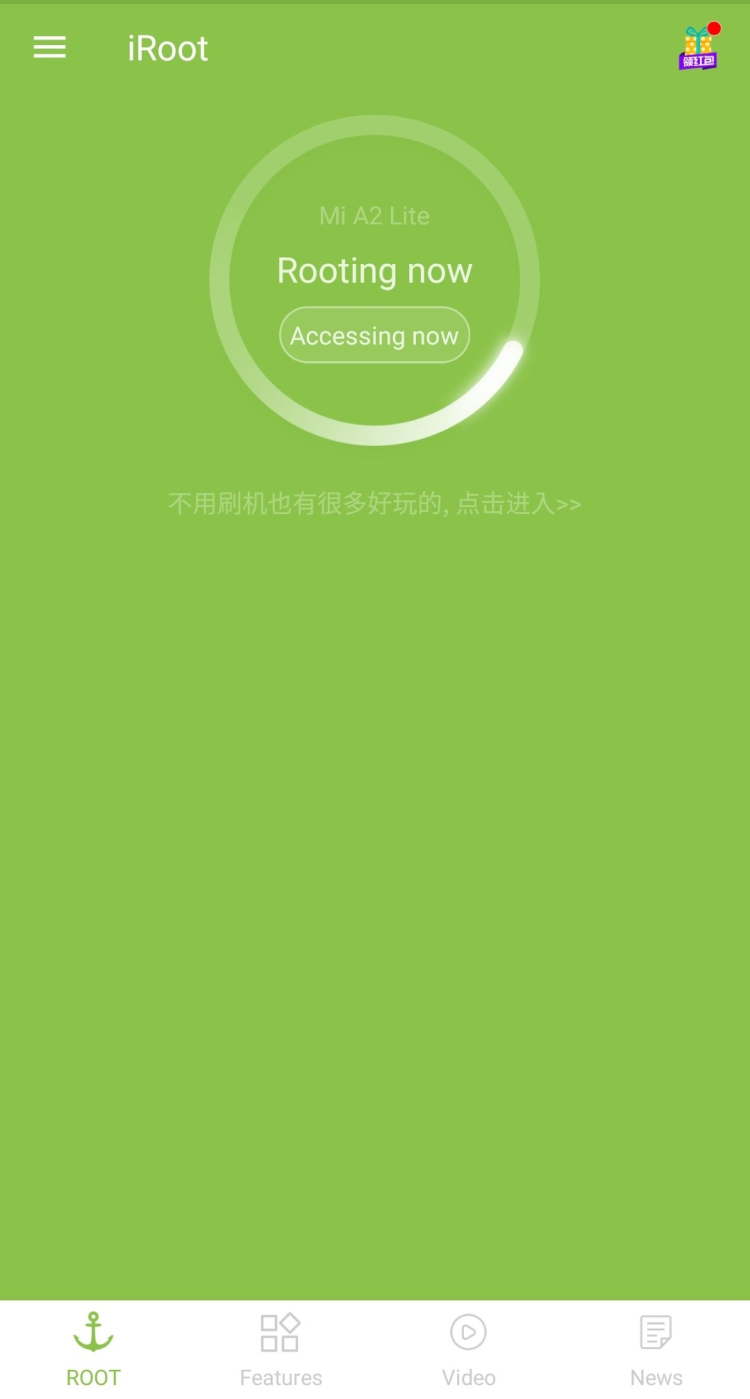
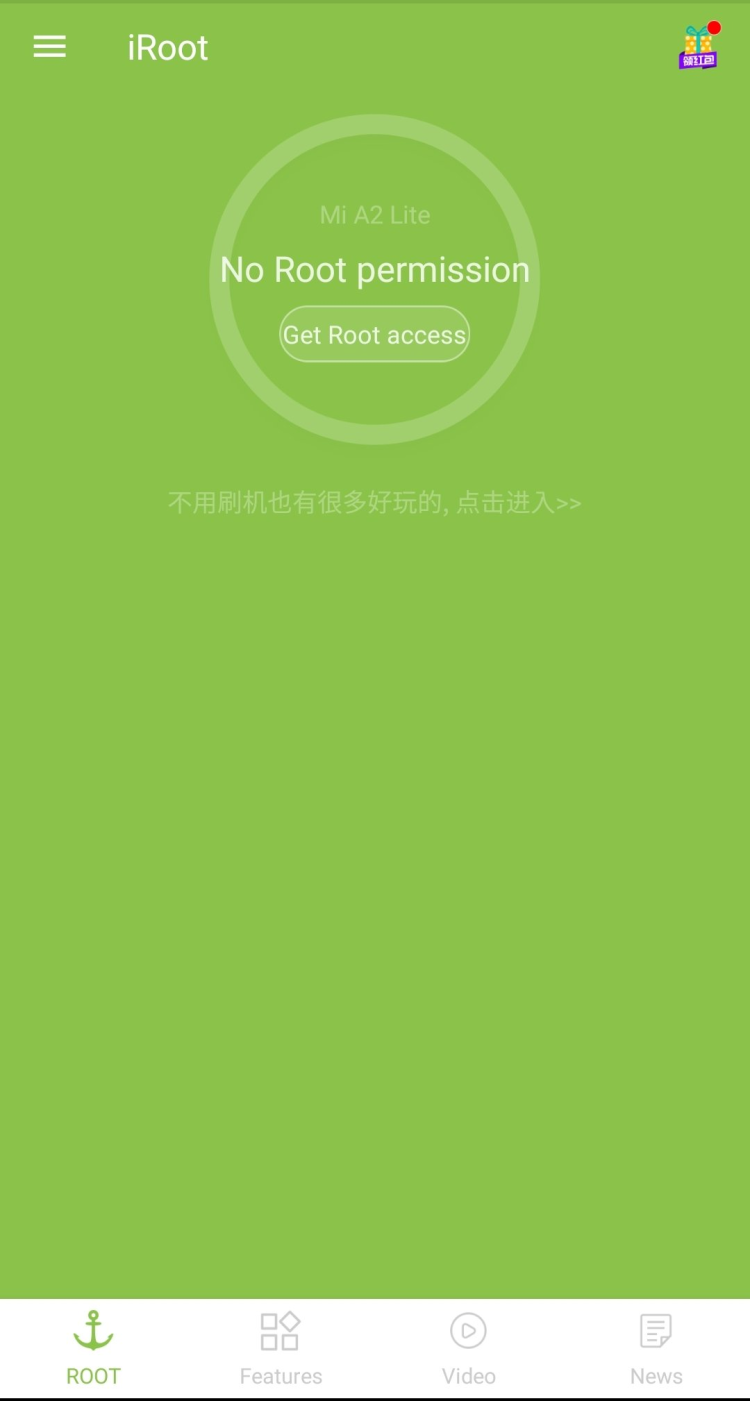
Warning: iRoot is flagged by the Android community for installing adware. Consider using Magisk instead for modern devices.
| Latest Version | 3.5.3 |
| File Size | 13.74 MB |
| Requires Android | 2.2 - 5.0 (Froyo to Lollipop) |
| Updated | November 06, 2024 |
| Package Name | com.mgyun.shua.su |
| Developer | iRoot Technology Ltd. |
Important: iRoot only works on Android 2.2-5.0. If you're running Android 6 or newer, this tool will NOT work. For modern Android, use Magisk instead (requires unlocked bootloader).
| App Name | iRoot |
| Version | 3.5.3 (Final) |
| Size | 13.74 MB |
| Category | Tools / Root / System |
| Developer | iRoot Technology Ltd. (mgyun.com) |
| Package Name | com.mgyun.shua.su |
| Requires Android | 2.2 - 5.0 |
| License | Free |
| Status | Discontinued / Not Recommended |
| Downloads on FreeSoft | 4,713 |
Important: iRoot is a ROOT tool. Rooting your device gives you administrator access but voids your warranty and can brick your phone if done wrong. Back up your data before proceeding.
Community Warning: XDA users report iRoot installs unwanted Chinese apps. Consider alternatives like Magisk.
Compatibility note: iRoot works best on Android 2.x to 5.x. Newer Android versions (6+) have stronger security that iRoot can't bypass. For Android 6+, look into Magisk instead.
Still having issues? Check XDA Forums for device-specific guides. iRoot has limited community support since it's not recommended.
Community Warning: iRoot has been flagged by XDA forums for potentially installing unwanted software. Proceed with caution.
| Result | 0/70+ engines |
| Scan Date | January 15, 2026 |
| File Name | com.mgyun.shua.su_3.5.3.2075.apk |
Note: Root tools often trigger antivirus warnings by nature of what they do (system modifications). However, iRoot has additional concerns from the community.
| SHA-256 | 0c7f84476f9663437edcebb7f27023999d455885fd00abd0cc576d29ad6ac248 |
| MD5 | 841abdc66ea1e208f63d717ebd11a5e9 |
| Certificate | iRoot Technology Ltd. |
| Package | com.mgyun.shua.su |
Every file on FreeSoft goes through our verification process before listing:
iRoot hasn't been updated in a while — version 3.5.3 is from the Android 4/5 era. That's not necessarily bad for its purpose. The exploits it uses target older Android versions, and those haven't changed.
Reality check: If you're running Android 6 or newer, iRoot probably won't work for you. It's a tool for older devices. Check out Magisk for modern rooting needs.
Note: iRoot is developed by iRoot Technology Ltd. (mgyun.com)
The APK passes basic VirusTotal scans. But here's the thing — the Android community (particularly XDA) warns against iRoot due to reports of unwanted Chinese apps being installed. Root tools trigger antivirus warnings by design. The risk isn't just about malware; it's also about bricking your phone if rooting fails. Always back up first. Consider Magisk as a safer alternative.
No. iRoot was designed for Android 2.x through 5.x — those older security models that had more exploitable gaps. Android 6 and up locked things down significantly. If you're running anything newer than Lollipop, iRoot likely won't work. For modern Android, Magisk is the go-to rooting solution, but it requires an unlocked bootloader.
Yes. Almost certainly. Most manufacturers check for root when you send in a device for repair. Samsung has Knox, which permanently trips if you root. Some warranties explicitly state that software modifications void coverage. You can sometimes unroot before a warranty claim, but Knox-tripped devices are flagged forever.
Quite a bit: Remove bloatware that came pre-installed. Block ads system-wide with AdAway. Use Titanium Backup for full app backups including data. Tweak CPU settings for better battery or performance. Install custom ROMs for a completely different Android experience. Run apps that require root privileges. It's basically admin access to your own device.
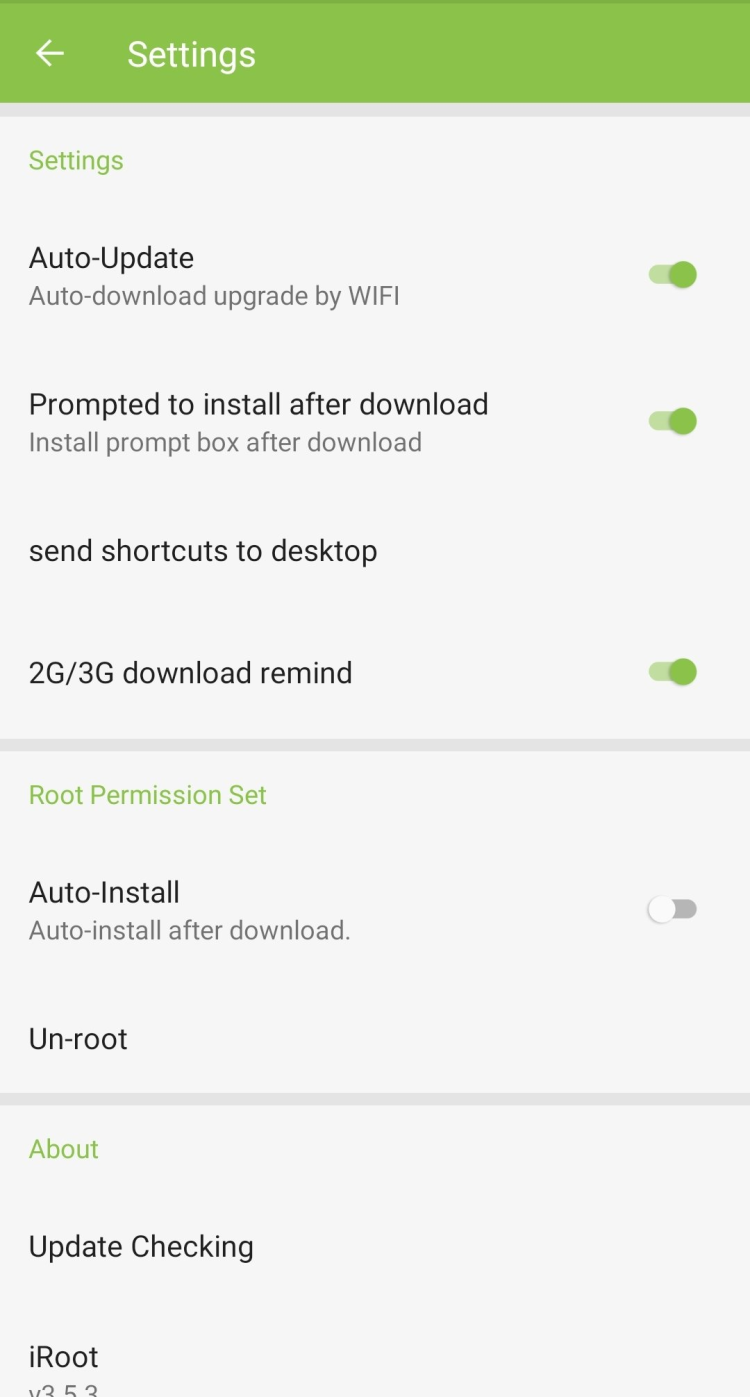
Usually yes. iRoot has an unroot option in the app. Tap it, wait for the process, reboot. Your phone should be back to stock. Some root checkers might still detect traces though, and as mentioned, Samsung's Knox flag is permanent. If you're selling the device or sending it for repair, unrooting is worth doing.
For iRoot: Version 3.5.3 is the latest and recommended if you must use this tool. But honestly, consider alternatives.
Reality: iRoot is outdated software with community warnings. It exists here for archival purposes and for users with old devices. For anything Android 6+, use Magisk.
To rate iRoot you need to register or log in on our website
All files provided on this site are original, we do not repackage or modify the files.
Mail domain must match the domain of the developer's site
A link to confirm registration was sent to your email

 Русский
 Français





 Download