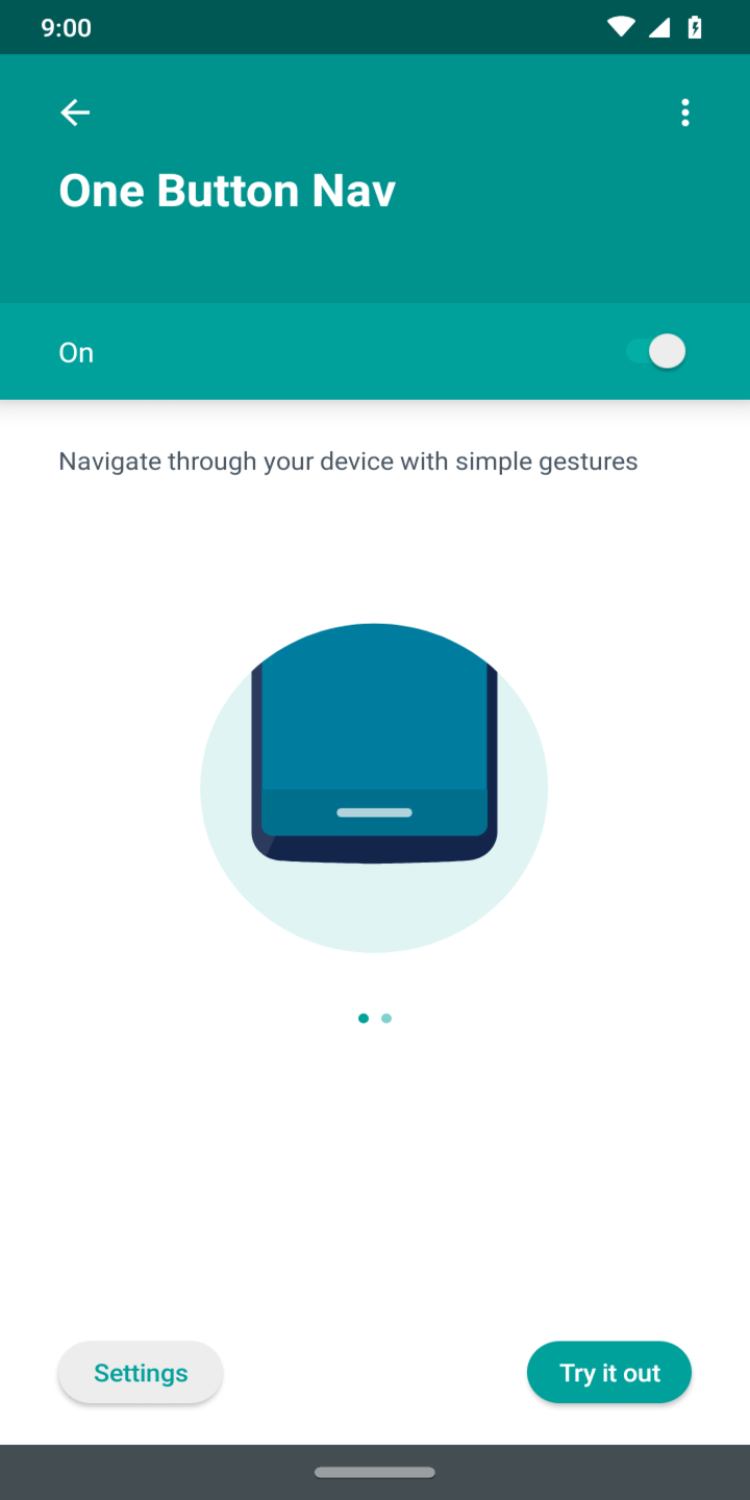
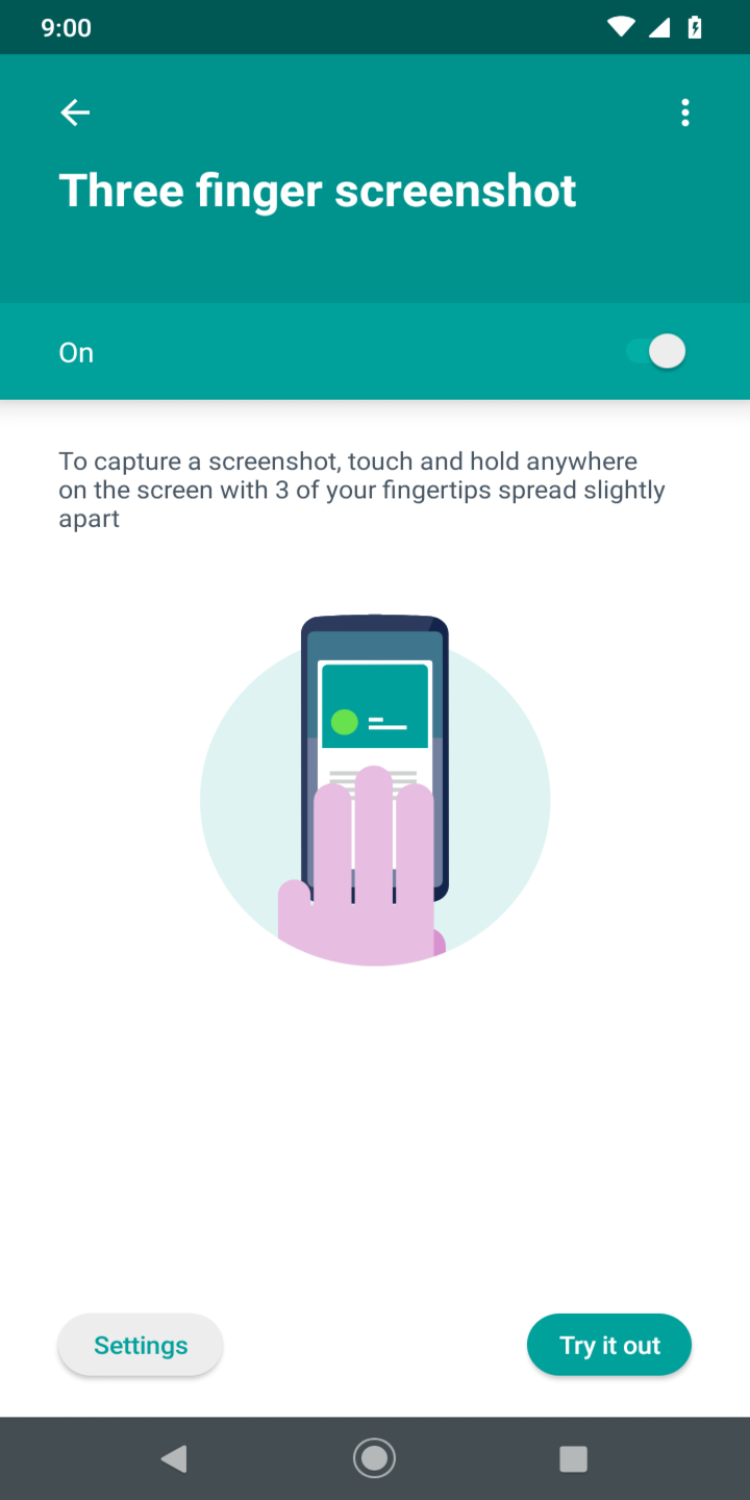
Moto Actions is a mobile software, developed for Motorola smartphones. As its name suggests, the app uses simple gestures-based action to perform various daily tasks, without navigating through any menus.
Modern smartphones are quite easy to use, but there is a way to make them even easier to use. One of the most striking examples is Moto Actions. This application, developed by Motorola, is designed to give you instant access to a number of frequently used functions of your smartphone. Now you do not have to search for the necessary functions in the menu or even press any on-screen buttons. Just use a number of preset gestures to instantly activate a number of features of your smartphone.
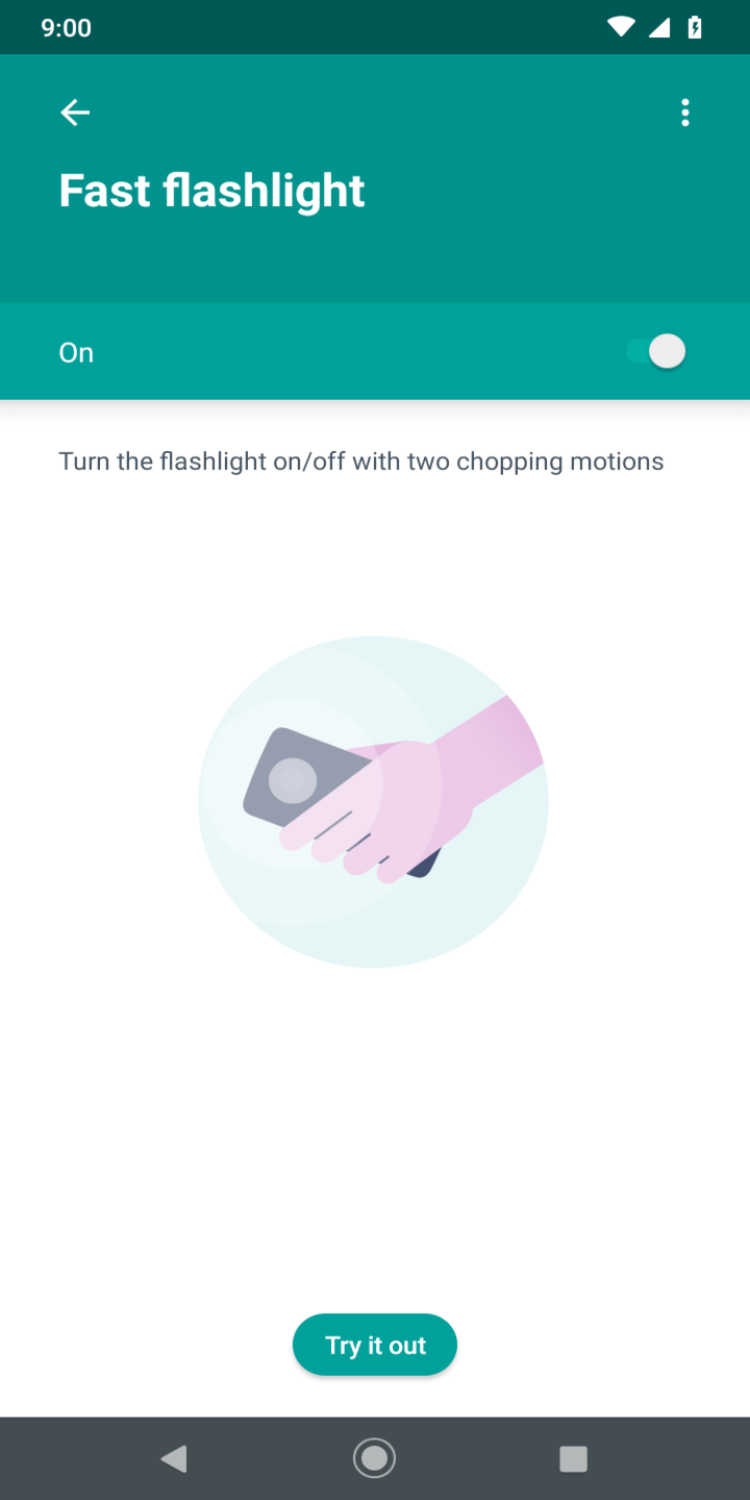
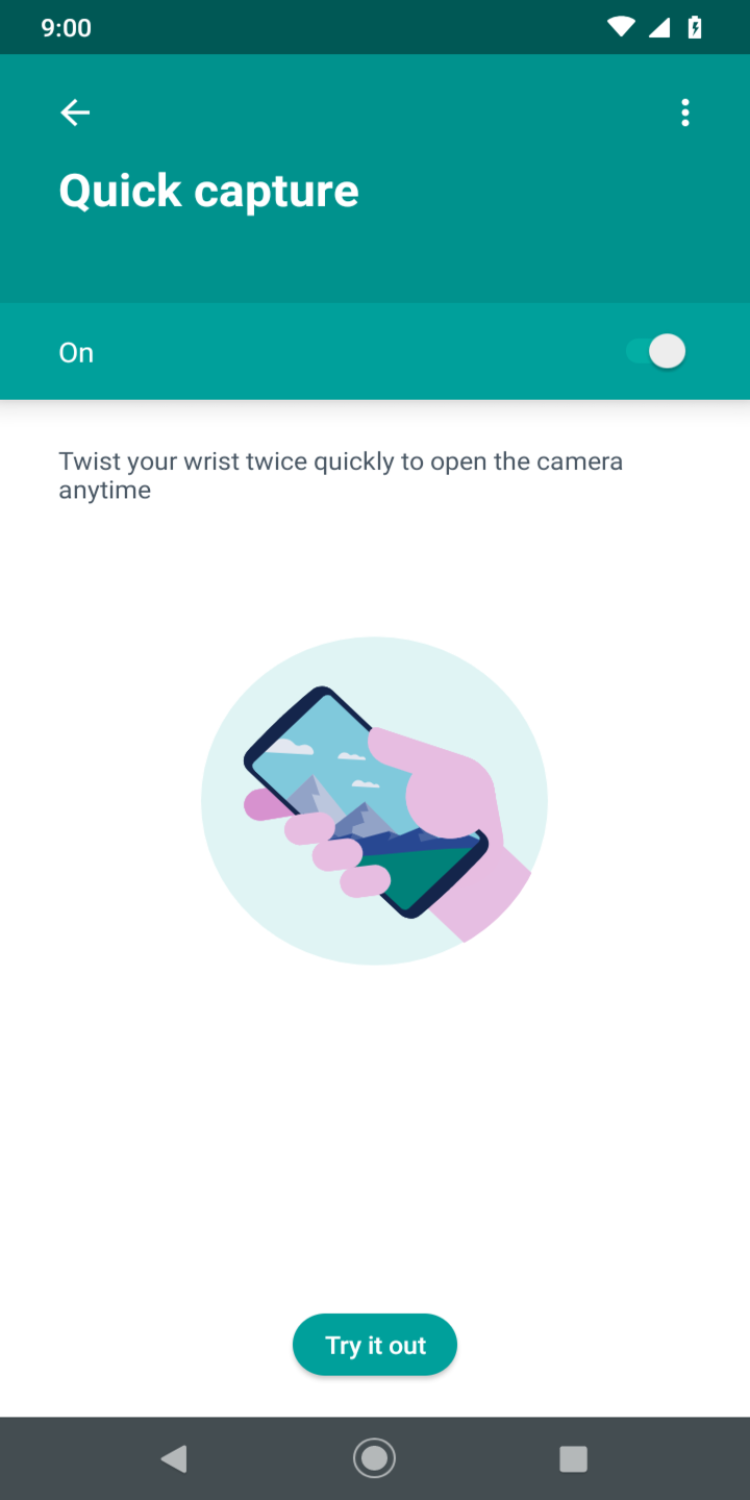
No matter how fast you are, the perfect scenery around you may change much faster, thus making it harder to make a perfect photo. The Moto Actions app can help you with that. Just twist your wrist twice, to instantly launch a camera and start shooting photos or videos. Don't let the perfect shot slip away from you! Another camera-related feature of the program, is a quick flash activation. If you suddenly find yourself in complete darkness, this software will help illuminate the surrounding space, with two chopping motions. You can turn the flashlight off in exactly the same way.
Sometimes your phone starts ringing at the most inopportune moment. It can happen in the middle of the night or during an important meeting. But thanks to Moto Actions, you don’t have to waste time looking for the right button to turn off the sound or reject the call. Just lift the gadget to switch incoming calls to vibrate. And to activate silent mode, just place the smartphone face down.
To rate Moto Actions you need to register or log in on our website
All files provided on this site are original, we do not repackage or modify the files.
Mail domain must match the domain of the developer's site
A link to confirm registration was sent to your email

 Русский
 Français





 Download