| Latest Version | 9.2.7.202 |
| File Size | 7.35 MB |
| Requires Android | 5.0+ (Lollipop) |
| Updated | February 19, 2026 |
| Package Name | com.transsnet.store |
| Developer | InfinixMobility (Transsion Holdings) |
Will it run on your device? Palmstore works on Android 5.0 and newer. It's optimized for Tecno and Infinix devices but works on any Android phone. Small download at 7.35 MB — quick to install even on slow connections.
Regional focus: Palmstore is designed for African markets. Content is curated for that region, including local apps, payment methods, and services.
| App Name | Palmstore |
| Version | 9.2.7.202 |
| Size | 7.35 MB |
| Category | Tools (App Store) |
| Developer | InfinixMobility |
| Package Name | com.transsnet.store |
| Requires Android | 5.0+ |
| License | Free |
| Last Updated | February 19, 2026 |
| Downloads on FreeSoft | 1,883 |
| Target Market | Africa, South Asia |
| Pre-installed on | Tecno, Infinix, Itel devices |
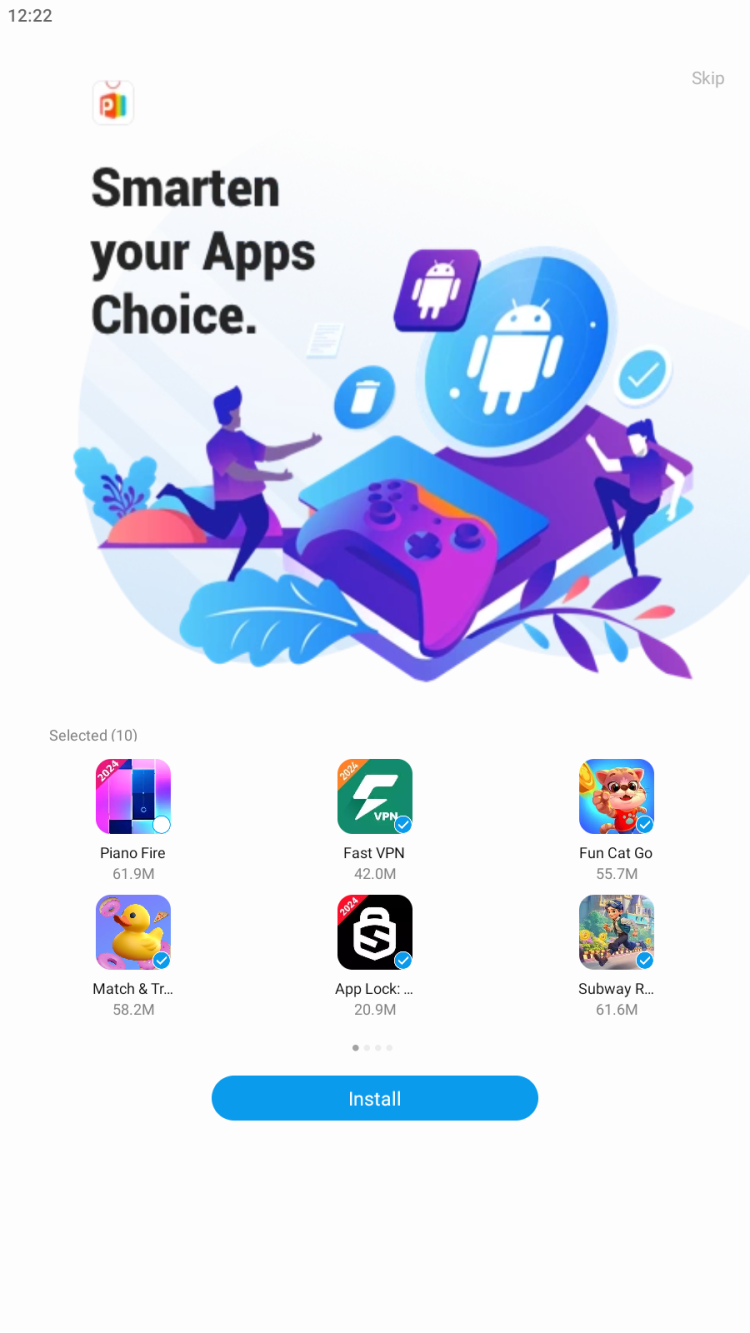
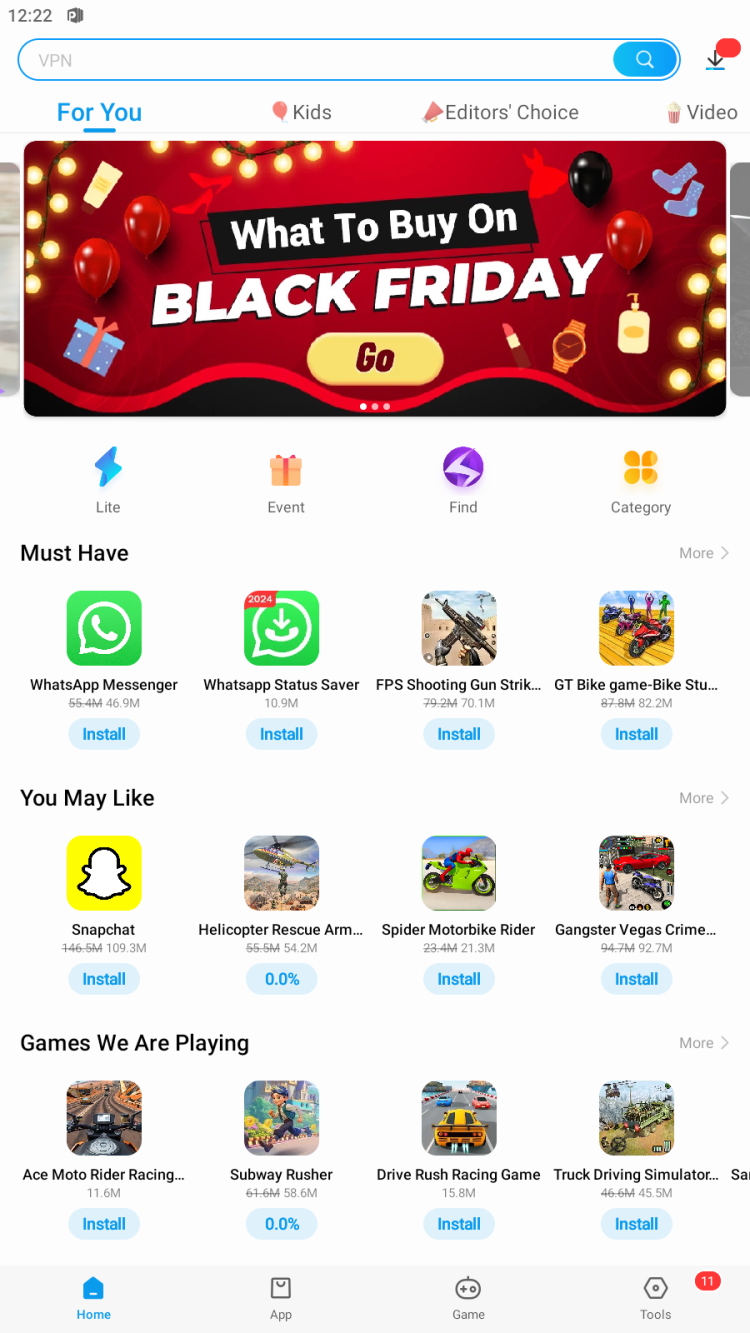
Palmstore is an app marketplace designed for African markets — it focuses on apps, games, and content relevant to that region. Here's how to get it running.
Regional focus: Palmstore curates content for African users, which means some apps and games might be specifically localized or relevant to that market. If you're outside Africa, you can still use it, but the content selection is optimized for that audience.
Still having issues? If you have a Tecno or Infinix device, Palmstore comes pre-installed. Try updating through the built-in version instead of downloading separately.
| Result | 0/70+ engines |
| Scan Date | January 15, 2026 |
| File Name | palmstore-9.2.7.202.apk |
Verify your download matches our scanned file:
| SHA-256 | 26cfd3953e3d0c74b0532dee2172cf1ba05cc55dbdf5955c9cc83d1d0eb0ae81 |
| MD5 | cc2690858ee20a8a41e842cd140aa517 |
| Certificate | InfinixMobility (xos@infinixmobility.com) |
| Package | com.transsnet.store |
Palmstore is developed by Transsion Holdings, the company behind Tecno, Infinix, and Itel phones. It comes pre-installed on their devices and is a legitimate alternative app store for emerging markets.
Every file on FreeSoft goes through our verification process before listing:
We've been doing this since 1998. If something looks suspicious, it doesn't get listed.
Palmstore updates its content server-side, so you get new apps even without updating the client. Client updates mainly improve the browsing experience and fix technical issues.
Last updated: November 2024
Yes, Palmstore is a legitimate alternative app marketplace developed by HZAY. It's been around for years, particularly popular in African markets where Google Play might have limited payment options or regional restrictions. It's not an underground piracy hub — it's a curated store with its own submission process.
Several reasons specific to certain regions: payment methods not available on Play Store, apps localized for African languages and markets, lower data requirements for browsing and downloading, and content curated for local interests. If you're in a region where Google Play is limited, Palmstore fills the gap.
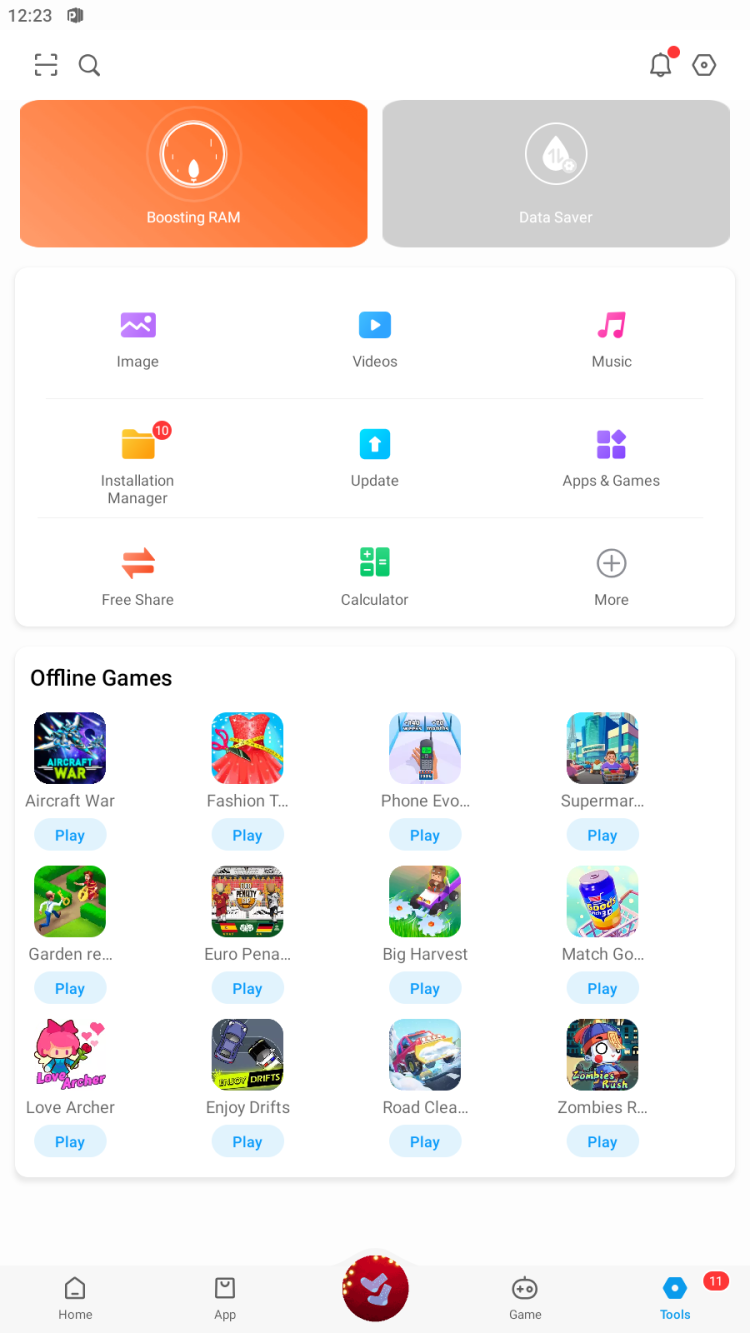
The Palmstore APK passes VirusTotal scans. As for the apps inside — Palmstore has a curation process, but like any marketplace, quality varies. Stick to popular apps with good reviews. The platform also includes a memory cleaner tool, which is generally fine but be cautious with any utility that claims to speed up your phone — most don't help much.
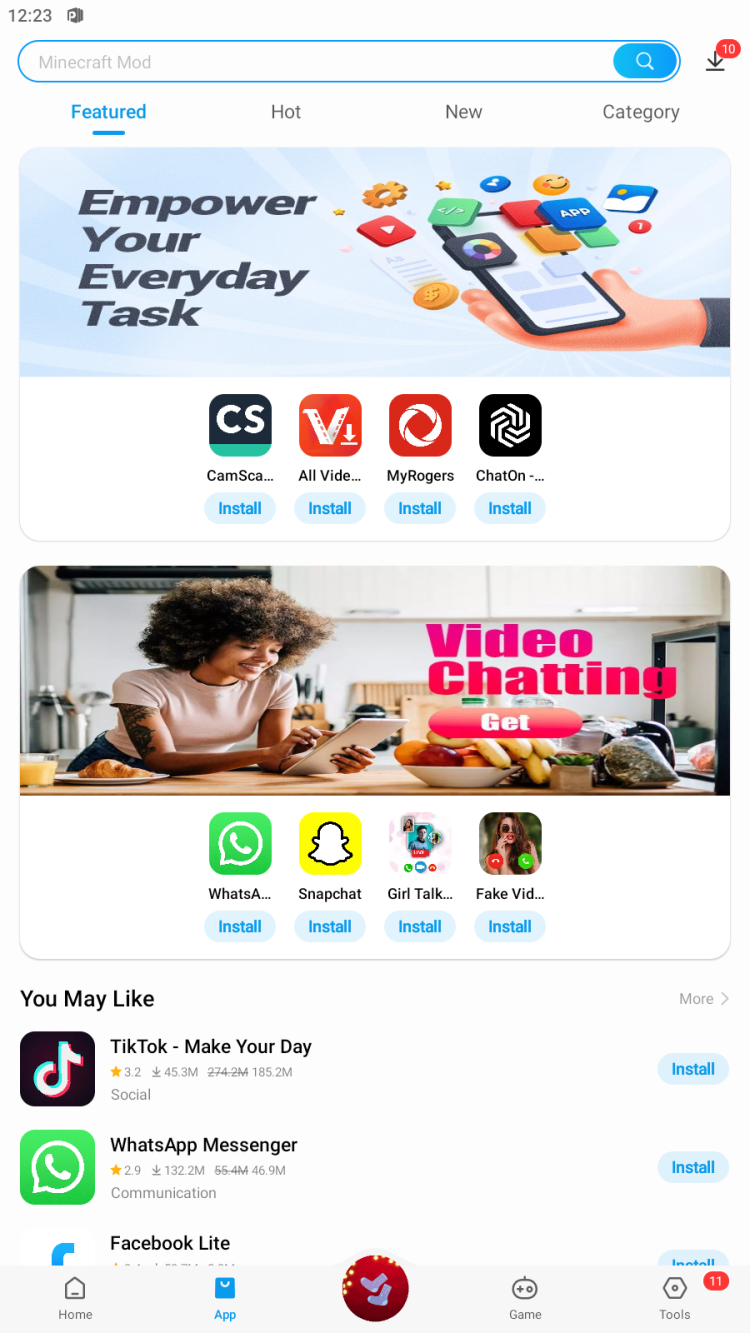
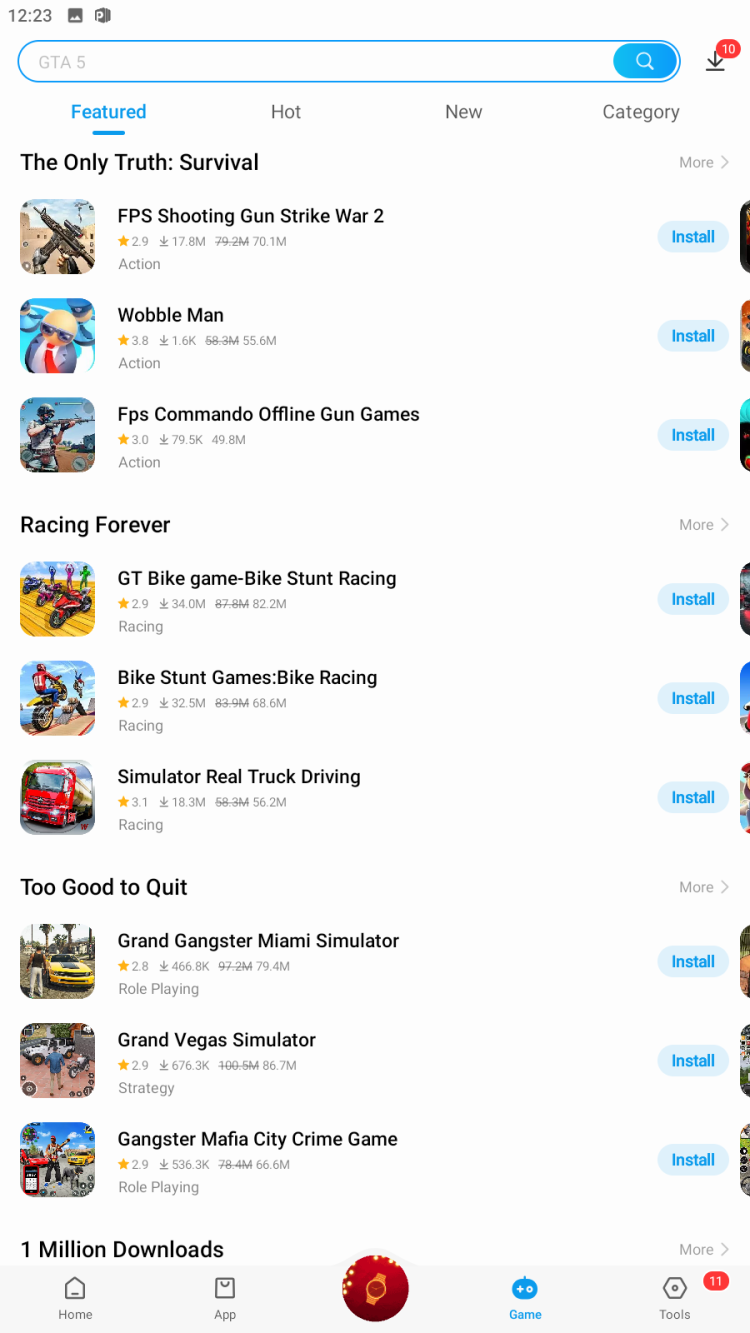
The store covers software, games, videos, and e-books. They have thematic lists, editor's choice sections, and categorized browsing. The focus is on content relevant to African users — local apps, region-specific services, and games popular in those markets. It's more curated than a massive global store.
Technically yes — you can install and use Palmstore from anywhere. But the content is optimized for African markets, so you might find the selection less relevant if you're in Europe or the Americas. Some apps might have regional restrictions too. It works globally, but it's designed locally.
Download the latest version (9.2.7.202) — it has the newest features, bug fixes, and app catalog access.
Palmstore's app catalog updates server-side. New apps appear without updating the client. Client updates mainly improve the browsing experience and fix technical issues.
Note: If you have a Tecno or Infinix device, check if Palmstore updates are available through the app itself before downloading separately.
To rate Palmstore you need to register or log in on our website
All files provided on this site are original, we do not repackage or modify the files.
Mail domain must match the domain of the developer's site
A link to confirm registration was sent to your email

 Русский
 Français





 Download