Download TSF Launcher 3D Shell

TSF Launcher 3D Shell

Version:3.9.4
License: Free for Android
1087 downloads
Checked for viruses
?
Tested on virustotal
Version
3.9.4
Updated
Compatibility
Android 2.x, Android 3.x, Android 4.x, Android 5.x, Android 6.x, Android 7.x, Android 8.x, Android 9.x
Size
12.48 MB
Language
Other, English
Website
www.tsfui.com

Description

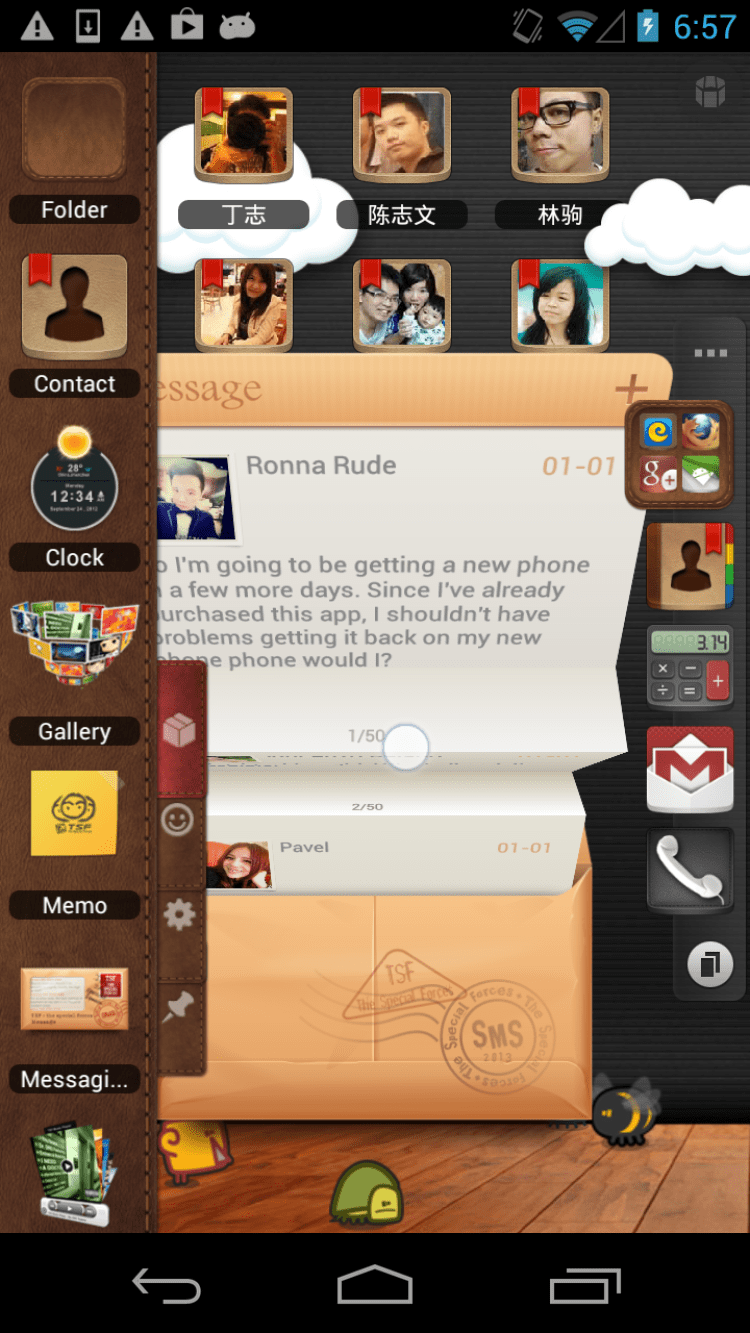
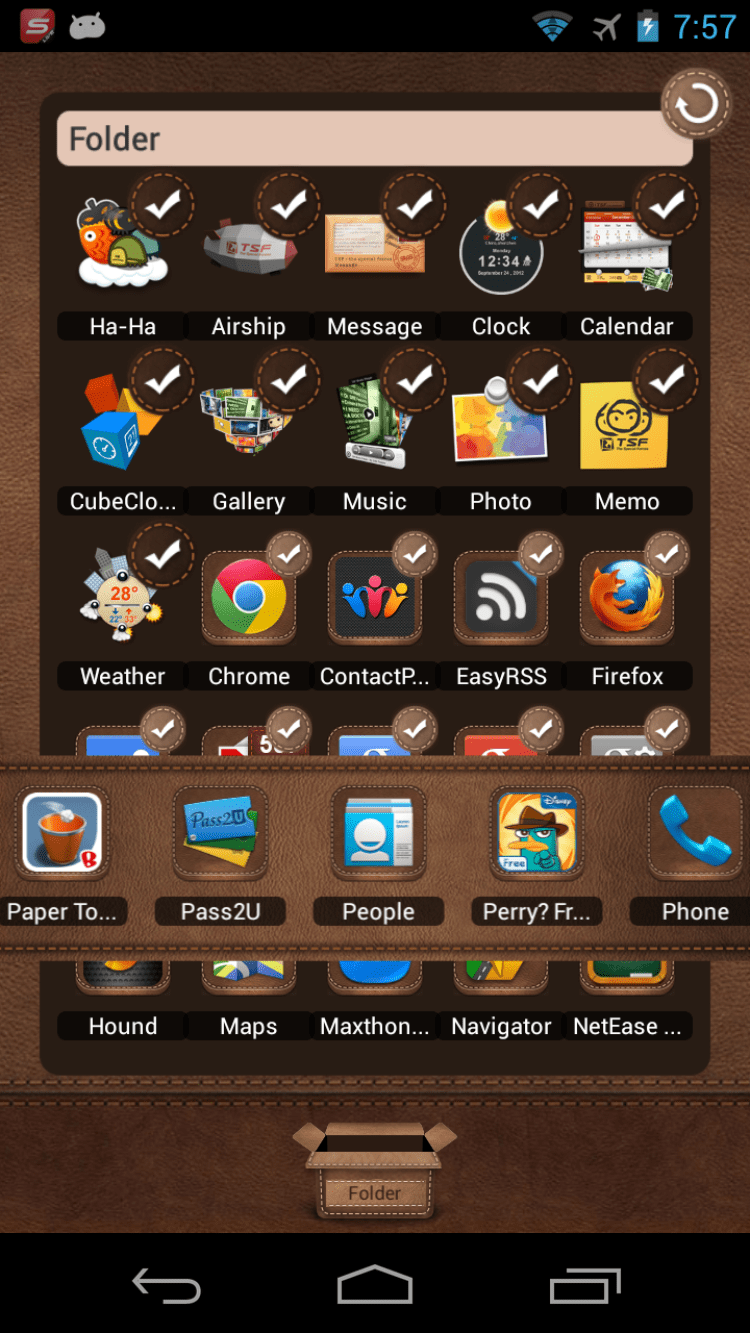
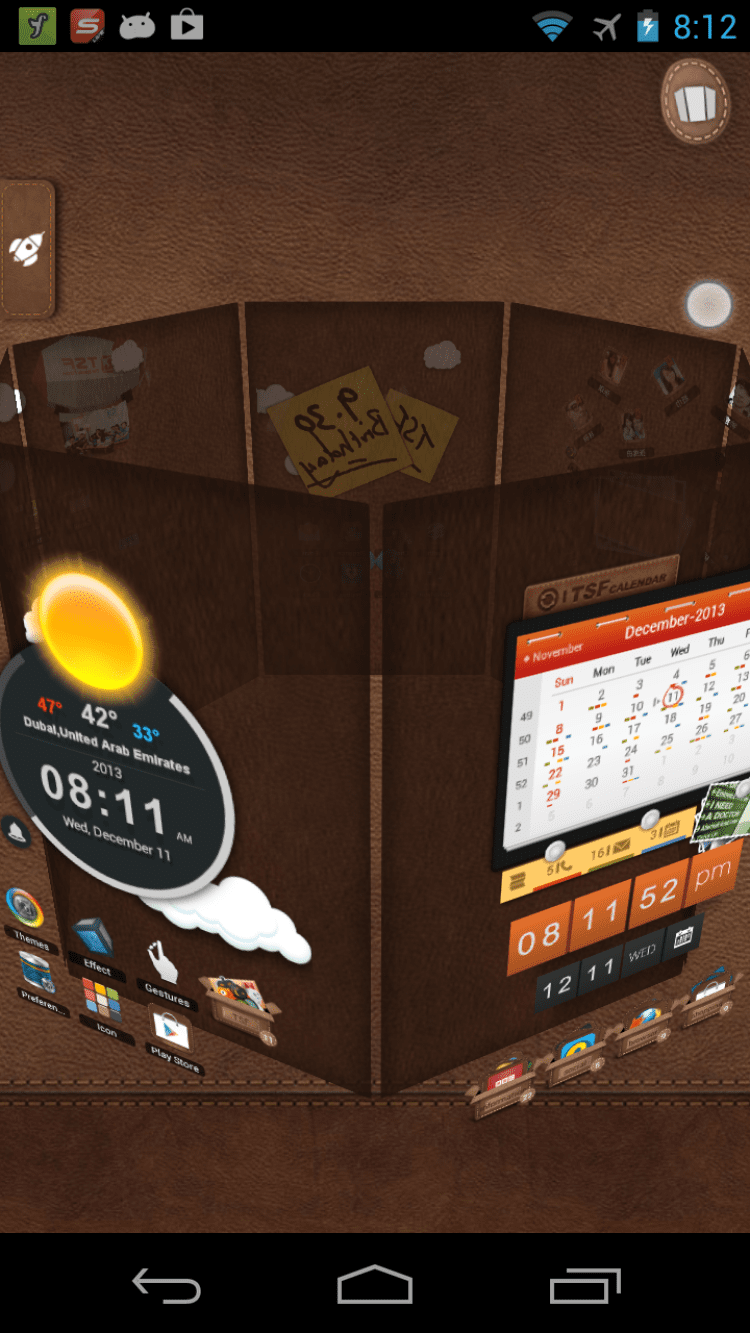
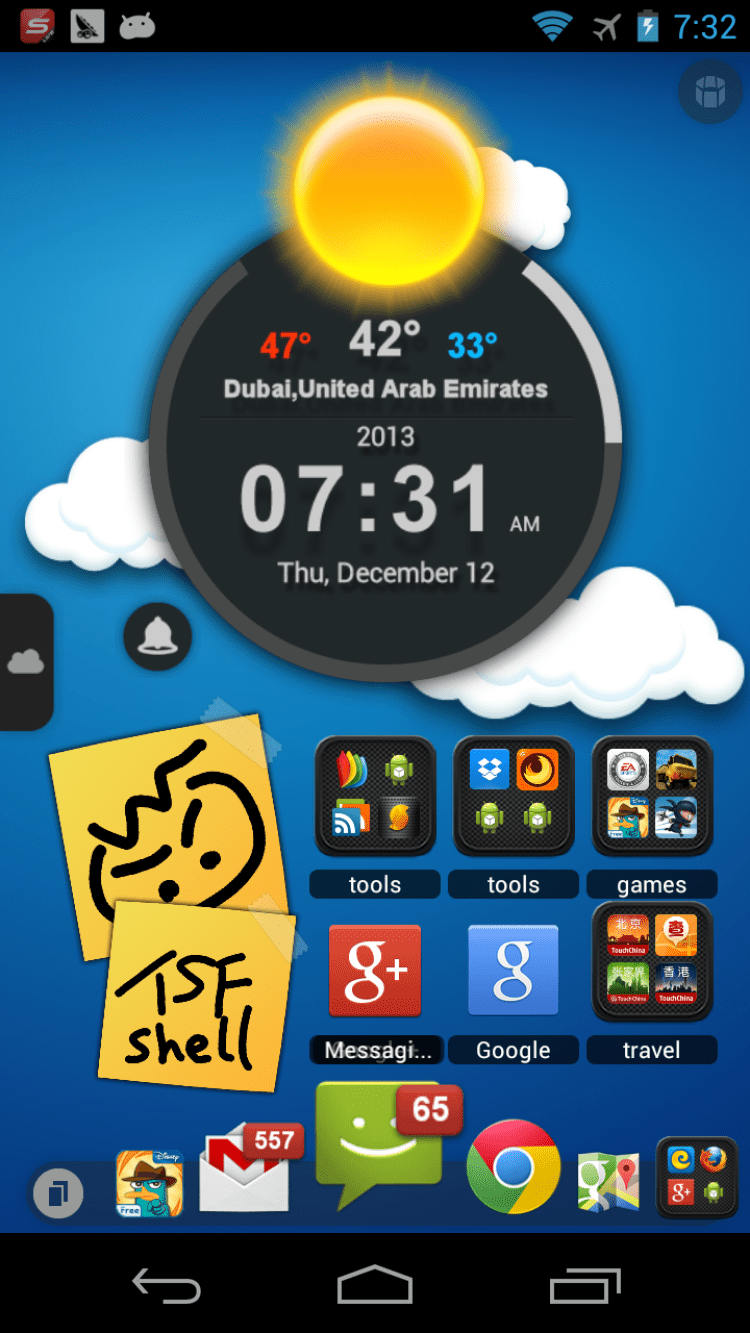
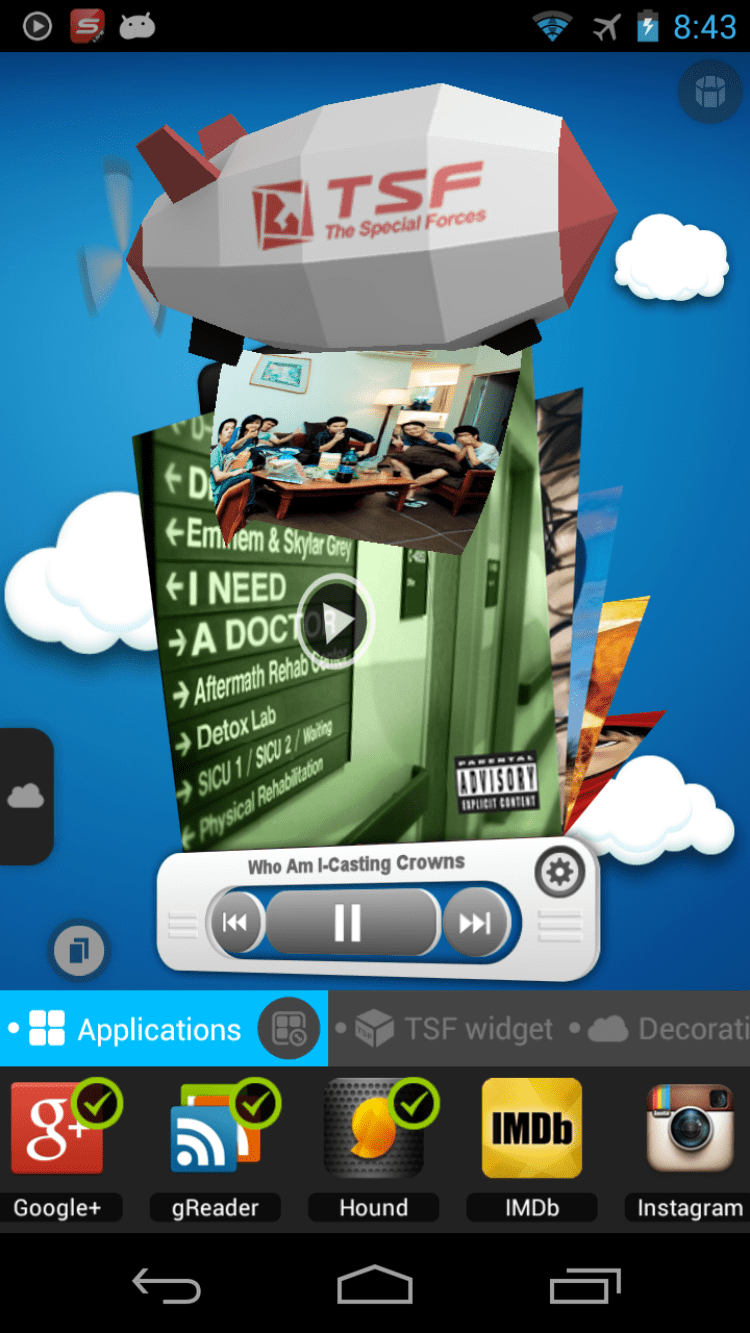
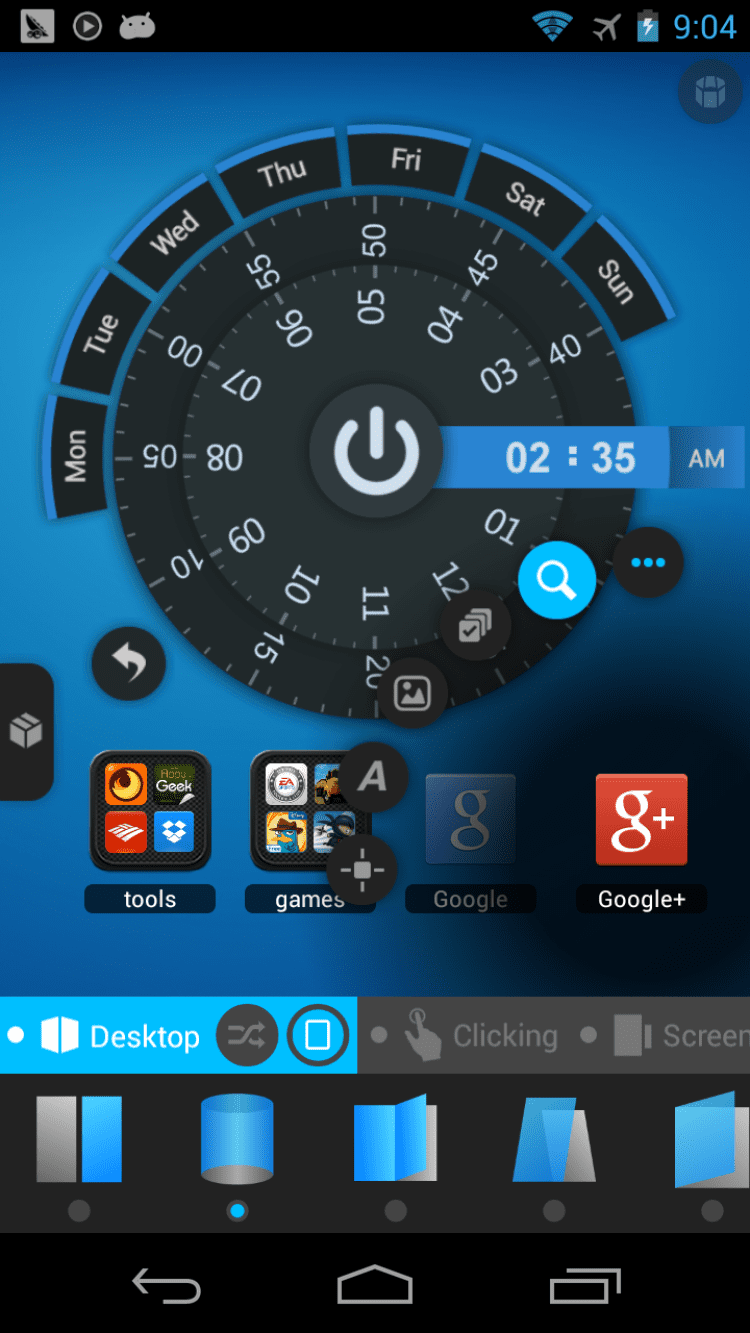
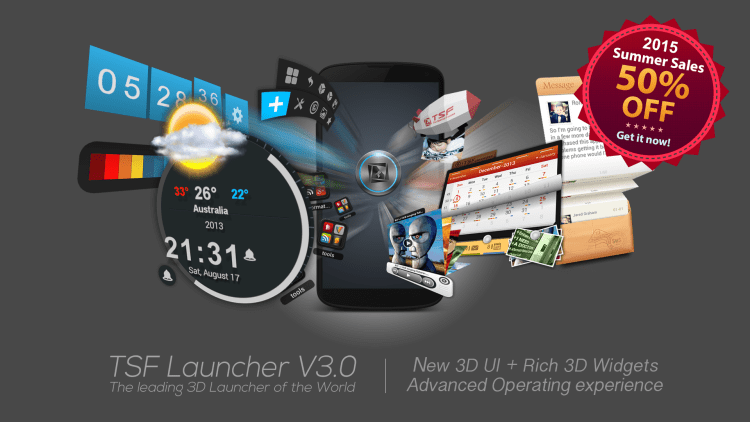
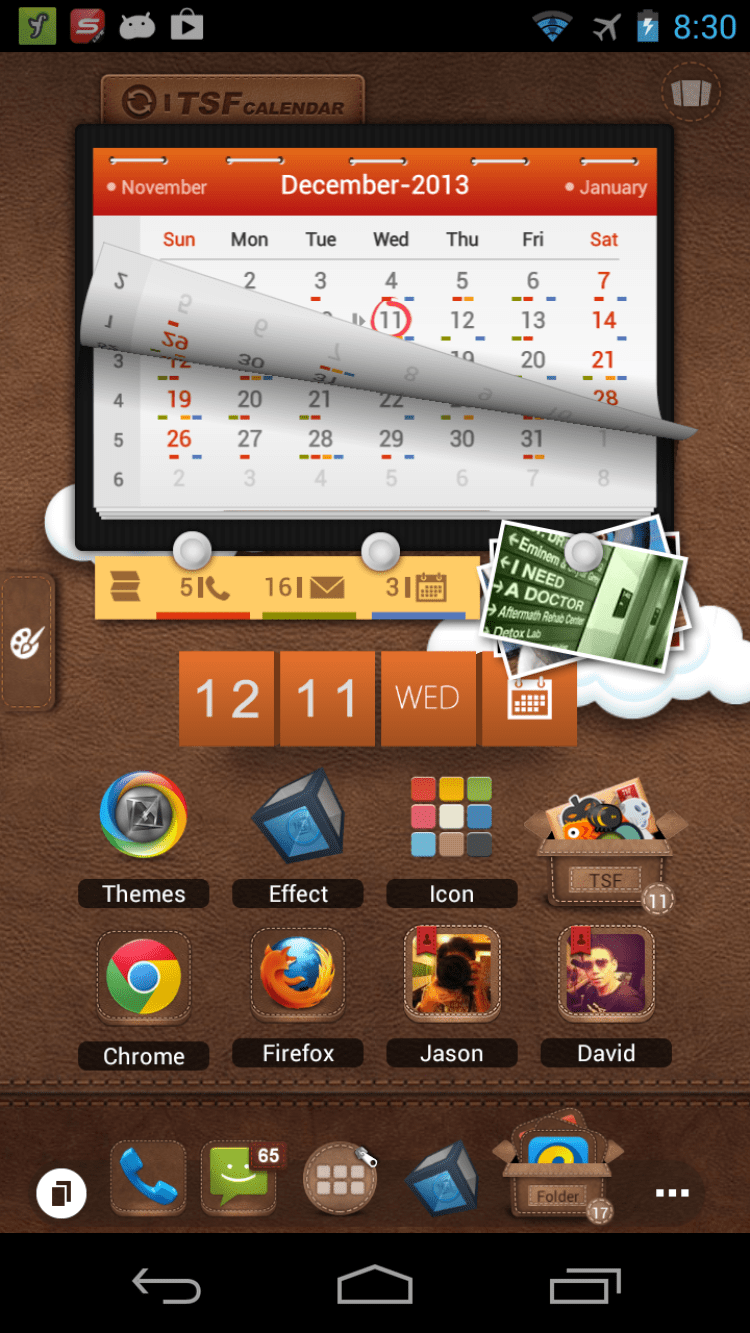
TSF Launcher 3D Shell is a fully three-dimensional launcher for Android that will help you make the design of your gadget even more pleasant and make the management of your device and installed programs more convenient.

The main functions of the program:

  • pleasant animation. Almost all operations are accompanied by bright and smooth animation effects;
  • Smoothly switching pages on the home screen;
  • ability to change the position, size and angle of icons in the dock bar;
  • quick selection of several elements at once;
  • 10 exclusive 3D-widgets;
  • support of 9 gestures for the most popular actions;
  • adding custom shortcuts to the home screen;
  • unique icon editing tool;
  • support for third-party themes;
  • intuitive settings menu.

Please note that the project was sold to Cheetah Mobile Inc and is currently discontinued.

Why Use TSF Launcher 3D Shell?

TSF Launcher 3D Shell transforms your Android home screen into a fully interactive 3D workspace. Unlike standard launchers that offer flat icon grids, this app brings depth and motion to every tap and swipe. Adjusting icon sizes, positions, and angles in the dock bar gives you direct control over how your device looks and feels. Ten exclusive 3D widgets add practical functionality without sacrificing the visual polish.

Key Features

The launcher supports nine configurable gestures for quick access to frequently used actions, reducing the number of taps needed to reach your apps. Third-party theme support lets you change the entire look of your home screen on demand. A built-in icon editor allows fine-grained customization beyond what most launchers provide. If you are looking for a free TSF launcher download that combines visual flair with genuine productivity tools, this package covers both needs.

How to Install TSF Launcher 3D Shell APK on Android

  1. Download the APK — Tap the green "Download" button at the top of this page.
  2. Allow Unknown Sources — Open Settings → Security → enable "Install from Unknown Sources" (or "Install Unknown Apps" on Android 8+).
  3. Find the file — Open your file manager and navigate to the Downloads folder.
  4. Install — Tap the downloaded APK file and select "Install."
  5. Open — Once installed, tap "Open" or find TSF Launcher 3D Shell in your app drawer.

File size: 12.48 MB. Requires Android 2.0 or higher.

What's New in TSF Launcher 3D Shell 3.9.4

  • Latest stable release with performance improvements
  • Enhanced 3D animation effects for smoother page transitions
  • Improved gesture recognition for supported actions
  • Bug fixes and stability enhancements

Last updated: June 19, 2019

Frequently Asked Questions

How do I install and set TSF Launcher as my default home screen?

After downloading and installing the APK from this page, open the app and follow the initial setup steps. To set it as your default launcher, press the Home button on your device — Android will prompt you to choose between your current launcher and TSF Launcher 3D Shell. Select TSF Launcher and tap "Always" to make it the default.

Will this launcher slow down my phone?

TSF Launcher 3D Shell is 12.48 MB in size and runs on devices with Android 2.0 and above. Older or low-end devices may experience slight lag during 3D animations. Disabling some of the more resource-heavy widgets and effects can help maintain performance on budget hardware.

Can I customize the 3D effects and themes?

Yes. The launcher includes a built-in icon editing tool and supports third-party themes that change the entire look of your home screen. You can adjust icon positions, sizes, and angles in the dock bar. Ten exclusive 3D widgets are also available for further personalization.

How do I go back to my original launcher if I don't like it?

Go to your device Settings, then Apps or Application Manager, find TSF Launcher 3D Shell, and tap "Clear Defaults." The next time you press the Home button, Android will ask you to choose a launcher again. You can also uninstall the app entirely through Settings or your file manager.

Is the app free or does it require a paid subscription?

TSF Launcher 3D Shell is free to download and use. There are no subscription fees. Note that the project was sold to Cheetah Mobile Inc and is currently discontinued, so no further updates are expected.

Rating

5
1 rating
Click, for a quick estimate

Leave a review

Your name*
Your email*
Comment*

Reviews