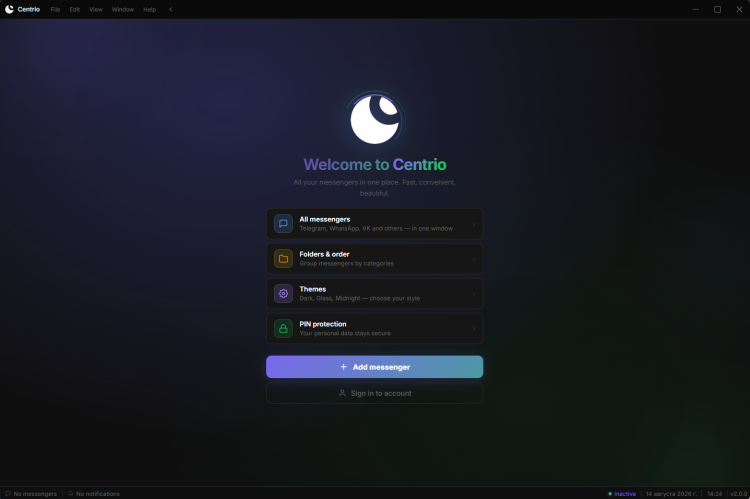
Centrio is a free, cross-platform (Windows, macOS, Linux) desktop application that consolidates 100+ web-based messengers, social networks, and productivity tools — Telegram, WhatsApp, Discord, VK, MAX, Slack, Notion, Gmail, Signal, Zoom, WeChat, LINE, Figma, Jira, and any custom site by URL — into a single window with isolated tabs, instead of dozens of scattered browser tabs or separate installed apps.
Core architecture
Built on Electron; each service runs in its own isolated webview with a dedicated persistent session partition (persist:<id>), so cookies, cache, and login state never leak between services.
Native link interception rewrites in-app navigation so cross-domain SSO flows (e.g. Yandex Mail → Yandex Disk) and external download links stay inside the app instead of bouncing to the OS browser, while genuinely external links still open safely in the default browser.
Auto-update runs silently in the background via a signed release feed.
Service catalog & tabs
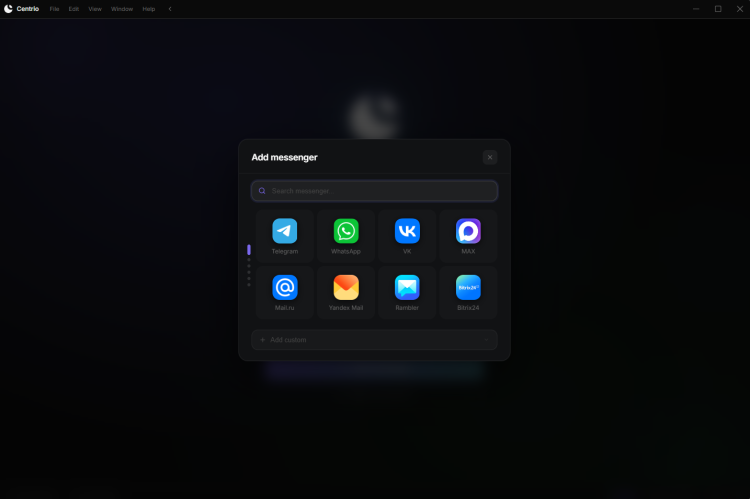
Searchable catalog with categories and one-click "add service" — no manual URL entry required for supported services, but any arbitrary URL can be added as a custom tab.
Split-screen layouts: 2 columns, 3 columns, or 2×2 grid, each zone bound to its own service, with working drag-and-drop of dividers.
Drag-and-drop of attachments between open messengers in split view, and from the downloads panel directly into a chat.
Unread badge counting via the Badging API where the web service supports it (more accurate than DOM-scraping fallback), plus custom notification sounds per service.
Built-in VPN
No third-party VPN client needed. Import a config link directly and connect with one click.
Supported protocols: VLESS, VMess, Trojan, Shadowsocks, Hysteria2, plus subscription URLs (a list of configs).
Live ping with color-coded quality indicator, server country flag, connection timer.
Per-messenger VPN toggle — route only specific services through the tunnel instead of all traffic.
Chrome extensions (Pro)
Install real Chrome extensions (AdBlock, Grammarly, translators, etc.) directly inside Centrio's sessions — no separate browser required.
A built-in AdBlock is also available on the free tier, working across all services without needing an extension.
Productivity tools
In-page text translation: select any text in any service, right-click → Translate, get an instant inline overlay — no browser tab needed.
Screenshot capture of the current service window from the app menu.
Quick switcher (Ctrl+K) with slash commands (/add, /search, /settings) to jump to any service or action instantly.
Forced dark-mode injection for services that don't offer their own dark theme.
URL search bar with fallback to DuckDuckGo/Google.
Security & privacy
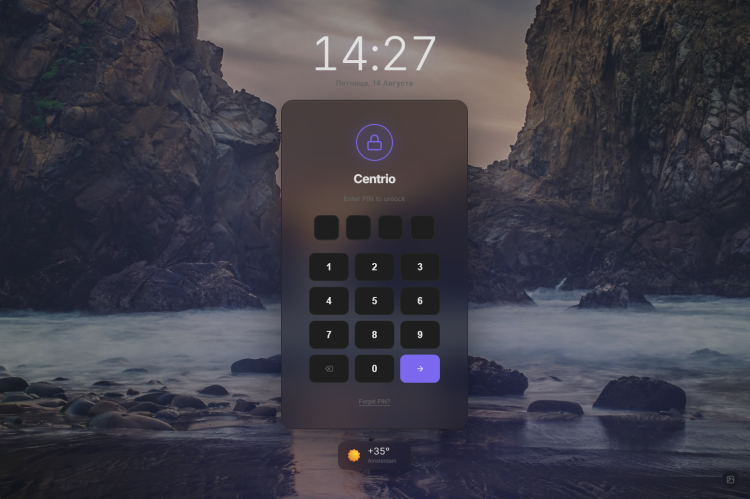
PIN lock with configurable auto-lock timeout; lock screen with a rotating set of background images.
Per-service session isolation (see architecture above) limits cross-service tracking.
CORS/CSP workaround layer (Rambox-style) that fixes services which otherwise break when embedded (Notion, Figma, etc.), with a per-session allowServiceWorkers flag.
Personalization
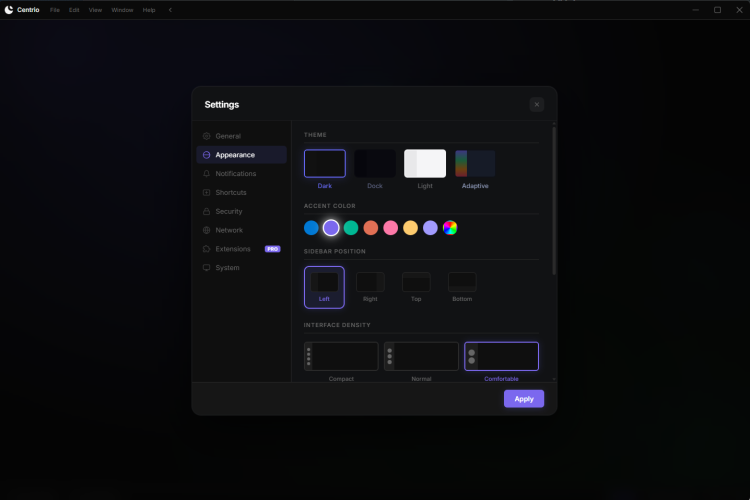
Themes: Dark, Light, Glass, Midnight, or follow system.

 Русский
 Français





 Download