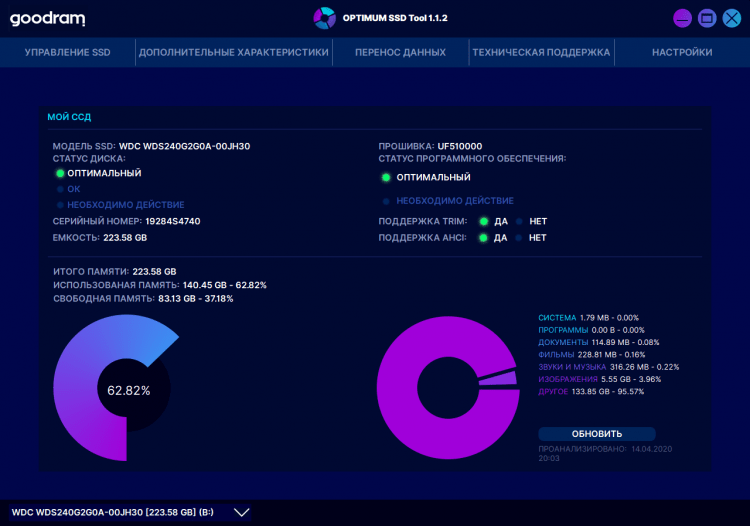
OPTIMUM SSD Tool is a free software for monitoring, maintaining and upgrading SSD drives on Windows computers.
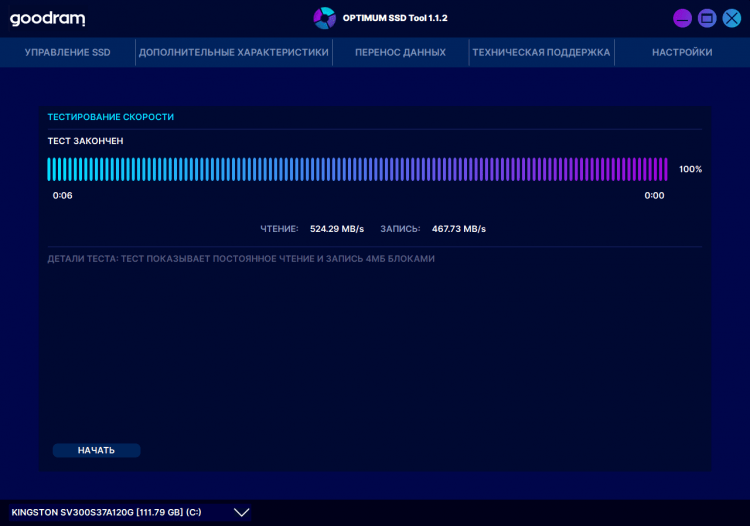
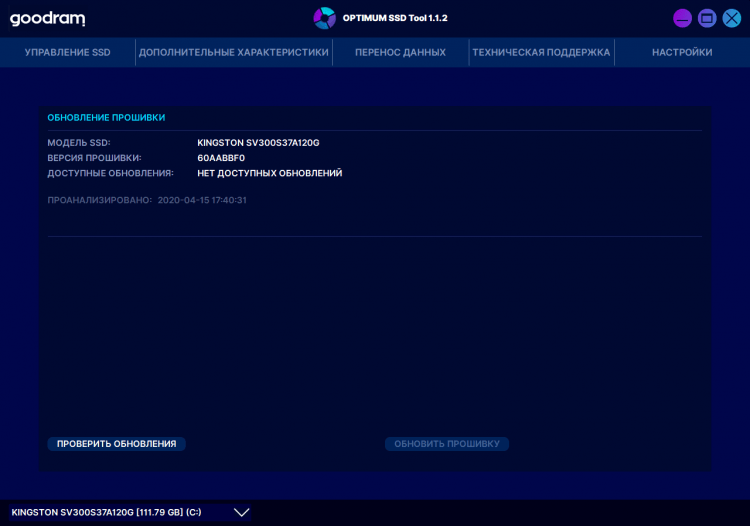
If your computer or laptop uses a solid-state drive, this program should definitely be installed in your system. With its help you can not only monitor the state of the drive, but also test it to assess performance, diagnose possible problems, as well as service to extend its life.
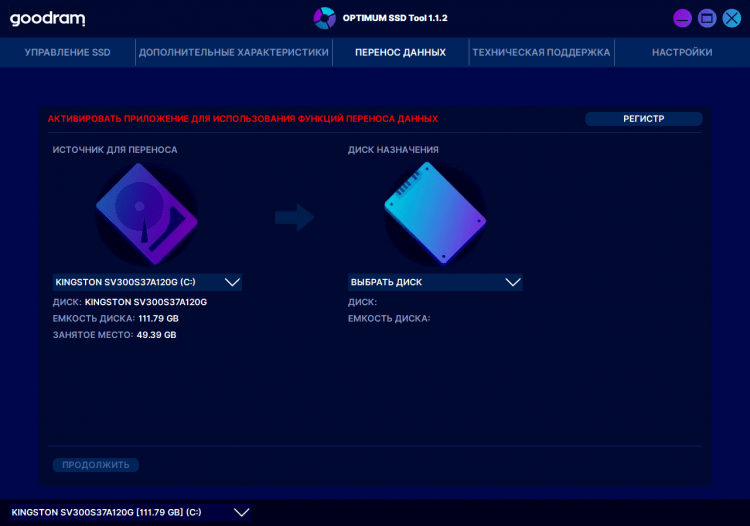
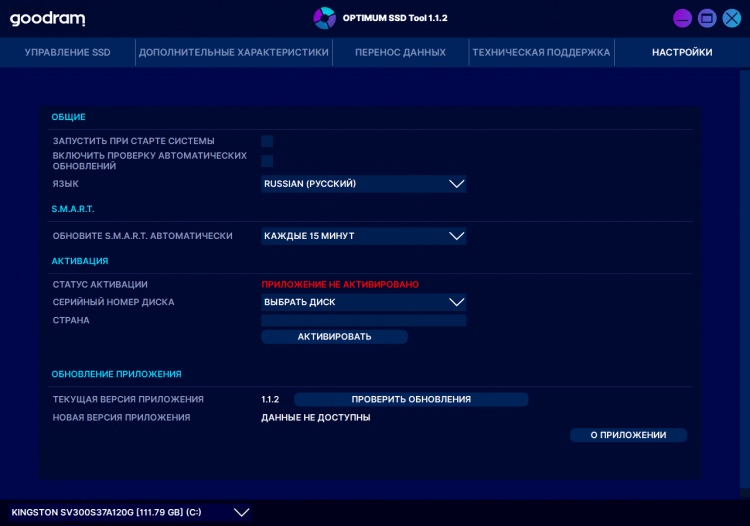
The utility has an intuitive interface. It is multilanguage and is available in Russian and other languages. All main functions are displayed in separate tabs.
You can free download OPTIMUM SSD Tool for Windows from FreeSOFT.com.
File size: 42.19 MB. Compatible with Windows XP, Vista, 7, 8, 10.
Last updated: January 25, 2021
Yes, OPTIMUM SSD Tool is completely free software released by GOODRAM under a FreeWare license. The 42.19 MB installer can be downloaded from this page at no cost. There are no trial limitations or premium upgrade tiers.
The file on this page has been scanned with VirusTotal and confirmed clean. Freesoft.net provides the original, unmodified installer from GOODRAM. No third-party software or adware is bundled with the download.
The utility runs on Windows XP, Vista, 7, 8, and 10 with support for both 32-bit and 64-bit systems (x32/x64). It requires 42.19 MB of disk space for installation. An SSD connected to the system is needed for the monitoring and diagnostic features to function.
Click the "Download" button on this page, run the downloaded .exe file, and follow the on-screen setup wizard. The program will be ready to use immediately after installation. No restart is required, and the interface is available in both Russian and English.
Similar system monitoring utilities on freesoft.net include SpeedFan (version 4.52) for fan and temperature control, Speccy (version 1.32.740) for detailed hardware information, and SysGauge (version 8.2.36) for real-time performance monitoring. Each focuses on different aspects of system health beyond SSD-specific diagnostics.
To rate OPTIMUM SSD Tool you need to register or log in on our website
All files provided on this site are original, we do not repackage or modify the files.
Mail domain must match the domain of the developer's site
A link to confirm registration was sent to your email

 Русский
 Français








 Download