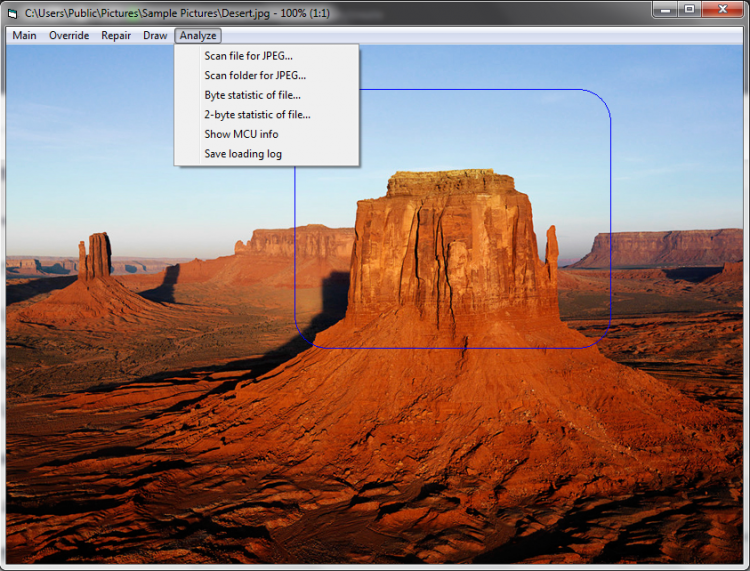
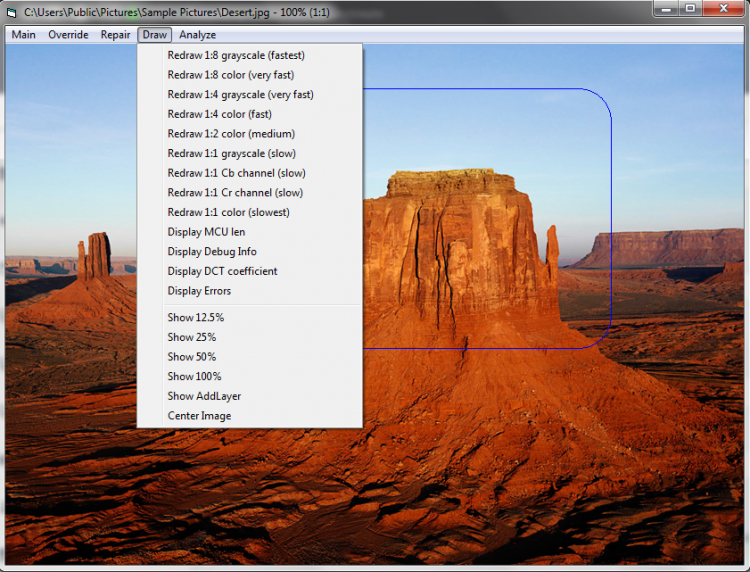
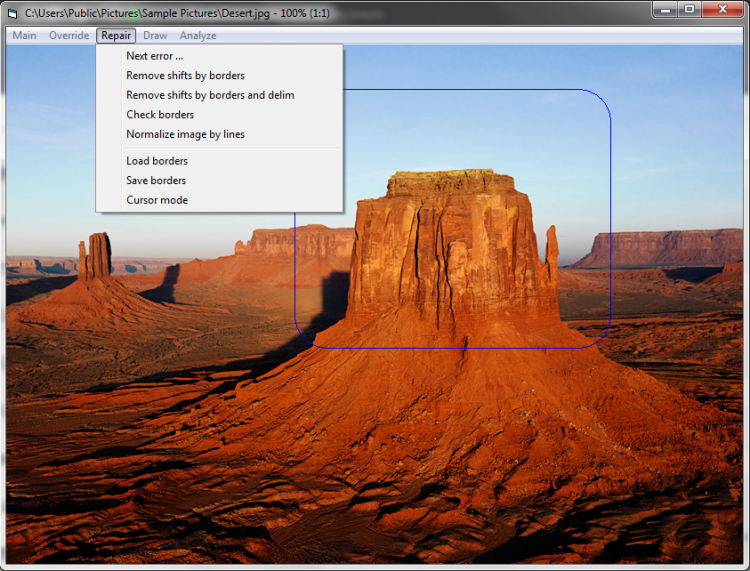
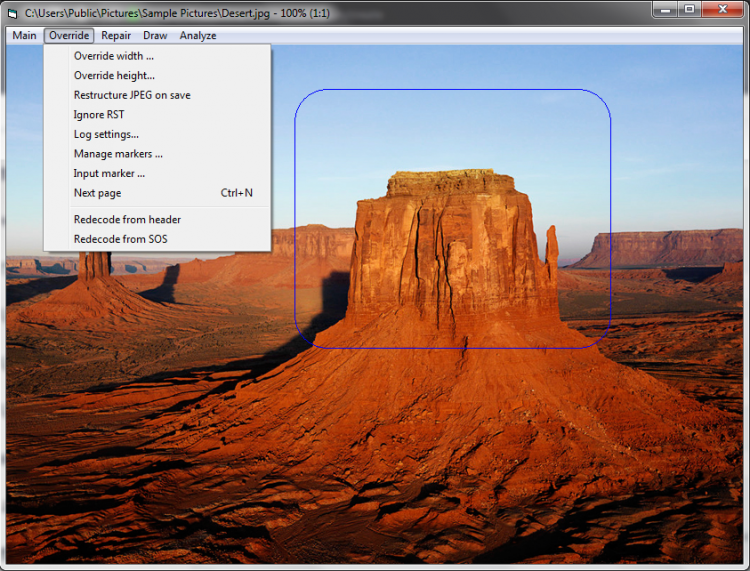
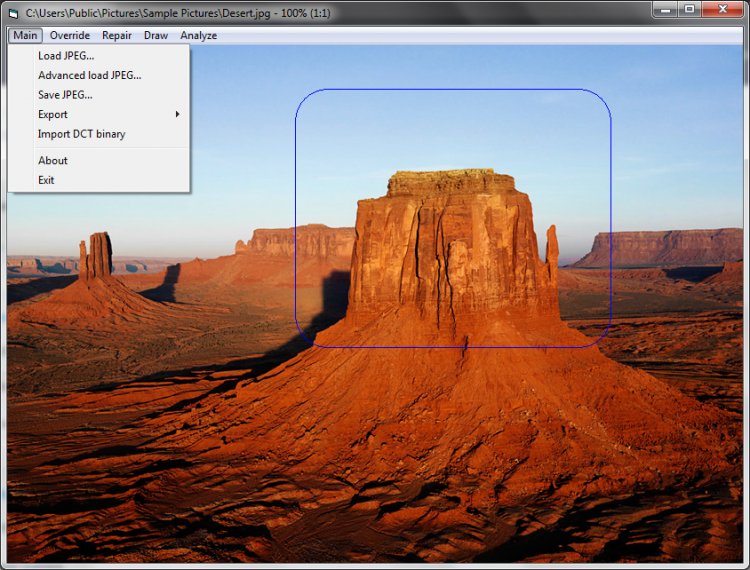
A free program for restoring damaged JPEG images. It does not restore deleted files, but "fixes" damaged images. For this purpose, it has in its arsenal a set of tools for analyzing JPEGs, correcting, restoring colors, etc.
This program is notable for its tiny size and does not require installation. It is difficult to call it easy to use, especially if you have no experience, but you can find a very detailed user manual on the website of the program's developer. If you encounter any difficulties, we recommend that you familiarize yourself with it.
The program is capable of:
If you need to repair a damaged photo or other picture, try JPEGfix for Windows. You can download it for free from our portal.
File size: 0.17 MB. Compatible with Windows XP, Windows Vista, Windows 7, Windows 8, Windows 10.
Last updated: January 31, 2019
Yes, JPEGfix is completely free software. You can download version 1.1.35 from this page at no cost. The program has no trial limitations, watermarks, or hidden fees attached to any of its repair functions.
All files on freesoft.net are checked for viruses using VirusTotal before being made available. JPEGfix is provided as the original file from the developer without any repackaging or modifications. The download size is only 0.17 MB.
JPEGfix runs on Windows XP, Vista, 7, 8, and 10 with both x32 and x64 architectures. The program requires minimal resources due to its tiny 0.17 MB file size. No additional frameworks or libraries need to be installed separately.
JPEGfix does not require installation. Download the archive from this page, extract its contents to any folder, and run the executable directly. This portable design means the program can also be used from a USB drive without leaving traces on the host system.
Other tools for JPEG recovery include PixRecovery, PhotoRec, and Stellar Repair for Photo. However, JPEGfix stands out for its specialized focus on JPEG structure analysis, its zero-cost model, and its portable design that requires no installation at all.
To rate JPEGfix you need to register or log in on our website
All files provided on this site are original, we do not repackage or modify the files.
Mail domain must match the domain of the developer's site
A link to confirm registration was sent to your email

 Русский
 Français





 Download