mandatory KYC verification to secure accounts and transactions
biometric login
responsible gaming tools, such as self-exclusion, temporary breaks, or permanent account closure
the APK file was checked for viruses before being published on the website
BetKing is operated by SV Gaming Limited and is licensed by the Lagos State Lotteries Board, the Anambra State Gaming Company, and holds Sports/Games Betting license numbers 00000006 and 00000008 from the National Lottery Regulatory Commission. The legality of using this platform depends on your country. Users must ensure that online gambling is permitted and the platform operates in their location before registering or placing bets. This service is only available to individuals who are 18 years or older (18+).
Functionality
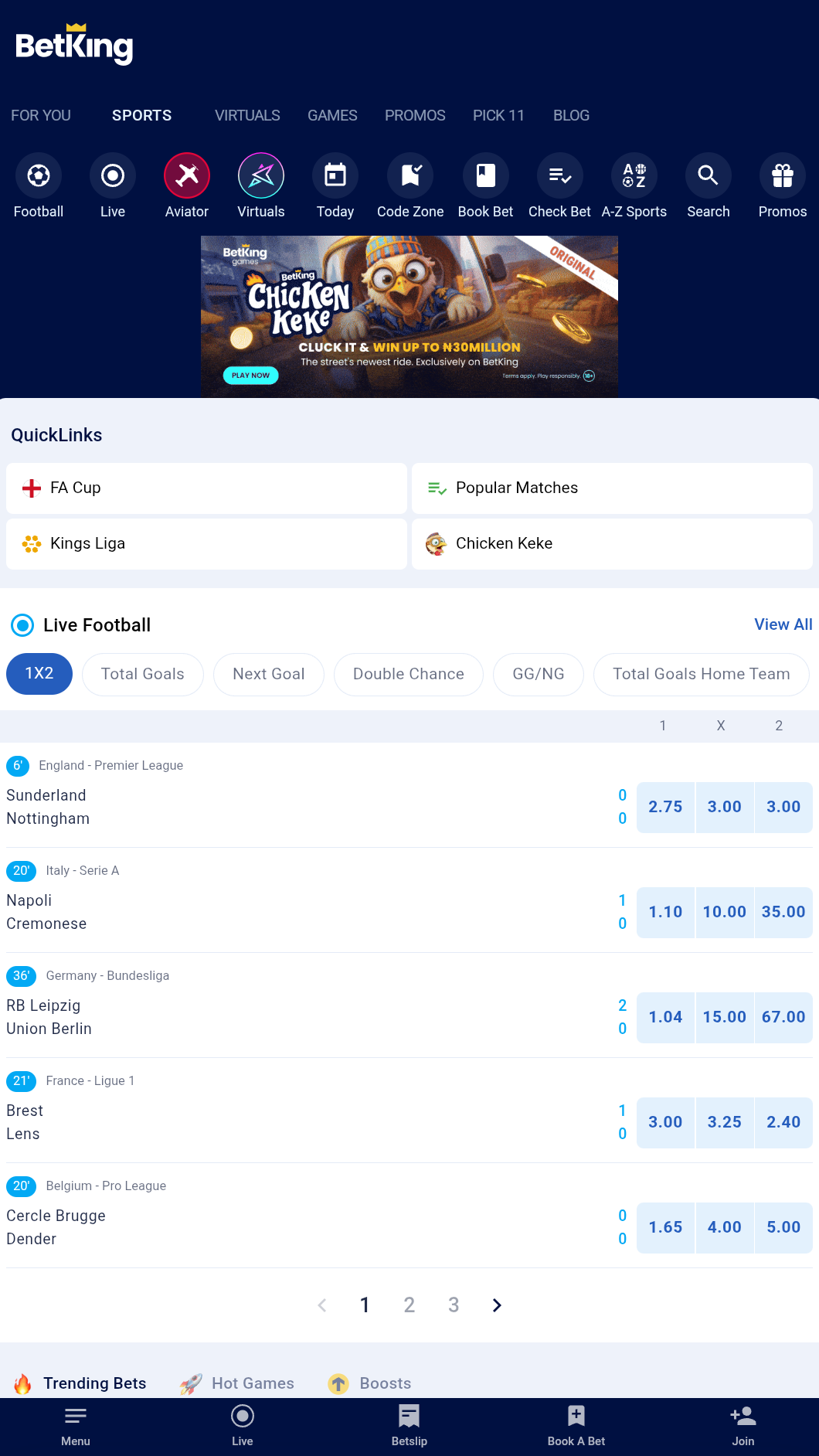
The bookmaker's platform offers both sports betting options and a variety of casino games, all within a single mobile app. All features are conveniently grouped into separate sections.
Sports betting
Users of the BetKing app can bet on a vast variety of sports, covering 30+ major disciplines such as football, basketball, baseball, cricket, ice hockey, MMA, water polo, and more. The platform features local and international tournaments: in the popular competitions section, users can find the most popular events from the Champions League, Europa League, LaLiga, Bundesliga, and other leagues around the world, categorized by country.
Prematch betting features
hundreds of events available daily
500+ betting markets for all major sports:
main: 1x2, total goals, double chance, handicap
specials: corners, goals, player stats, home or away team to score
combined bets: double chance & total goals.
ESports
In addition to traditional sports events, the BetKing platform lets users bet on soccer and basketball esports matches. Bets are available for all major markets. Most matches feature detailed, real-time statistics to help bettors follow the game.
Virtuals
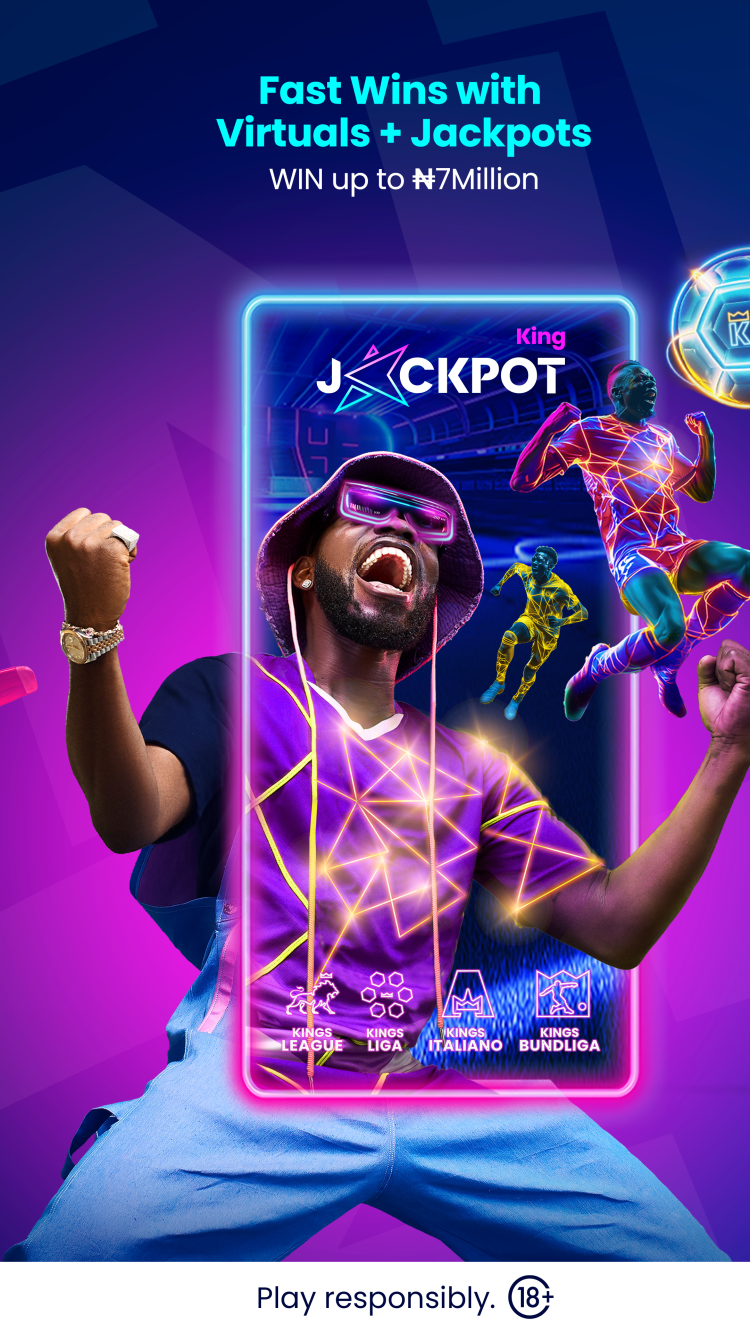
In addition to traditional sports events, users can bet on RNG-powered virtual sports: simulated football leagues and races that occur around the clock, every day. Users can play branded BetKing “Kings” virtual leagues, such as Kings League, Kings Liga, Kings Italiano, Kings Bundliga, with scheduled tournaments and fast knock-outs, or instant-result “Kings’ Insta” leagues (Instaliga, Insta Italiano) that skip straight to outcomes. Other virtual games include greyhound racing, Spin2Win, and Keno. These provide constant quick-turnaround betting options.
Key features
Prematch - this section features a list of upcoming events for all supported sports, allowing users to browse available markets and compare odds before placing an informed bet.
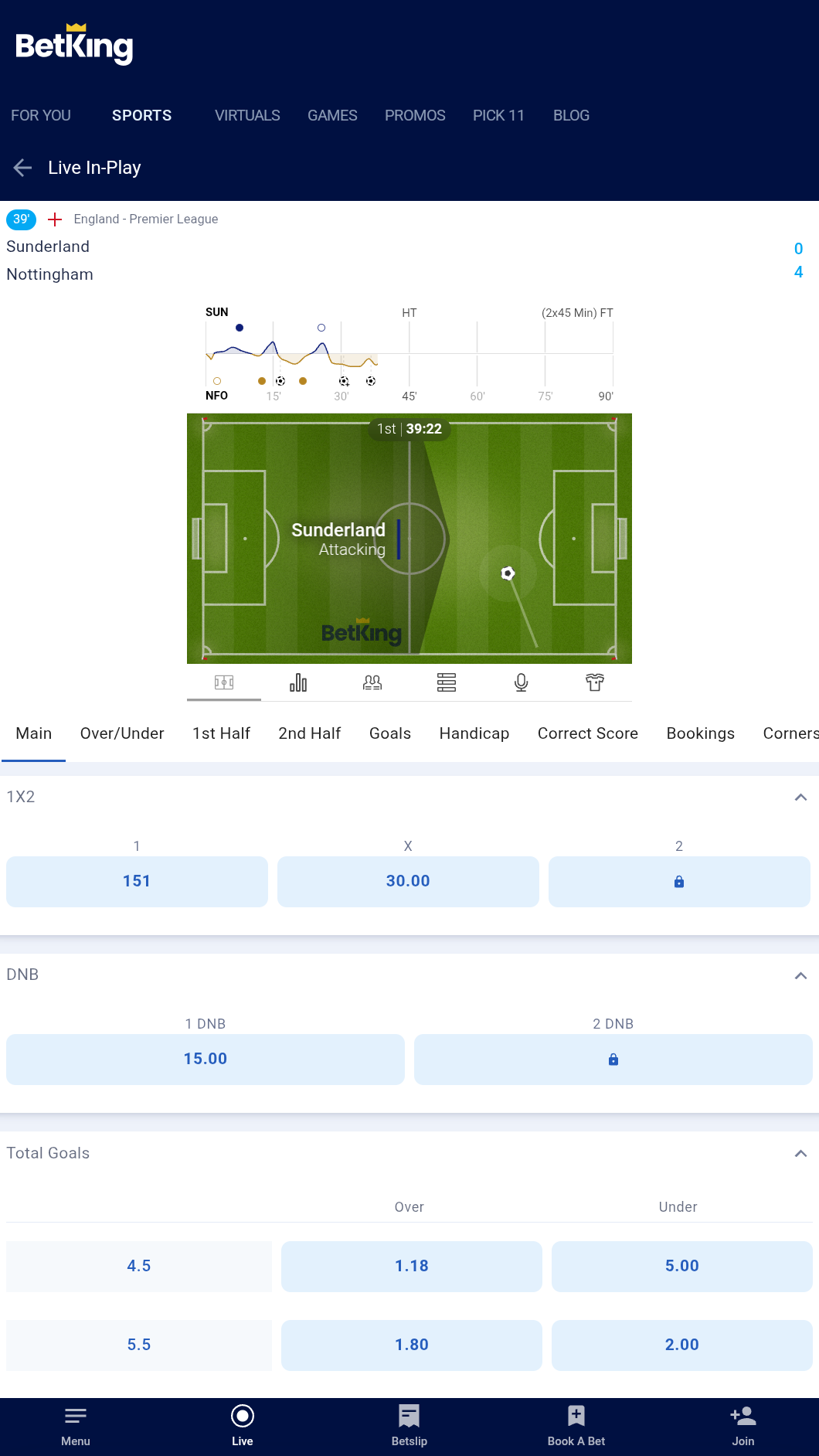
Live - in this section, bettors can view a complete list of events taking place in real time and place last-minute bets after reviewing the current situation on the field, taking into account all recent changes.
HD Streaming - registered users can access live video broadcasts, free of charge. This function may not be available for all events from the Live section.
Animated match tracker - a real-time, graphical display of match events that allows users to follow the sports or esports game, when live streaming is unavailable.
Code Zone - a section featuring a curated list of the most popular pre-match accumulators. Each accumulator can be instantly added to your bet slip using a booking code.
Boosted Odds - a feature that provides a list of events with increased odds, which may increase potential returns by raising the odds on selected events.
Stats - this section provides information on recent matches from all supported sports, including detailed statistics for teams and players, tournament standings, and additional insights.
Sharing Bets - this function lets bettors share betslips with friends or other platform customers, using bet codes.
Book a Bet - enter the received booking code in this section to place the corresponding bet in a single tap.
Coupon Check - a bet checker tool. It allows you to find out whether a particular bet has won by entering its betting code.
Football odds < 1.75 - odds filter tool, letting users create a list of events with odds not smaller than 1.75.
Search - function to search for the preferred team, player, or competition right from the app's main screen.
Games
Alongside sports betting, the Bet King app provides an online games platform featuring a variety of slots, classic table games, and other titles from top software developers such as Evolution. The platform also offers exclusive games that are not available elsewhere. All games use a high-quality Random Number Generator, designed to ensure fair gameplay. The app includes:
Slots - a selection of video slot games featuring simple rules and high-quality graphics. Players simply press the "Spin" button to play. Winning requires landing one of the many possible combinations, which can reach into the thousands in games like Megaways. Includes games such as Sweet Bonanza, Diamond Strike and Gates of Olympus.
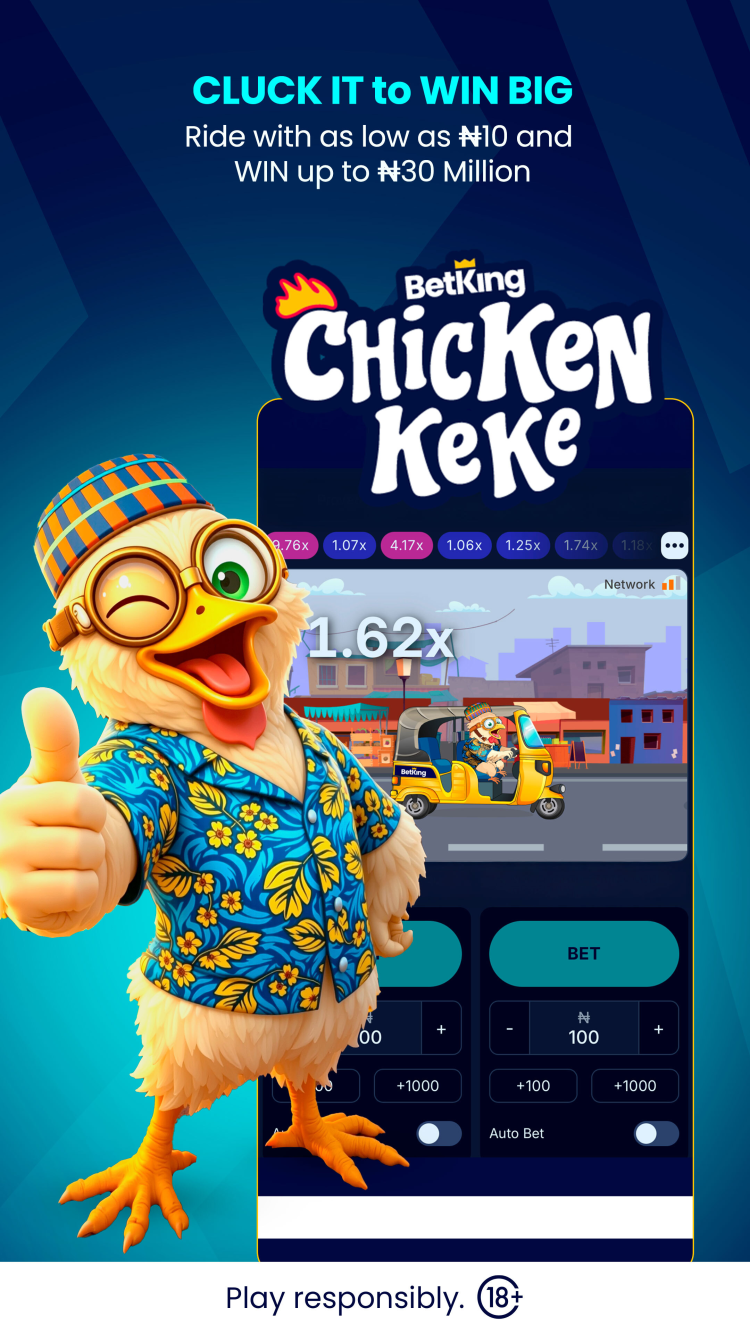
Crash Games - games like Aviator, Chicken Highway or JetX, that rely on luck and require good timing. The player places a bet and watches the multiplier increase. The round can end at any second, and the main goal is to withdraw the winnings before the bet is lost.
Live - this section features a variety of games, including Roulette, Mega Wheel, Dice, and Blackjack, streamed live with English-speaking dealers.
Instant Win Games - fast-paced games with short rounds and straightforward rules. Typically, players only need to spin a wheel, tap a button, or take a simple action to reveal the outcome of each round. Features titles such as Plinko, Piggy Tap and Spin&Win.
Lite Games - a collection of mini-games, perfect for weak internet conditions: Soccer Mania, Danfo Lagos, Rock Paper Scissors and others. These games don't use much data and load quickly, while still offering the chance to win money right from your smartphone screen.
Tables - a collection of casino-style games, like Three Card Poker, Blackjack, Baccarat and Roulette.
Tournaments - regular, time-limited competitions that give players the opportunity to win extra prizes based on their activity on the platform. Tournament rules differ: for example, in SmartSoft Spin & Win, players can win prizes by betting on selected SmartSoft Gaming titles, while in Chicken Keke, participants compete in BetKing's crash game of the same name.
Mobile-app vs mobile-site comparison
You can place bets on your smartphone either through the official BetKing app for Android or by using the platform's web version. Each option has its advantages and disadvantages, so the choice should depend on the bettor's personal preferences.
Android App: The dedicated app offers fast loading, push notifications, and advanced security features such as biometric login. The BetKing app download is free, but requires Android 7.0 or later, manual installation and updates.
Mobile Site: The mobile site is accessible on any device with a browser, including iOS, and does not require any installation. It updates automatically and offers the same betting experience as the app. However, its performance depends on the browser, may load slower, and does not support native push notifications or biometric login.
The app is best suited for those who value speed and protection, whereas the mobile site offers convenience for occasional betting or use on any device.
Bonuses & promotions
The BetKing app offers a range of bonuses and promotions to enhance the betting experience. Some offers are exclusive to new customers, while others are available to active bettors.
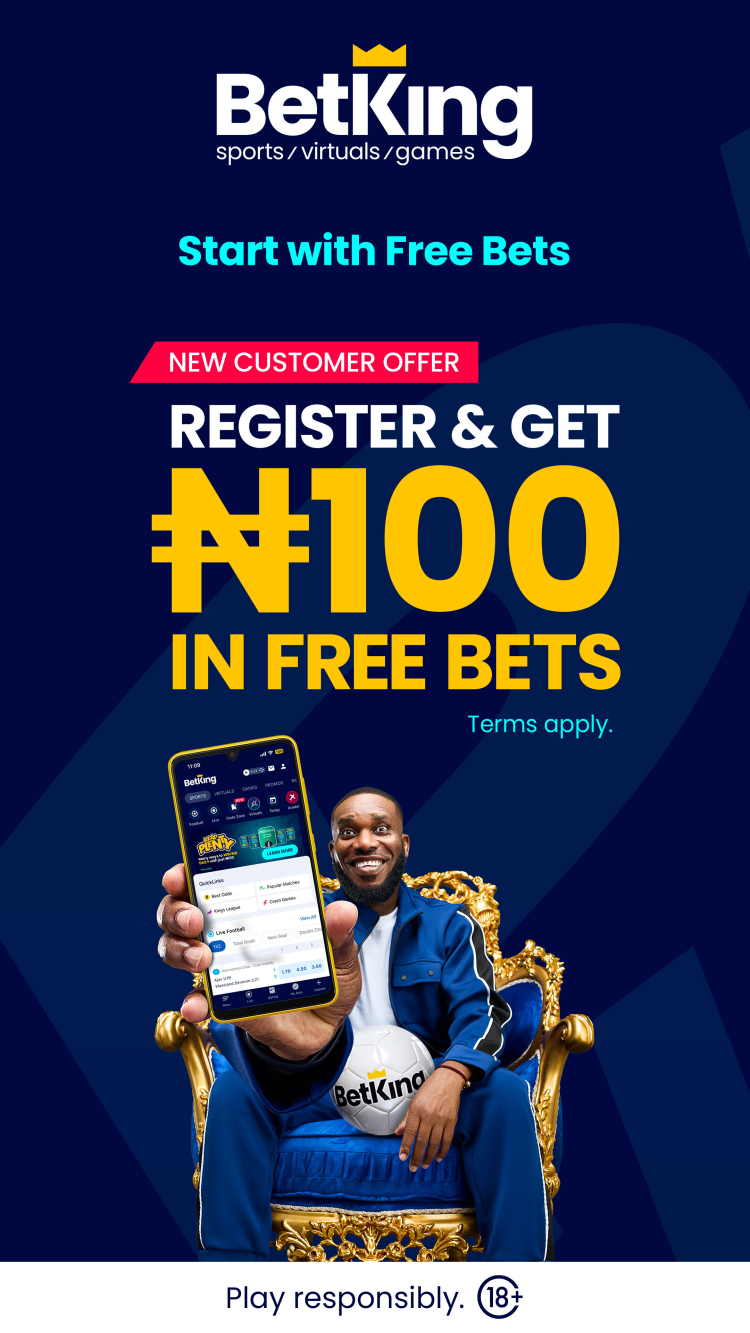
Welcome bonus for new users
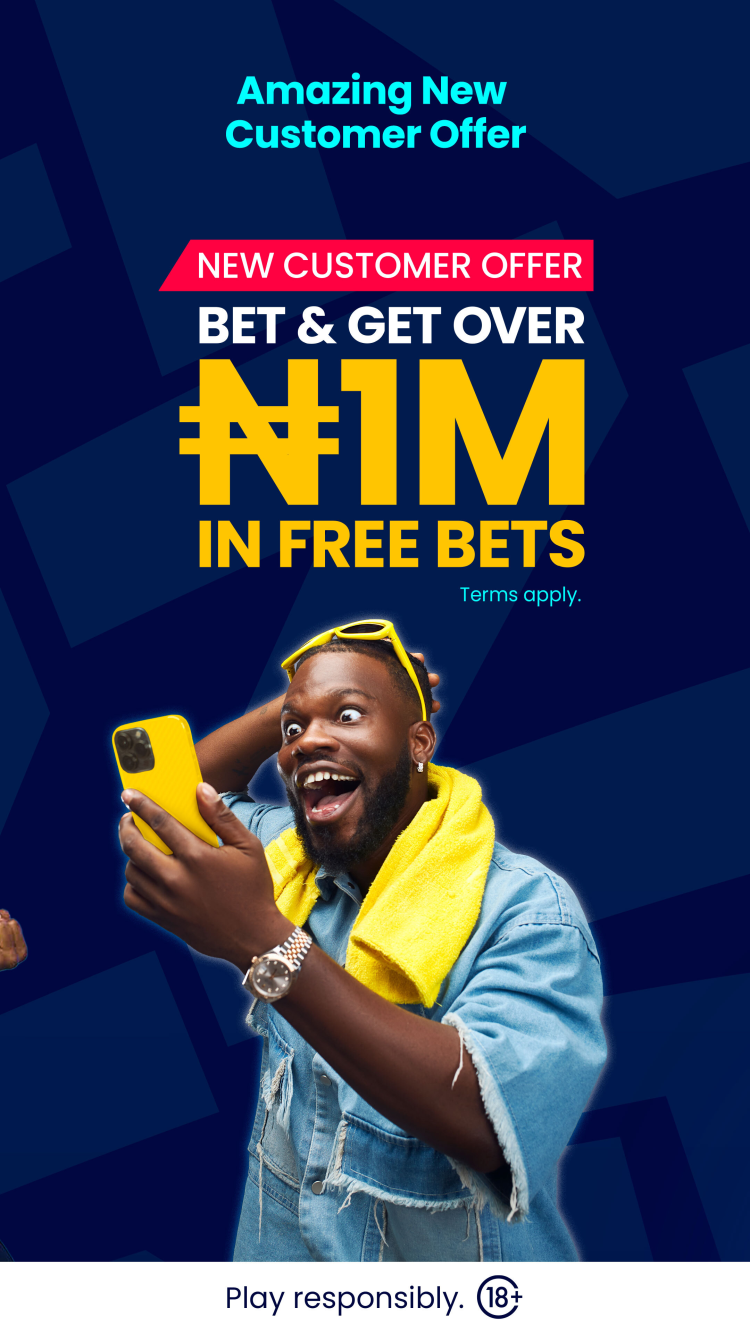
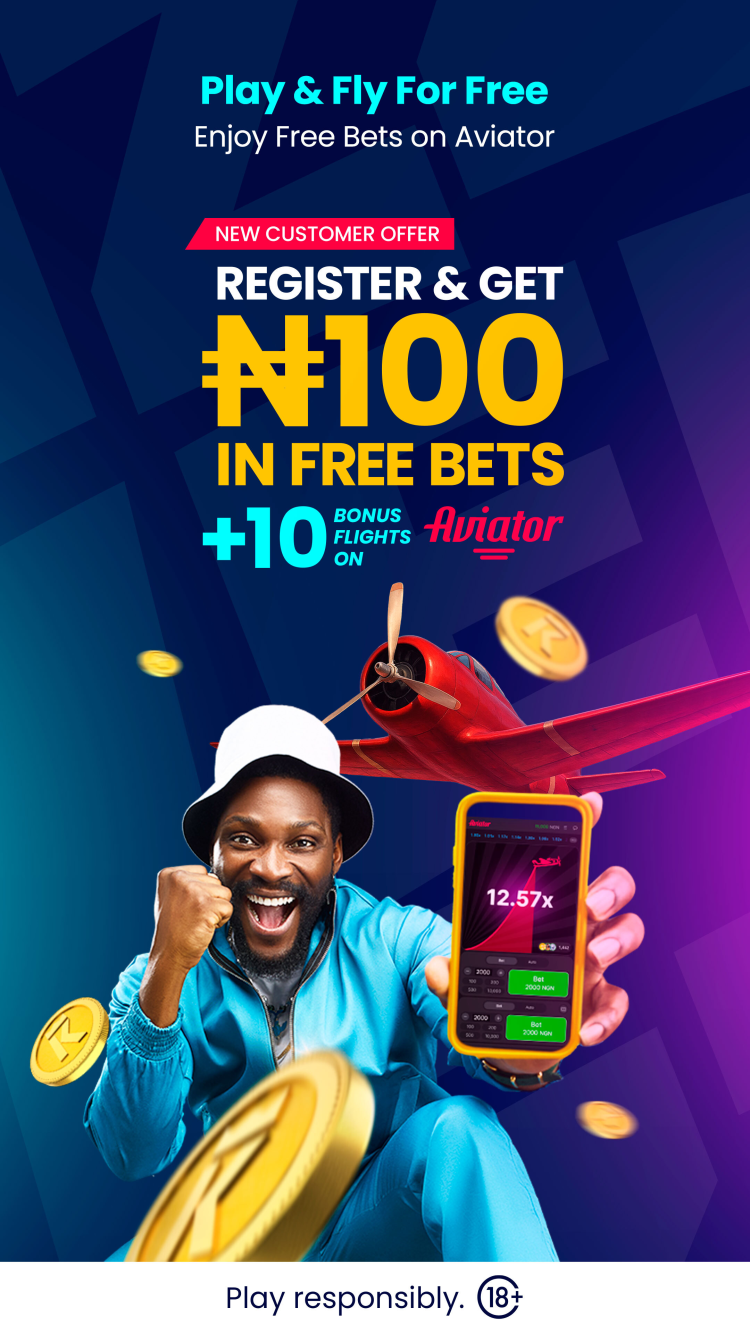
The platform offers a welcome bonus for first-time BetKing registrants, helping them get started and make the most of the betting platform while reducing the number of deposits required. On the next business day after registration and verification, users can receive:
₦50 for betting on sports
₦50 for betting on virtual events
10 Free Flights on Aviator
Regular and time-limited promotions
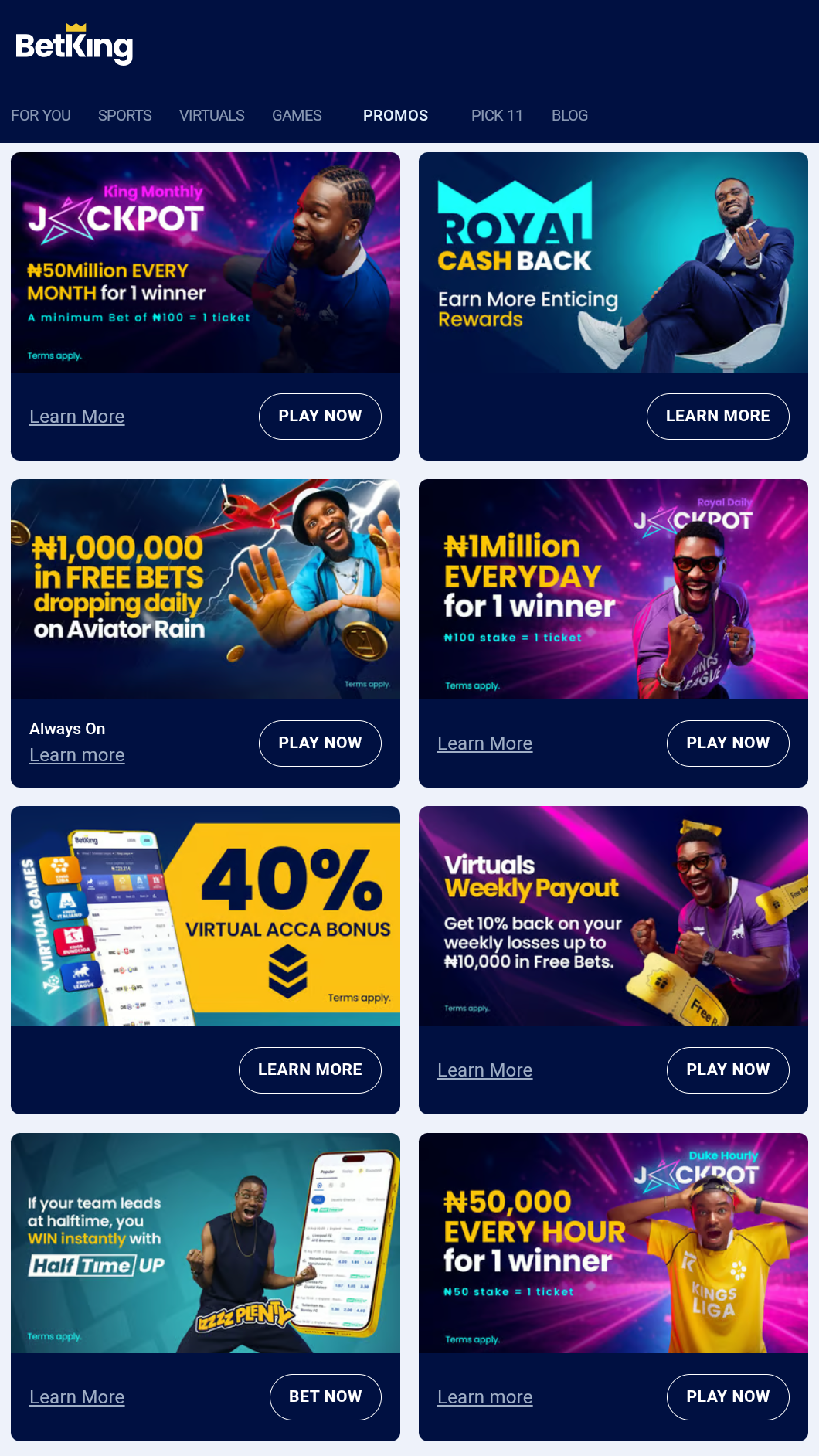
Always On - a promotion for BetKing Games players. With a minimum stake of ₦20,000, users can receive up to 5% cashback on their lost bets per week.
King Monthly Jackpot - the platform offers a monthly jackpot of ₦50,000,000 and other consolation prizes worth over ₦10,000,000 among players who bet at least ₦100 on virtual football.
Aviator Rain - ₦1 Million in Free Bets are randomly dropped into the Aviator game chat seven times daily during 12:00–14:00 WAT and 20:00–01:00 WAT. To qualify, place real-money bets on Aviator during or up to 60 minutes before a drop, and have at least ₦50 in your balance.
Virtuals Weekly Payout - registered users can receive up to 10% of their net weekly losses on Virtual Sports bets as Free Bets, with a maximum of ₦10,000. To qualify, users must place a total minimum stake of ₦500 during the week.
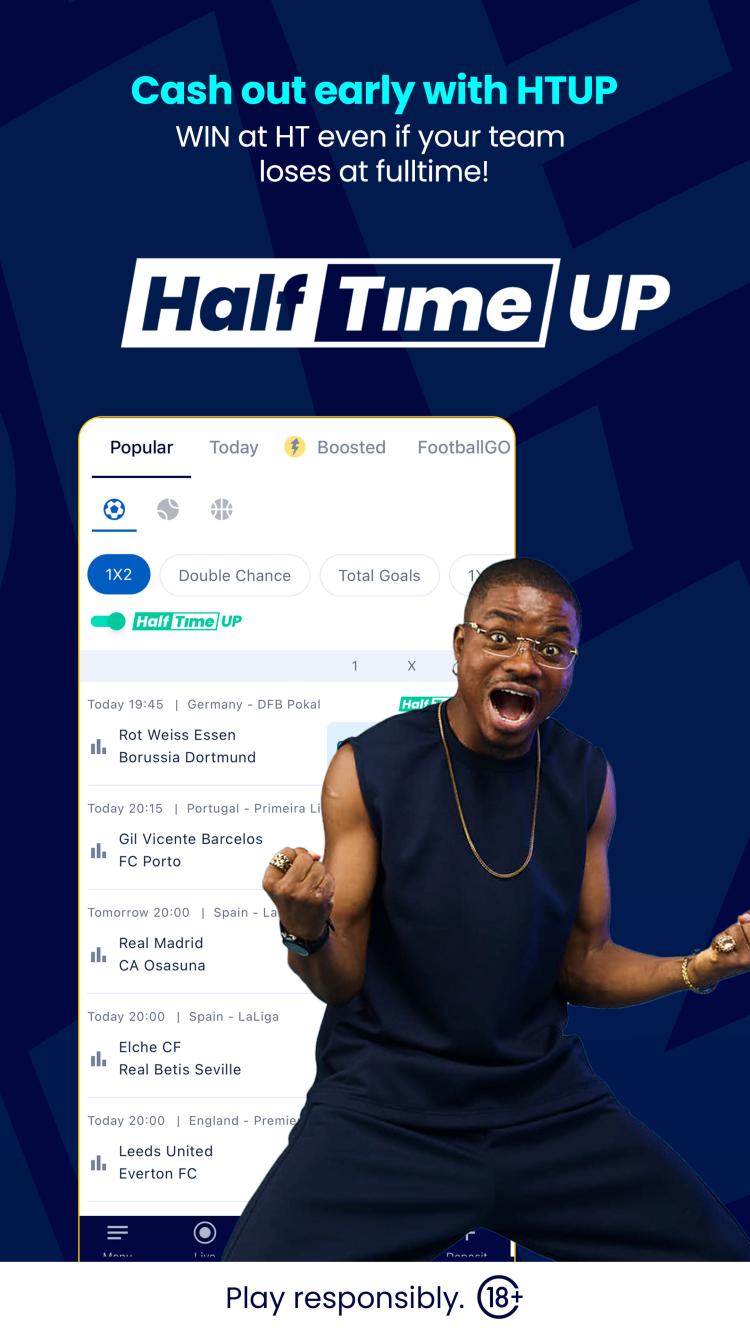
Half Time Up - this feature lets you secure a win on your bet if your selection is ahead at half-time, no matter the final result.
Duke Hourly Jackpot - place a ₦50 bet on any Virtual Football game to enter an hourly jackpot draw for ₦50,000. Each qualifying bet within the hour gives you a chance to win, with one random winner chosen every hour.
Virtuals Daily Refund - a promotion that offers you 1% back on your total daily stakes in Virtual Sports. The more you stake, the more Free Bets you can earn - up to ₦2,500 each day.
300% Accumulator Bonus - BetKing offers bettors a bonus for adding more events to their accumulator bets. With a minimum of 5 selections, you receive a 5% bonus, while including 40 selections can earn you a 300% bonus.
Royal Cash Back - the platform rewards users who deposit ₦750,000 or more per week and place bets totaling at least ₦1,500,000 with a 10% refund on their net losses each week, up to a maximum of ₦200,000.
40% Virtual Acca Bonus - place accumulator bets with 3 to 10 events on Virtual Scheduled Leagues, with no minimum odds required, and receive a bonus of up to 40%.
Royal Daily Jackpot - place a qualifying bet of ₦100 or more on any Virtuals Football game for a chance to win ₦1,000,000. Prize draws are held daily, and winners are selected at random.
Pick 11 Jackpot - a weekly challenge in which users predict the results of 11 football matches for a chance to win up to 10,000,000 NGN.
The availability of bonuses and their amounts is subject to change. Note that eligibility, wagering requirements and other terms and conditions may apply. Be sure to review the "Promos" section in the app or on the official website for the latest information before activating any offer.
Registration in the BetKing mobile application for Android
Registration on the platform is required to access bets and casino games. To create an account:
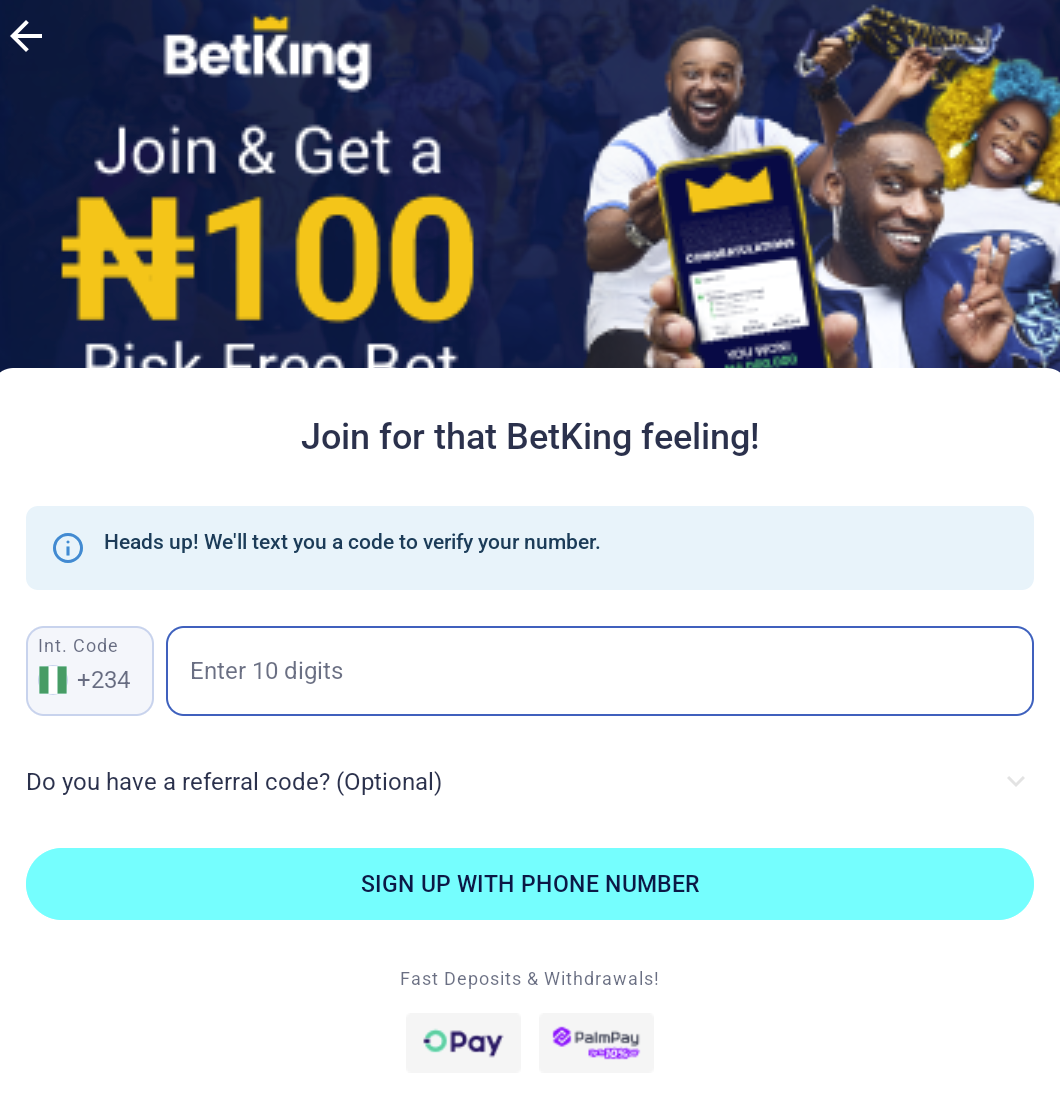
Open the app and press "Join".
Enter your phone number and confirm it with the SMS code. Your number will be used as app login.
Enter all required information, such as your name, email address, and a password. Review your details to ensure accuracy and, if needed, upload any necessary documents.
For better protection of your personal data and funds, always use a strong password and never share it with anyone.
Deposits & withdrawals
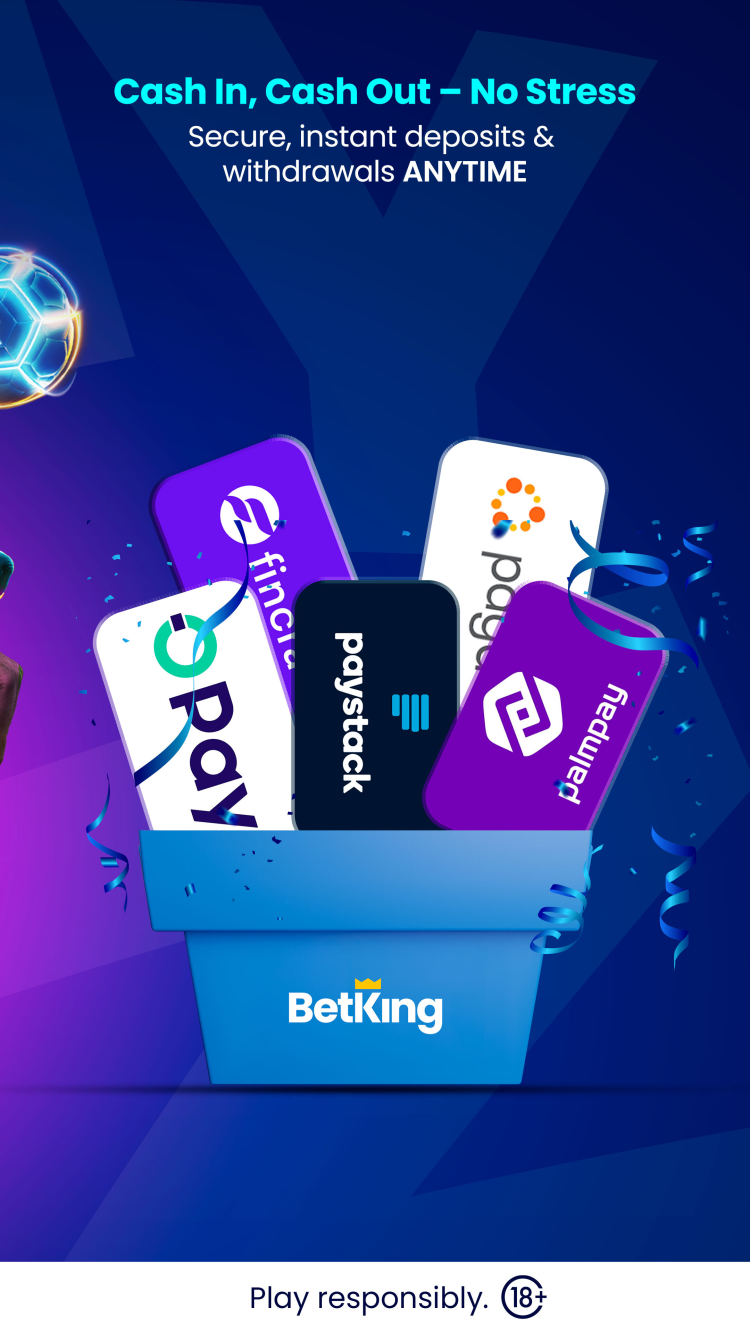
The bookmaker app is compatible with all major payment systems in Nigeria, enabling players to easily deposit funds into their gaming accounts and withdraw winnings anytime, from the smartphone screen.
Supported payment methods
Interswitch: deposits from 50 to 1,000,000 NGN
QuickTeller: deposits from 100 NGN
Opay: deposits from 100 NGN, withdrawals from 1,000 to 10,000,000 NGN
PalmPay: withdrawals from 1,000 to 10,000,000 NGN
Paydirect Bank Branch: deposits from 100 to 10,000,000 NGN
GT Online Bank Transfer: deposits from 100 to 10,000,000 NGN
Bank transfer: deposits from 100 NGN, withdrawals from 1,000 to 10,000,000 NGN
USSD: deposits from 50 NGN
Zenith Bank Mobile Transfer: deposits from 100 to 3,000,000 NGN
QuickTeller ATM: deposits from 100 to 10,000,000 NGN
Payment systems, along with their limits, processing times, and any applicable fees, may change over time. Always check the bookmaker's app or website for the most up-to-date information before making a transaction.
Types of Bets
Standard betting tools
Singles - standard type of bet on one outcome of the selected event.
Multiple bets - this type of bet includes two or more selections, allowing you to combine different events and sports. Also known as "accumulator".
Combination - a complex bet, that allows users to place multiple accumulators in various combinations to cover multiple possible outcomes within one bet.
System bet - a type of combination bet that includes all possible combinations of the selected outcomes. Does not require every prediction to be correct to win the bet.
Betting tools
Cash Out - a feature that enables users to request the sale of a single or multiple bets and receive funds in their gaming account if the bookmaker approves the request. This option is available only for pre-match events.
Bet Builder - this feature lets bettors combine different markets from the same match into a single bet.
FlexiCUT - a tool similar to bet insurance. Choose the outcomes you are uncertain about: if these selections are predicted incorrectly, your bet will not be lost.
Install latest updates
Keeping the app up-to-date is essential to access the latest platform features, bonuses, betting tools, as well as bug fixes, and security updates. If your app does not update automatically over Play Store, update it manually. For that, download Betking APK from freesoft.net and install it without uninstalling the old mobile app.
What's new in the latest version of the app
The latest version of the application has fixed known bugs and improved optimization.
Versions
If you have information about available versions of the software, you can . send it to us.
Q&A
How do I contact support?
You can receive 24/7 support in English through live chat in the app, by calling 02013307247, by emailing cs@betking.com, or via Facebook.
In which countries can I use the app?
The BetKing app is intended for users in Nigeria and requires registration with a Nigerian phone number.
What languages are supported?
The app is available exclusively in English.
How do I verify my account?
Complete bank profile and KYC verification, by uploading a valid government-issued ID: National Identity card (NIN) card/ slip, Permanent Voter’s Card (PVC), International Passport or a Driver’s license.
Can I use the BetKing app on low-end or older Android devices?
Unfortunately, the app requires Android version 7.0 or higher and won't work on older gadgets.
Pros and cons
Benefits
Wide range of sports and casino games available in one app
Competitive odds across 500+ markets for major sports
Attractive promotional offers
24/7 customer support available directly within the app
Fast and intuitive user interface for easy navigation
Disadvantages
A relatively small number of sports broadcasts
Limited geographic availability
Casino game selection and esports coverage is smaller compared to certain competitors

 Русский
 Français