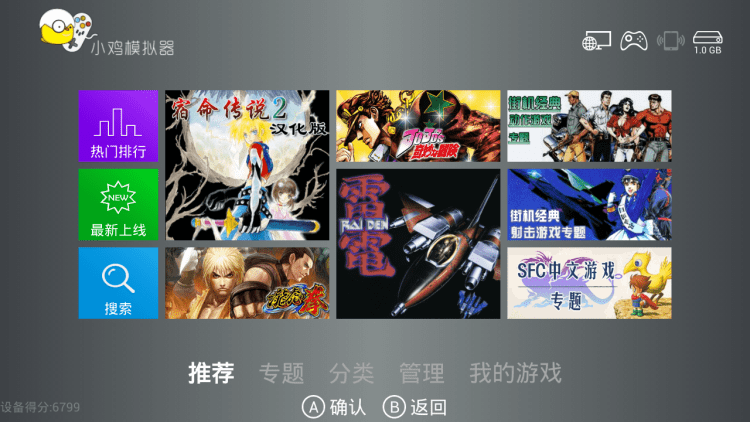
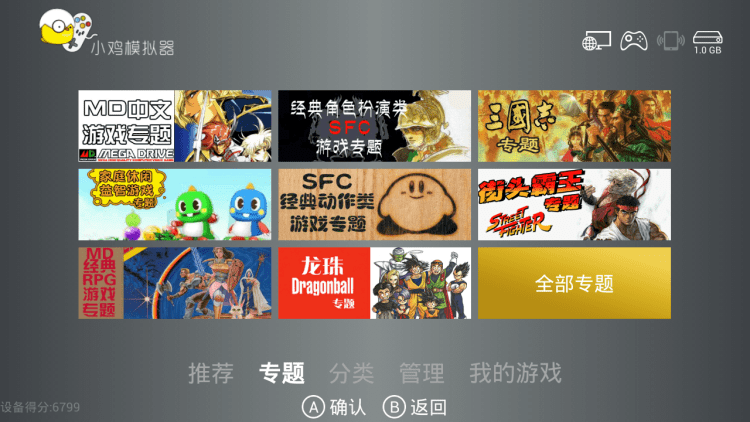
Happy Chick for TV Box is an easy way to play your favorite console games on a modern TV or using an Android set-top box.
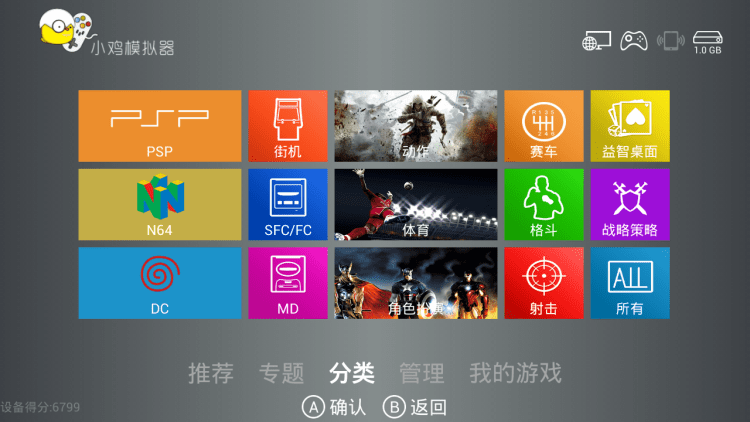
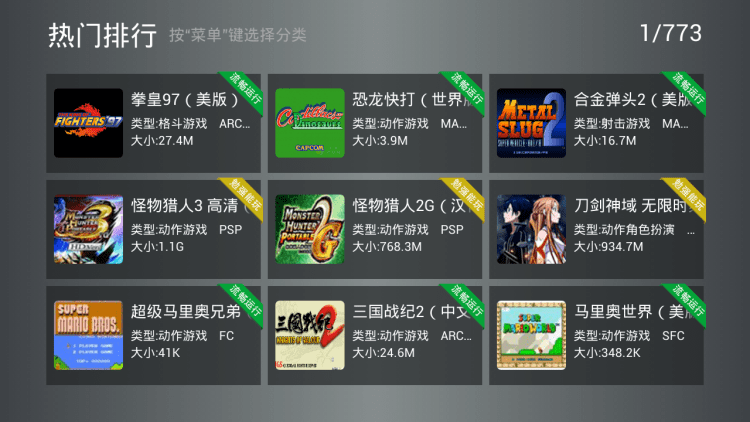
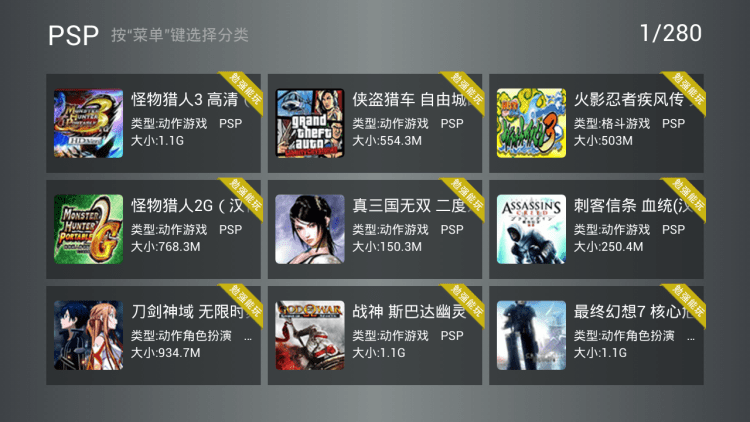
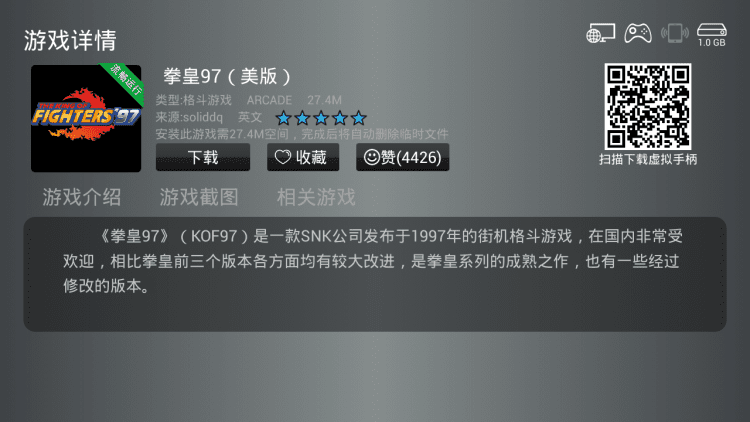
Just like the Happy Chick emulator mobile app, our TV Box version supports almost all popular consoles, from Nintendo 64 to PSP and PS. The interface of the program is designed so that the user could easily and conveniently control the game, or navigate through the menu, using the remote control or an external controller. It is important that you do not need to search for and install games yourself. The latest version of the application has a catalog of more than 8000 console games. They are categorized by platform and by genre, for easier searching. And a nice addition will be a section with recommended games, ratings and instant search.
Unfortunately, the catalog in the TV version of the program is somewhat more modest than in the mobile version of the emulator. In addition, emulation of some relatively new consoles is not available here. It is also worth adding that there is no Russian language interface.
Want to play your favorite retro games on the TV screen, but do not want to buy a game console? Then download the free app Happy Chick for TV Box for Android.
File size: 100.01 MB. Requires Android 2.0 or higher. Optimized for Smart TVs and Android set-top boxes.
Last updated: October 25, 2024
Yes, Happy Chick for TV Box is free to download and use. The app includes a built-in catalog of more than 8000 console games from platforms like Nintendo 64, PSP, and PlayStation. Games can be installed directly from the catalog at no cost, and no separate downloads or manual setup are needed.
The APK on freesoft.net has been scanned with VirusTotal. The file is the original build published by the developer HappyChick, without any repackaging or code modifications. All files on this site are provided in their unaltered form.
Download the APK to your TV Box either through its built-in browser or by transferring the file from a phone via USB. Go to Settings → Security and enable "Install from Unknown Sources." Then open a file manager, find the APK in your Downloads folder, and tap "Install." The app launches with a TV-optimized interface that works with a remote control or external gamepad.
Alternatives include RetroArch Plus, which supports a wide range of console cores, and the standard HappyChick mobile emulator, which has a larger game catalog but is designed for phones rather than TV screens. PPSSPP is another option if you primarily want PSP games. Happy Chick for TV Box stands out with its TV-adapted interface, built-in catalog of 8000 titles, and support for both remote controls and gamepads.
To rate Happy Chick for TV Box you need to register or log in on our website
All files provided on this site are original, we do not repackage or modify the files.
Mail domain must match the domain of the developer's site
A link to confirm registration was sent to your email

 Русский
 Français





 Download