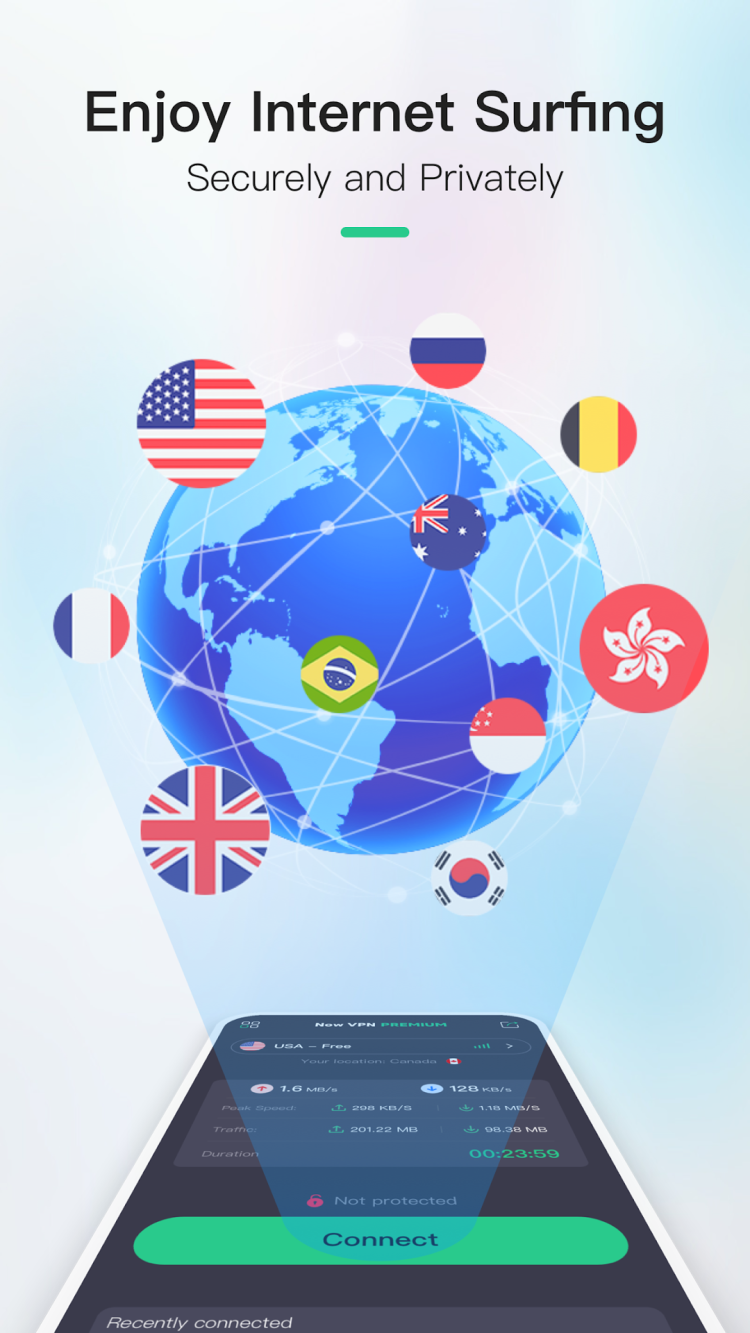
Now VPN is your reliable assistant in protecting your online activity from all sorts of tracking. It can reliably protect your data, even when working in public Wi-Fi networks, and ensures an outstanding browsing experience, thanks to low impact on the connection speed.
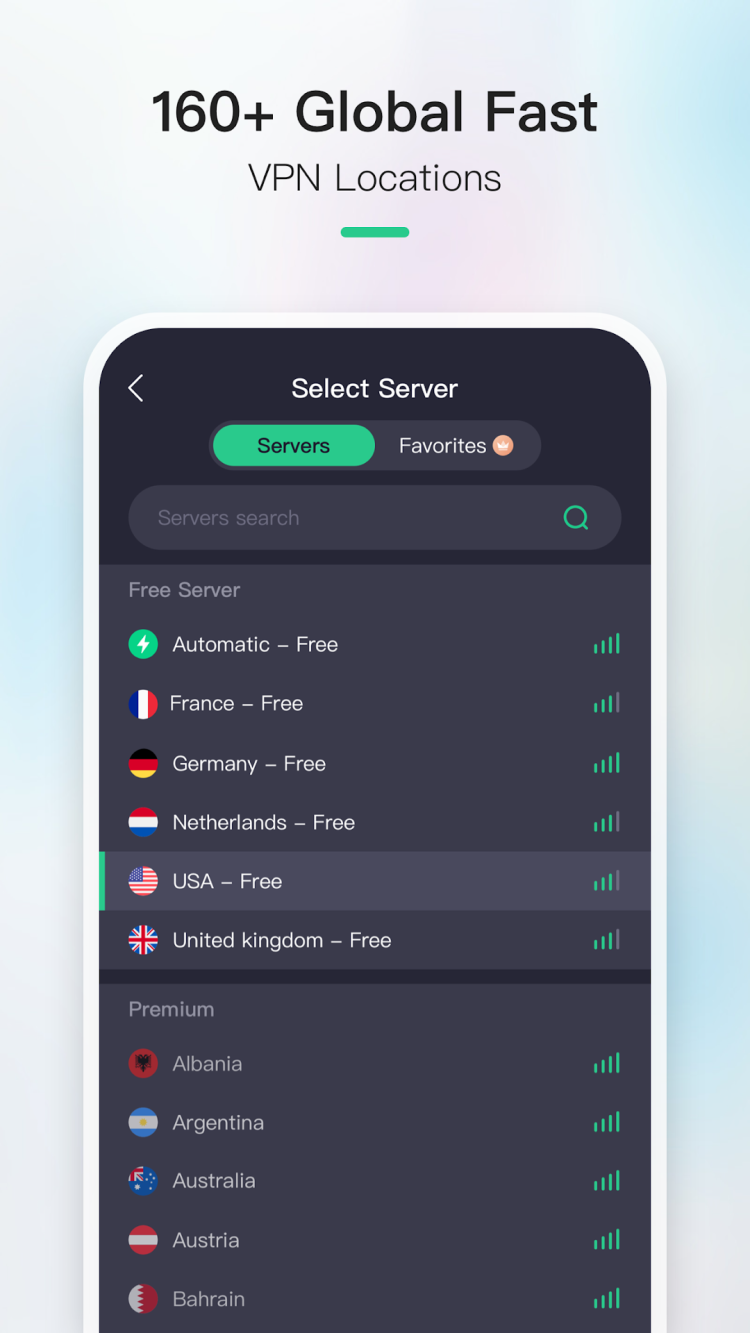
The first thing that catches your eye when you launch the program is that there is no need to register. You don't need to enter any personal data or even sign-up, to benefit from the reliable protection in this app. The latest version of Now VPN offers more than 100 servers in 20 countries around the world. Each of them is available completely free. All the data, transmitted through the secure server, is reliably encrypted. This guarantees, that no one will be able to intercept and decrypt it. To ensure even better protection, Now VPN boasts a strict zero logs policy: it doesn't store or disclose an original IP or other data.
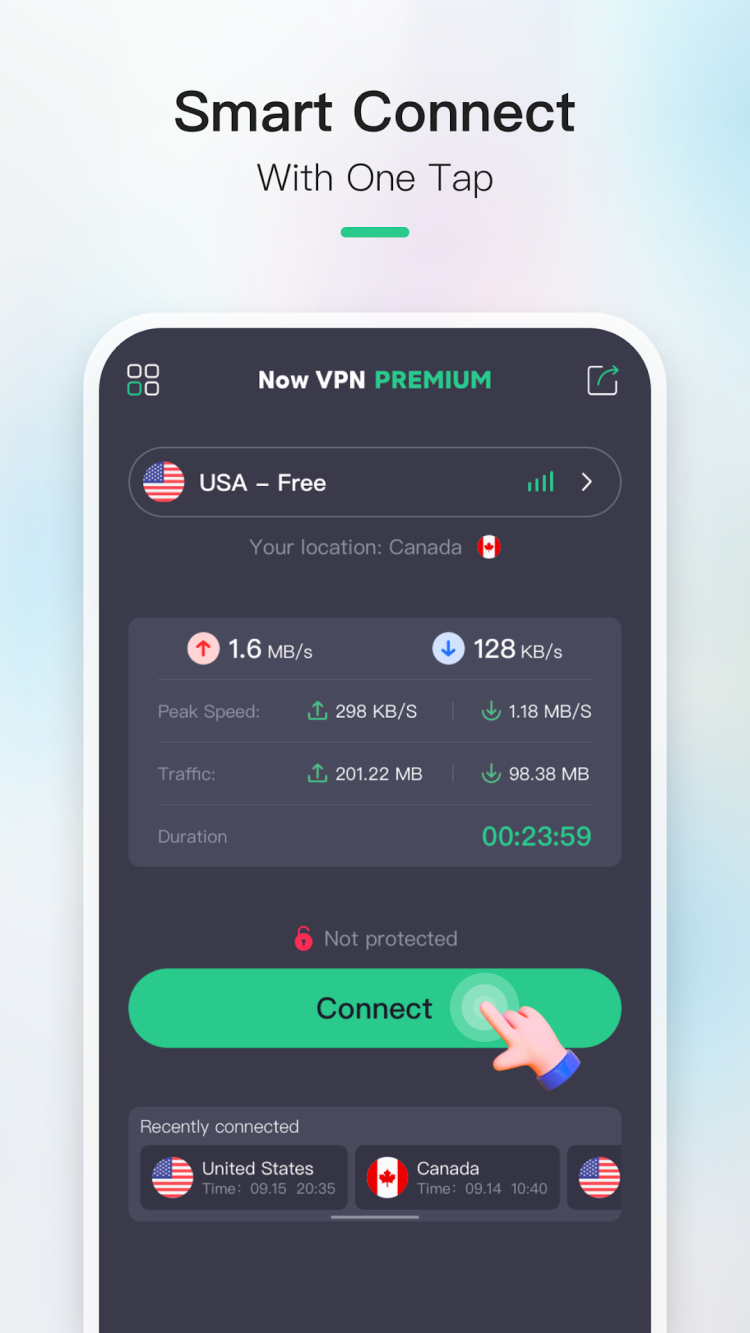
It is very easy to start using this app. Just choose the desired country and tap a single button to establish the connection. That's it, now you can enjoy maximum protection without any restrictions,
From freesoft.net, you can always download the latest version of Now VPN for Android.
File size: 99.07 MB. Requires Android 6.0 or higher.
Last updated: November 30, 2024
Tap the green "Download" button on this page to save the APK file. Before installing, go to Settings, then Security, and enable "Install from Unknown Sources." Open your Downloads folder, tap the APK file, and follow the on-screen prompts to complete the installation.
Now VPN is completely free to use with access to all 100+ servers in 20 countries. No registration or personal data is required to get started. A paid subscription is available for users who want accelerated connection speeds beyond the standard offering.
Launch the app, select your preferred country from the list of 20 available regions, and tap the connect button. The connection establishes in seconds. All traffic is routed through an encrypted tunnel automatically, so there is no need to configure proxy settings manually.
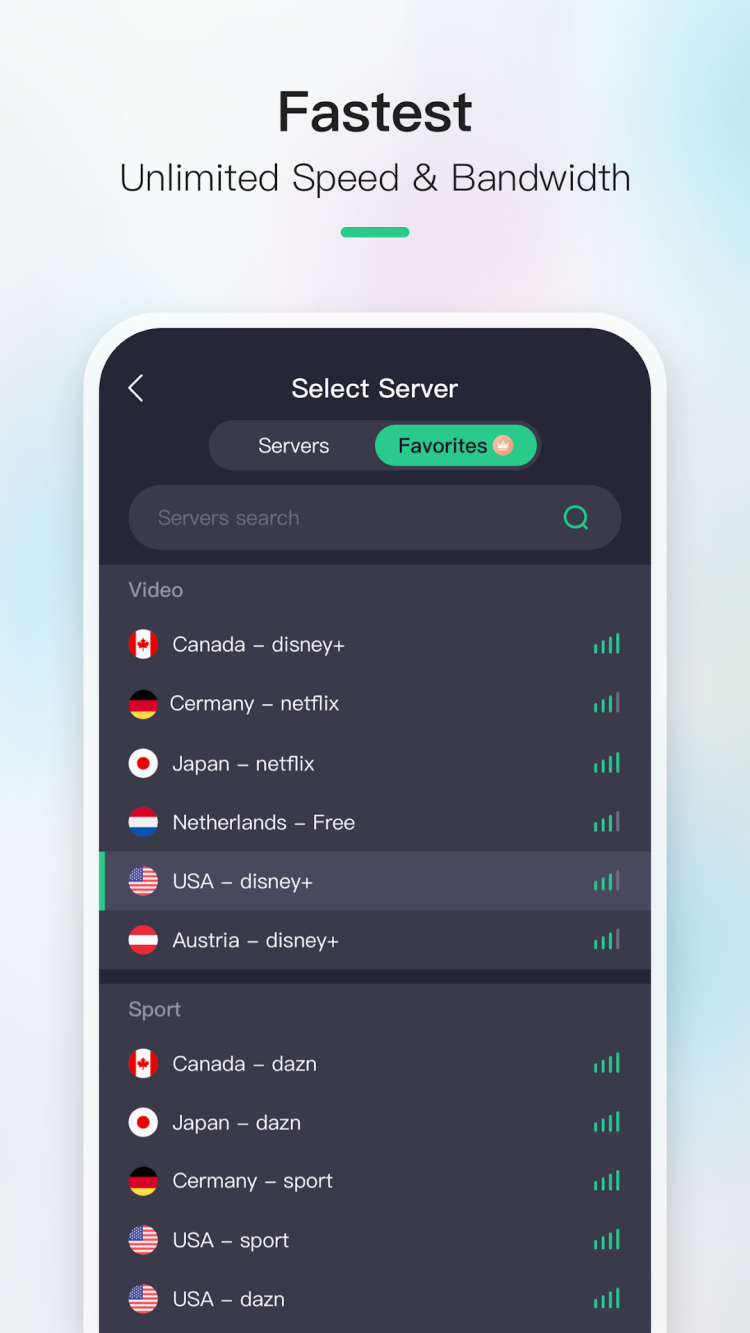
Now VPN is designed for minimal impact on browsing speed. The app maintains high-speed servers that keep latency low during regular browsing and streaming. Subscribers who opt for the premium plan gain access to accelerated speeds for bandwidth-intensive tasks.
Open the app and look for the subscription or upgrade option within the settings or main screen. The premium plan offers faster connection speeds and an ad-free experience. Payment is handled through the standard in-app purchase flow on your device.
To rate Now VPN you need to register or log in on our website
All files provided on this site are original, we do not repackage or modify the files.
Mail domain must match the domain of the developer's site
A link to confirm registration was sent to your email

 Русский
 Français





 Download