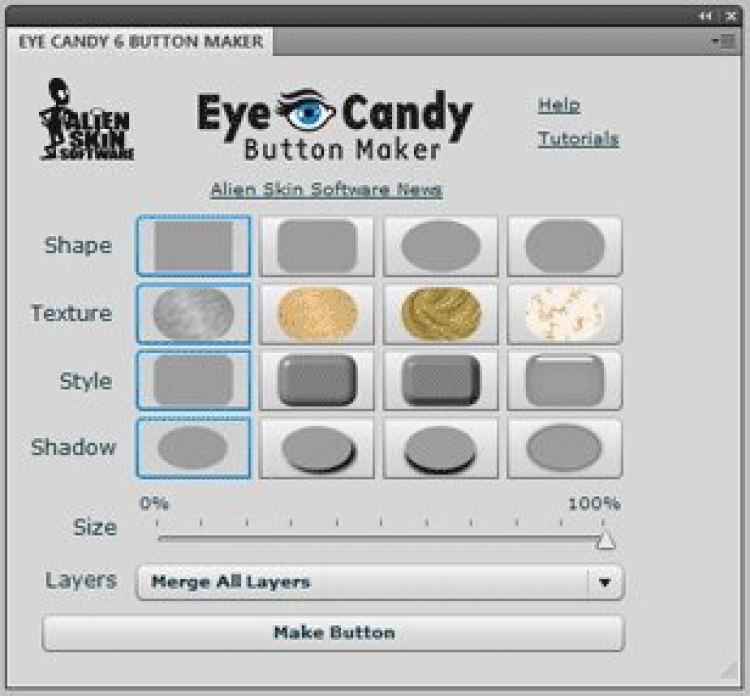
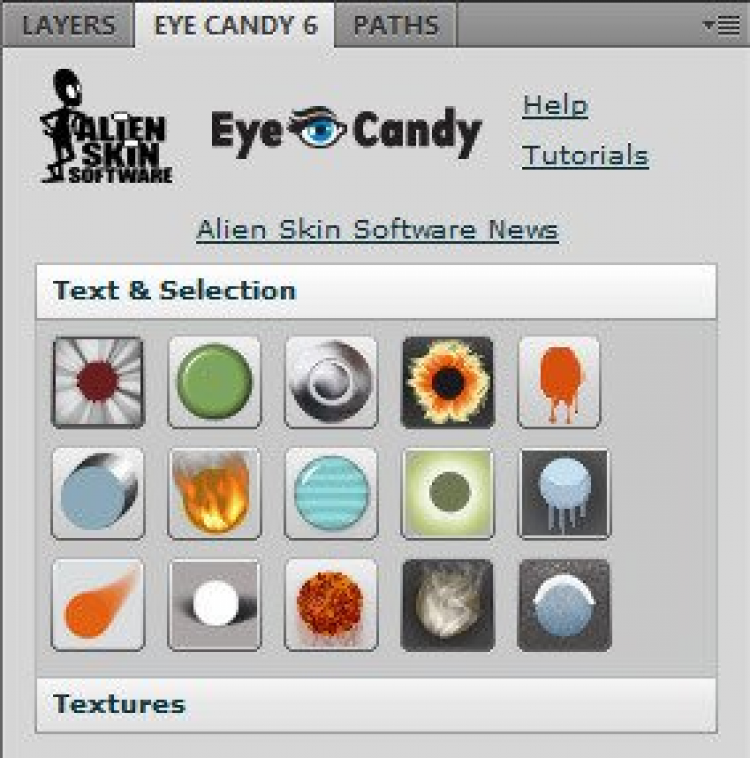
Eye Candy 4000 is a set of 30 Photoshop filters. It has a simple and clear interface, so even those who have just begun to learn Photoshop can easily get to grips with it. In total, Eye Candy 4000 contains over 1,500 presets, divided into categories for easy selection.
File size: 48.15 MB. Compatible with Windows XP, Vista, 7.
Last updated: April 2, 2019
A demo version of Eye Candy 4000 is available for free download from this page. The 48.15 MB installer lets you try all 30 filters and browse the full library of over 1,500 presets before deciding to purchase. No registration is needed to download the demo.
Yes, the installer provided on this page has been scanned using VirusTotal. Freesoft.net hosts the original file from the developer Alien Skin without any modifications or bundled third-party software. All downloads are served in their original form.
Eye Candy 4000 requires Windows XP, Windows Vista, or Windows 7 and supports both 32-bit and 64-bit architectures (x32/x64). You also need a compatible version of Adobe Photoshop installed, since Eye Candy 4000 operates as a Photoshop plugin rather than a standalone application.
Download the installer from this page, run the .exe file, and follow the setup wizard. The installer will detect your Photoshop installation and place the plugin files in the correct directory. After installation, restart Photoshop and access Eye Candy 4000 from the Filters menu.
Other image editing tools available on freesoft.net include PhotoPad Photo Editor (version 4.16), Noise Ninja (version 2.2.0), and ImageSmith (version 2.1). For full-featured graphic editors rather than plugin packs, GIMP (version 2.10.34) and Paint.NET (version 5.1.9) are strong free options.
To rate Eye Candy 4000 you need to register or log in on our website
All files provided on this site are original, we do not repackage or modify the files.
Mail domain must match the domain of the developer's site
A link to confirm registration was sent to your email

 Русский
 Français






 Download