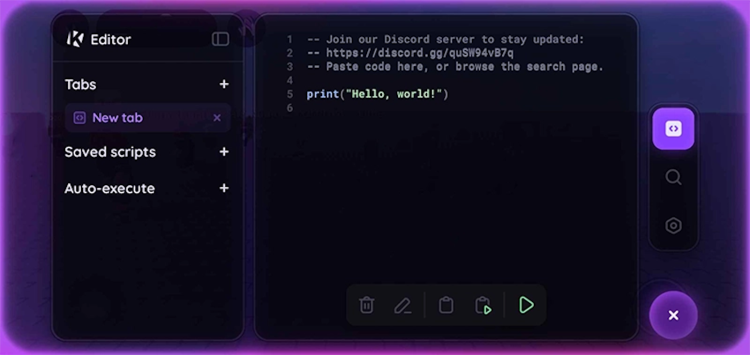
Krnl is a mobile software, designed to make your gaming sessions unforgettable, thanks to various custom scripts.
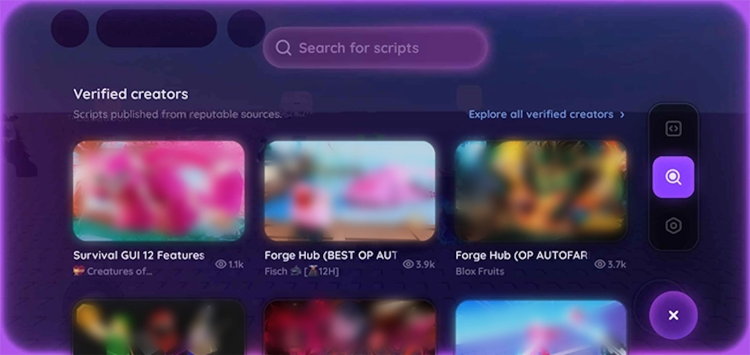
Roblox is one of the most popular sandbox games for a reason. It is a whole creative platform, where players can craft their own unique worlds and explore them together with friends. Despite the fact that the basic capabilities of the game are almost limitless, the game obtained numerous unofficial mods and improvements, and Krnl is one of them. However, this program itself barely adds anything new to the game: It only helps gamers to use custom scripts, which, in turn, bring additional opportunities. This can be anything: from resource farming and changing the character's appearance to flying and automatic aiming.
One of the biggest advantages of Krnl for Android is its ease of use. To start using scripts, follow these easy steps:
Please note! It is important to remove the original game from your smartphone prior to installing Krnl APK.
The latest version of Krnl for Android is always available to download absolutely free at FreeSoft. Try it today and rediscover your favorite sandbox game, without any paid add-ons.
File size: 215.28 MB. Requires Android 5.0 or higher.
Last updated: June 19, 2025
Tap the green "Download" button on this page to save the Krnl APK. The file is 215.28 MB, so a stable internet connection is recommended. After the download finishes, enable "Install from Unknown Sources" in your Android settings and install the APK from your Downloads folder.
Yes, Krnl is available as an Android APK. The current version (2.677.762) supports Android 5.0 and above. It works by replacing the standard Roblox client on your device, so you need to uninstall the original Roblox app before installing Krnl.
You can download the latest version of Krnl APK directly from this page on freesoft.net. The file hosted here is the original, unmodified build from the developer Ice Bear. All downloads are scanned with VirusTotal before publication.
Krnl is completely free to download and use. There are no subscriptions, in-app purchases, or hidden fees. The APK gives you access to a script executor with a floating button interface that lets you paste and run custom Roblox scripts at no cost.
The Krnl APK on freesoft.net has been tested with VirusTotal. The file is provided in its original form without any repackaging or modifications. Freesoft.net does not alter the code of any uploaded applications.
First, uninstall the standard Roblox app from your device. Then download the Krnl APK from this page, enable "Install from Unknown Sources" in Settings → Security, and tap the downloaded file to install. After launch, join any Roblox game and use the floating Krnl button to execute scripts.
To rate Krnl you need to register or log in on our website
All files provided on this site are original, we do not repackage or modify the files.
Mail domain must match the domain of the developer's site
A link to confirm registration was sent to your email

 Русский
 Français





 Download