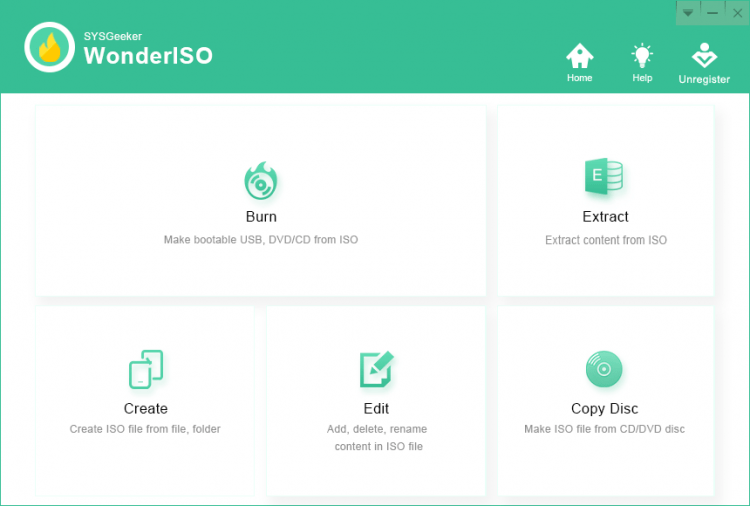
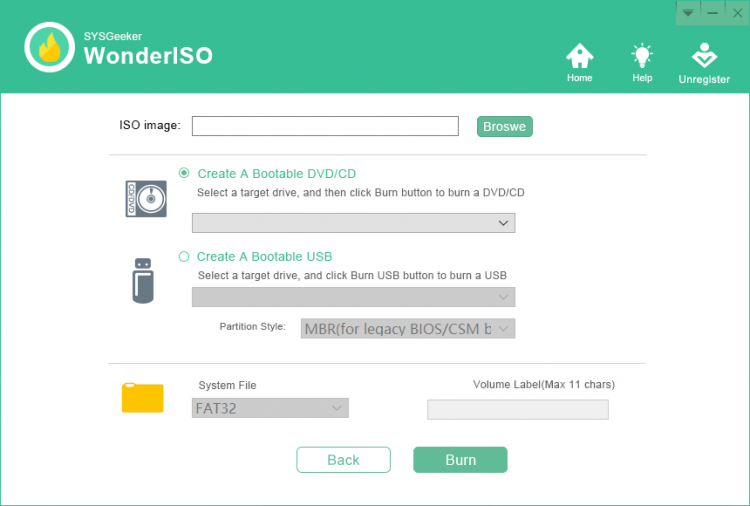
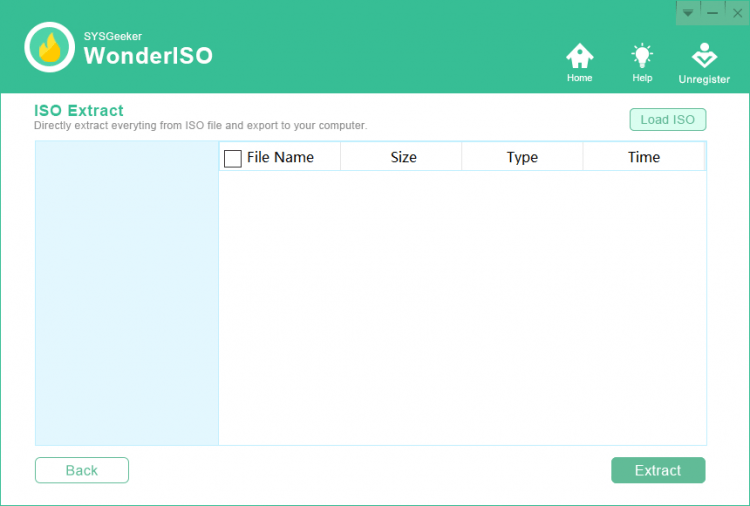
WonderISO is a versatile program that allows you to perform a wide range of actions with ISO images. To be exact, it can burn, extract, create and edit ISO files, as well as burn bootable USB flash drives. And due to its simple and clear interface the program can be used even by those users who have no experience in working with such programs.
This is an independent program with which you can make a bootable USB flash drive to install different versions of Windows and Linux distributions. It supports:
Using this program you can create a multi-boot flash drive for different situations.
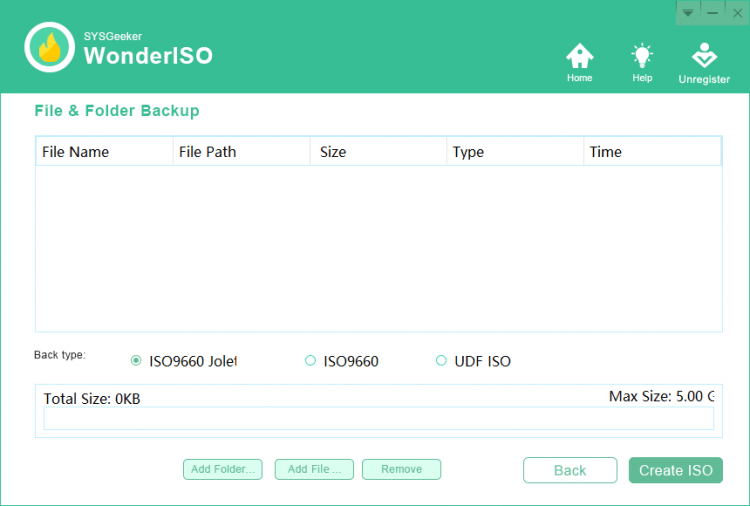
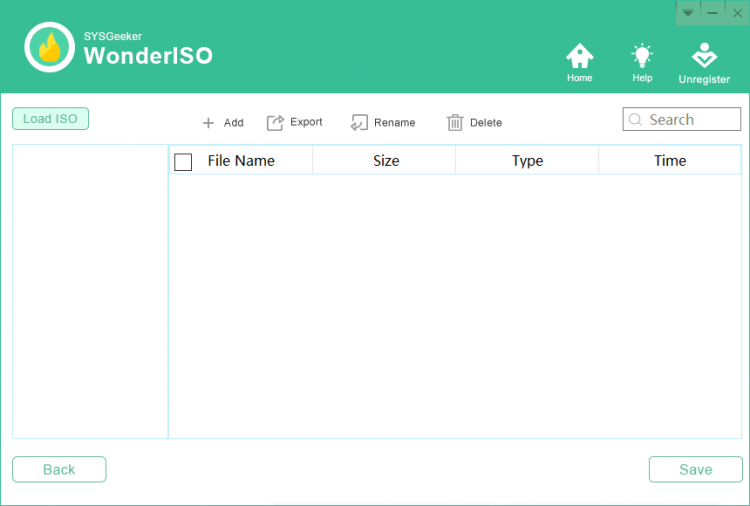
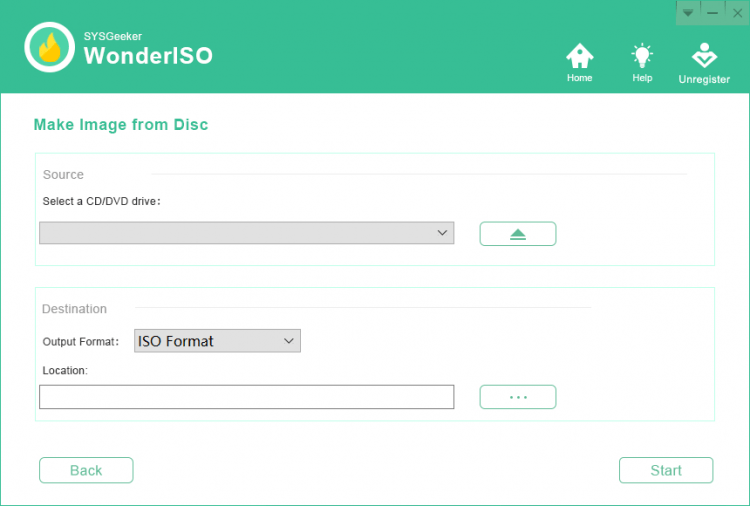
WonderISO also allows you to create an ISO image from a file, folder or disk, edit its contents and burn it to a disk. Due to its intuitive interface all operations are simple and easy to perform.
The program is compatible with UEFI and MBR boot modes
You can free download WonderISO for Windows from freeSOFT.com.
File size: 17.27 MB. Compatible with Windows 7, 8, 10.
Last updated: February 15, 2021
WonderISO is a paid application priced at $39.95, but a trial version can be downloaded from this page at no cost. The 17.27 MB installer gives you access to the program so you can evaluate its ISO burning, extraction, and bootable USB features before purchasing a license.
Yes, the installer hosted on freesoft.net has been checked with VirusTotal and is confirmed free of malware. The file comes directly from the developer SYSGeeker Co., Ltd. and has not been repackaged or modified in any way.
WonderISO requires Windows 7, Windows 8, or Windows 10 and supports both 32-bit and 64-bit architectures (x32/x64). The installer is 17.27 MB, and you will need additional free space for ISO files you create or extract. A USB port is required for bootable drive creation.
Download the installer from this page, double-click the .exe file, and follow the setup wizard. The installation completes in under a minute. Once launched, the main screen presents clear options for burning, extracting, creating, and editing ISO images.
Other disc and ISO tools available on freesoft.net include UltraISO (version 9.7.6.3860), BurnAware (version 16.9), and CDBurnerXP (version 4.5.8.7128). UltraISO is a close feature match for ISO editing, while BurnAware and CDBurnerXP focus more on disc burning with free editions available.
To rate WonderISO you need to register or log in on our website
All files provided on this site are original, we do not repackage or modify the files.
Mail domain must match the domain of the developer's site
A link to confirm registration was sent to your email

 Русский
 Français





 Download