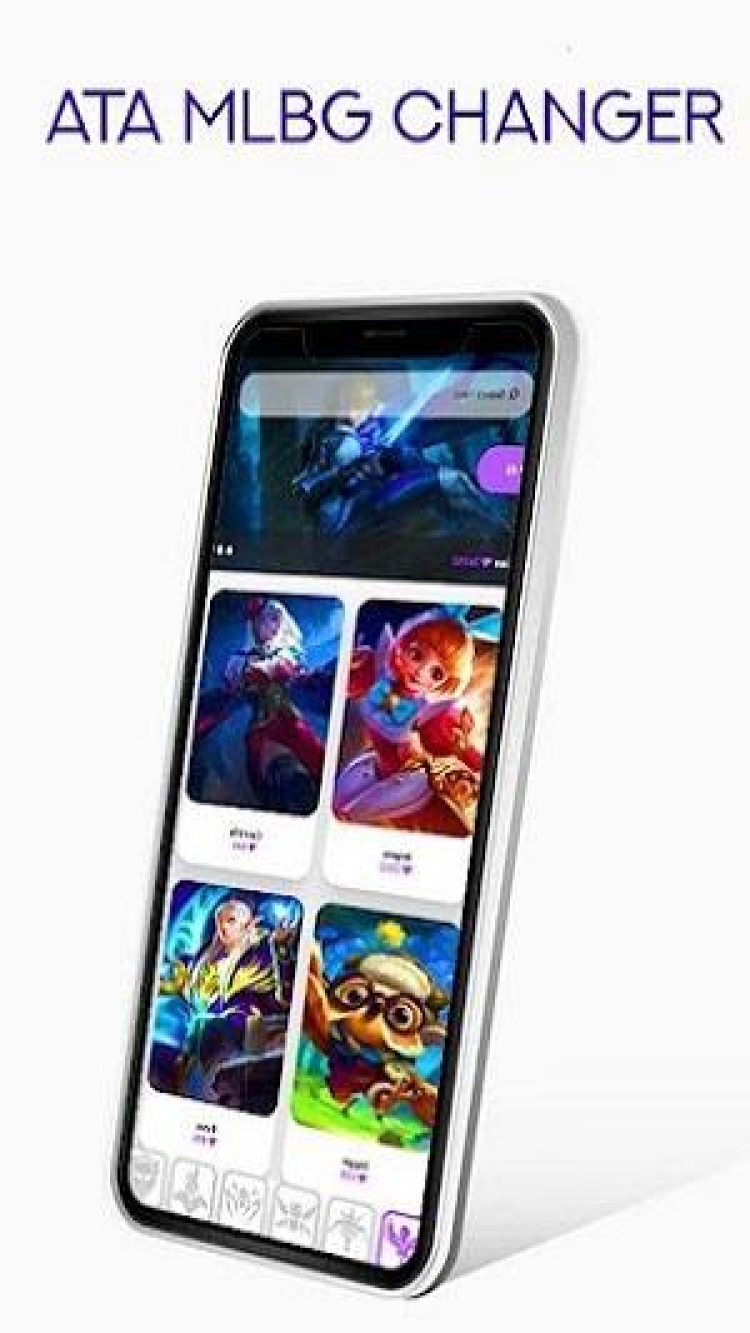
⚠️ Risk Warning: Using skin changers can result in Mobile Legends account bans. Moonton actively detects and bans injector users. Use at your own risk — never use on your main account.
| Latest Version | 3.4.9 |
| File Size | 15.5 MB |
| Requires Android | 5.0+ (Lollipop) |
| Updated | February 02, 2025 |
| Package Name | com.nbsjr24 |
| Developer | ATA Myanmar |
Works with: Most Android 5.0+ devices. Requires Mobile Legends: Bang Bang installed. May break after MLBB updates — check back for new ATA versions when the game updates.
Important: Skins are client-side only. You see them; other players see your default skin. This is a visual change for you, not an actual unlock.
| App Name | ATA MLBG Changer |
| Version | 3.4.9 |
| Size | 15.5 MB |
| Category | Tools (Game Modification) |
| Developer | ATA Myanmar |
| Package Name | com.nbsjr24 |
| Requires Android | 5.0+ |
| License | Free |
| Last Updated | February 02, 2025 |
| Downloads on FreeSoft | 4,302 |
| Requires | Mobile Legends installed |
| Ban Risk | Yes — use at own risk |
Warning: This is an unofficial modding tool for Mobile Legends. Using skin changers can result in account bans. Moonton (the developer of Mobile Legends) doesn't approve of modified clients. Use at your own risk — preferably on an alt account.
Important: The mods are client-side only. You see the skins; other players see your default skins. It's a visual change for you, not an actual unlock.
If Mobile Legends updates: This tool may stop working until the developer releases a compatible version. Game updates sometimes break mod tools.
Still having issues? Game mods are inherently unstable and break with updates. If problems persist, wait for a new version or use Mobile Legends without modifications.
| Result | 0/70+ engines |
| Scan Date | January 15, 2026 |
| File Name | ata-mlbg-changer-3.4.9.apk |
Verify your download matches our scanned file:
| SHA-256 | 7b1551e8865dd4e21f965d829bd2467f5122bd3a883af927dd6f38aee3e46a21 |
| MD5 | 3cfdd8f5594147541240a77563d27a05 |
| Certificate | ATA Myanmar |
| Package | com.nbsjr24 |
ATA MLBG Changer is a game modification tool. While it passes VirusTotal scans:
Every file on FreeSoft goes through our verification process before listing:
We've been doing this since 1998. If something looks suspicious, it doesn't get listed.
Note: This tool needs updates whenever Mobile Legends pushes a major patch. If mods stop working, check back for a new version.
Last updated: January 2026
There's a risk. Moonton doesn't like modded clients, and they've banned accounts for using skin changers before. Some users report playing for months without issues; others get caught quickly. The detection methods change with updates. If your account matters to you — ranked progress, purchased skins, competitive standing — consider whether it's worth the risk.
No. The skins are client-side only — they show up on your screen, but everyone else sees your actual equipped skin. You're not actually unlocking anything; you're just changing what your client displays locally. It's like having a personal filter on your game.
The APK passes VirusTotal scans. It's not malware. But it is a game modification tool, so antivirus software sometimes flags it based on what it does rather than what it contains. The safety question is more about your Mobile Legends account than your phone — using mods carries ban risk.
Mobile Legends updates frequently, and each update can break compatibility with mod tools. The developers of ATA MLBG Changer need to update their tool to match the new game version. This usually takes a few days to a week. Check back here for new versions, or follow the developer (ATA Myanmar) for update announcements.
Primarily skins — hero skins, effects, backgrounds, and UI elements. The tool lets you preview and apply various cosmetic changes that would normally require purchasing in-game. Specific available mods depend on the version and what the developer has added. It's focused on visuals, not gameplay advantages.
Download the latest version (3.4.9) — it has the best compatibility with current Mobile Legends versions and includes the newest skins.
ATA MLBG Changer follows Mobile Legends updates:
If your current version stopped working, check if there's a newer one available.
Risk reminder: All versions carry ban risk. Using any skin changer on your main Mobile Legends account is not recommended.
To rate ATA MLBG Changer you need to register or log in on our website
All files provided on this site are original, we do not repackage or modify the files.
Mail domain must match the domain of the developer's site
A link to confirm registration was sent to your email

 Русский
 Français



 Download