⚠️ DISCONTINUED: Jasi Patcher is no longer maintained. Development stopped in 2023. Consider using Lucky Patcher as an actively developed alternative.
| Latest Version | 4.11 (Final) |
| File Size | ~5 MB |
| Requires Android | 5.0+ (Lollipop) |
| Updated | 2023 (discontinued) |
| Package Name | com.android.vendinf |
| Developer | jaspreet singh |
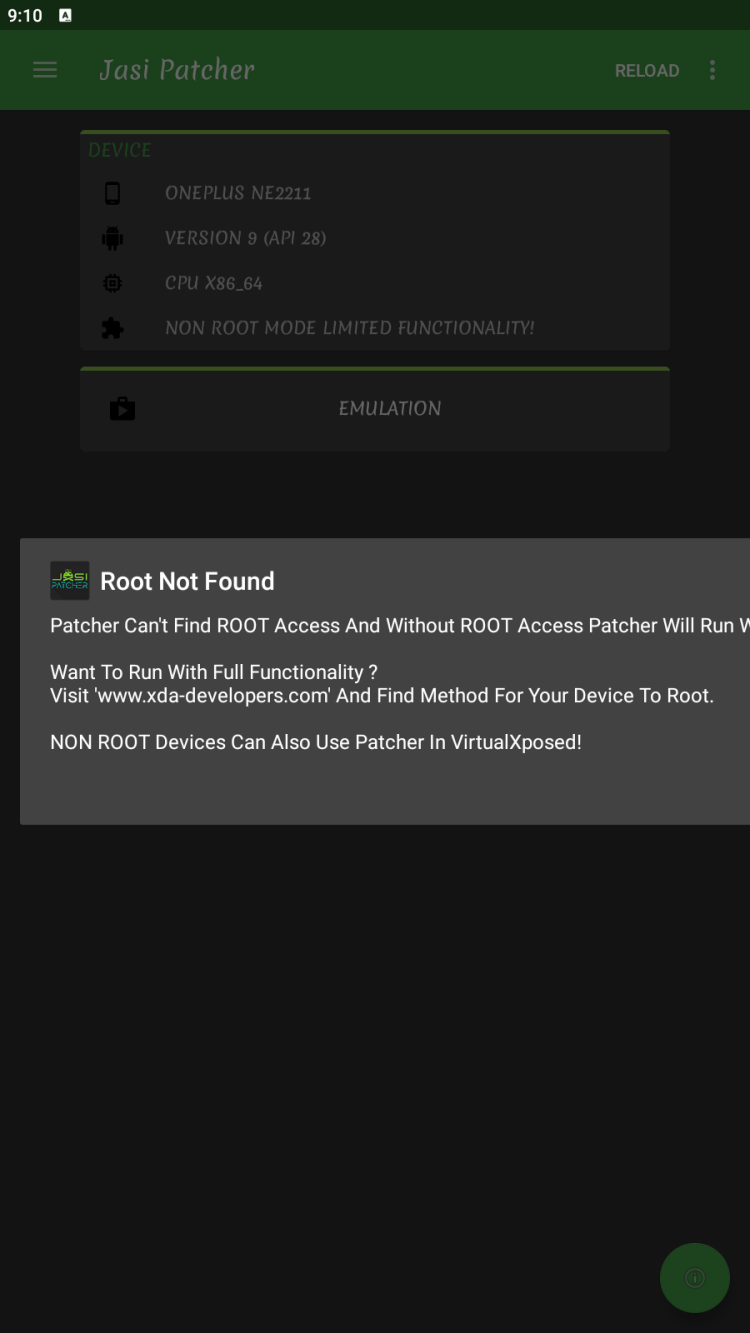
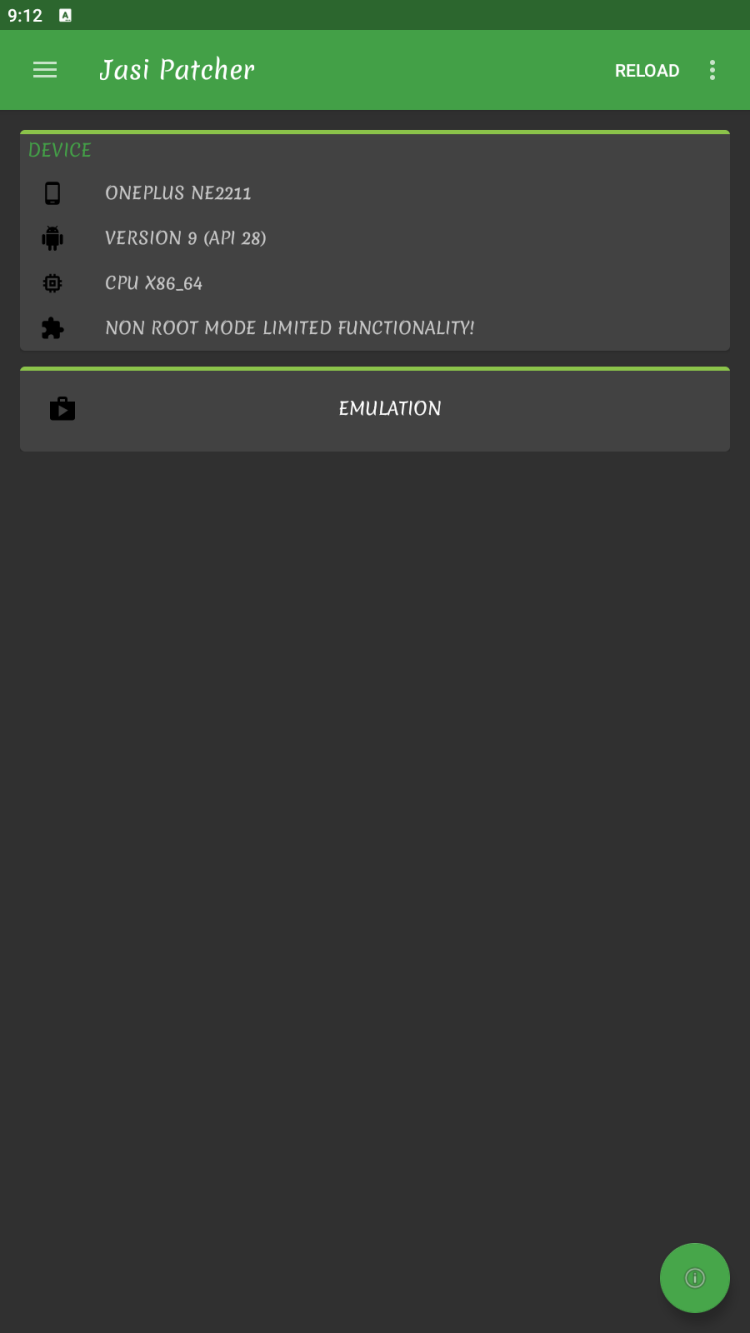
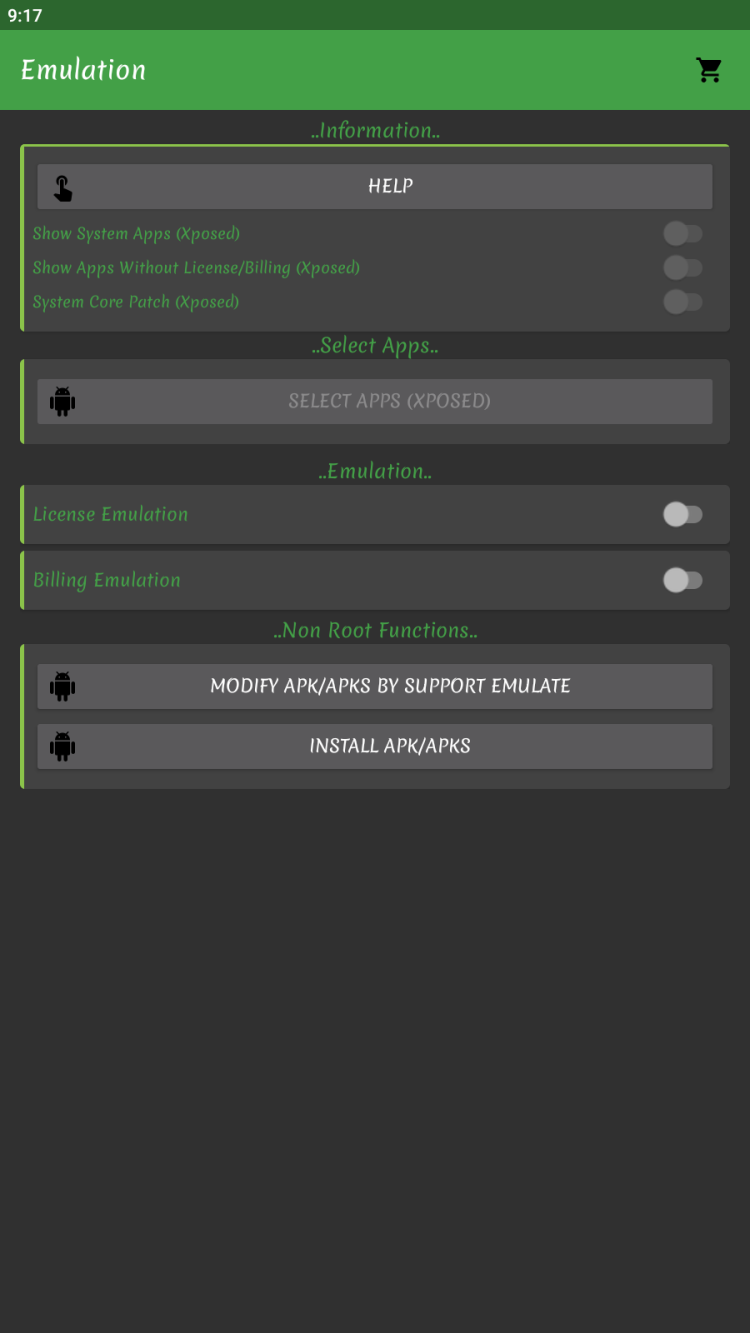
Without root and Xposed, this tool has very limited functionality.
| App Name | Jasi Patcher |
| Version | 4.11 (Final) |
| Size | ~5 MB |
| Category | Tools (System Modification) |
| Developer | jaspreet singh |
| Package Name | com.android.vendinf |
| Requires Android | 5.0+ |
| License | Free |
| Last Updated | 2023 |
| Downloads on FreeSoft | 30,633 |
| Requires ROOT | Yes (for full functionality) |
| Requires Xposed | Yes (for advanced features) |
| Status | DISCONTINUED |
⚠️ DISCONTINUED SOFTWARE: Jasi Patcher is no longer maintained. Use at your own risk. Consider Lucky Patcher as an alternative.
Requirements: Jasi Patcher needs a rooted device AND Xposed Framework installed. Without both, the app has very limited functionality. If your phone isn't rooted, this tool isn't for you.
Warning: Modifying apps may violate their terms of service. Some apps detect tampering and ban accounts. Use responsibly.
Some users report device bricking when enabling Jasi Patcher in Xposed modules. Device gets stuck at boot logo, requiring factory reset. This is a known issue with no fix. Proceed at your own risk.
Lucky Patcher is actively maintained and has similar features without requiring Xposed for basic functionality. It's more stable and has a larger community for support.
Still having issues? Since Jasi Patcher is discontinued, there's no official support. Community forums may have outdated solutions. Lucky Patcher is the recommended alternative.
| Result | 0/70+ engines |
| Scan Date | January 15, 2026 |
| File Name | jasi-patcher-4.11.apk |
Verify your download matches our scanned file:
| SHA-256 | b93ccfd345dec725325f8da09364fe1b4c086668a2e4e2af637b29c1609b80a1 |
| MD5 | 750b27b9849e065544bd70e19c1287d3 |
| Certificate | jaspreet singh |
| Package | com.android.vendinf |
Jasi Patcher is designed to bypass app protections. Antivirus software may flag it because of its function, not because it's malware. However:
Every file on FreeSoft goes through our verification process before listing:
We've been doing this since 1998. If something looks suspicious, it doesn't get listed.
Note: This is the FINAL version. Jasi Patcher is no longer being developed. No further updates will be released.
Note: Jasi Patcher's internal patch database is no longer receiving updates. Effectiveness will decrease as apps update their protection methods.
Final release: 2023
Barely. Without root, you can only use the "Lucky Patcher mode" which creates modified APKs you install manually. But the powerful features — in-app purchase emulation, ad blocking, license verification bypass — all require root access and Xposed Framework. If you're not rooted, Lucky Patcher (separate app) might be more useful for your situation.
The APK passes VirusTotal. But here's the thing — it's a tool designed to bypass app protections. Antivirus software sometimes flags it because of what it does, not what it is. The risk isn't malware; the risk is bricking apps, getting banned from services, or even bricking your device. Users have reported device boot loops when enabling in Xposed.
Similar goals, different approaches. Lucky Patcher works more standalone — creates modified APKs you install manually. Jasi Patcher relies on Xposed Framework for live patching — modifications happen on the fly without replacing the original app. Jasi is more elegant but has steeper requirements and is now discontinued. Lucky Patcher is actively maintained and more accessible.
Yes, that's one of its main uses. The ad-blocking patch disables ad SDKs in apps. Effectiveness varies — some apps have simple ad implementations that Jasi strips cleanly; others have more integrated ads that are harder to remove. Since Jasi is discontinued, newer apps with updated ad systems may not be patchable.
It can, but the setup is complex and the software is discontinued. You need Magisk for root and LSposed for the framework. Since Jasi Patcher isn't being updated, compatibility with newer Android versions isn't guaranteed. Lucky Patcher is a better choice for modern Android versions.
The developer (jaspreet singh) stopped maintaining the project in 2023. No official reason was given. Development of such tools requires constant updates as apps improve their protections. Without active development, the tool becomes less effective over time as target apps update.
Download version 4.11 — this is the final version. No newer versions will be released as development has stopped.
Jasi Patcher is no longer maintained. Version 4.11 is the last release from 2023. Consider these factors:
Lucky Patcher offers similar functionality and is actively maintained:
Risk warning: Even version 4.11 has known issues including device bricking. Backup your device completely before use. Using discontinued software carries additional risks.
Due to discontinued status and known bricking issues, we recommend Lucky Patcher as a safer and more actively maintained alternative.
To rate Jasi Patcher you need to register or log in on our website
All files provided on this site are original, we do not repackage or modify the files.
Mail domain must match the domain of the developer's site
A link to confirm registration was sent to your email

 Русский
 Français





 Download